

Edit a Training Campaign
Note:
Only campaigns with Draft or Upcoming status can be edited. Active or completed campaigns cannot be modified.
How To Edit a Campaign
-
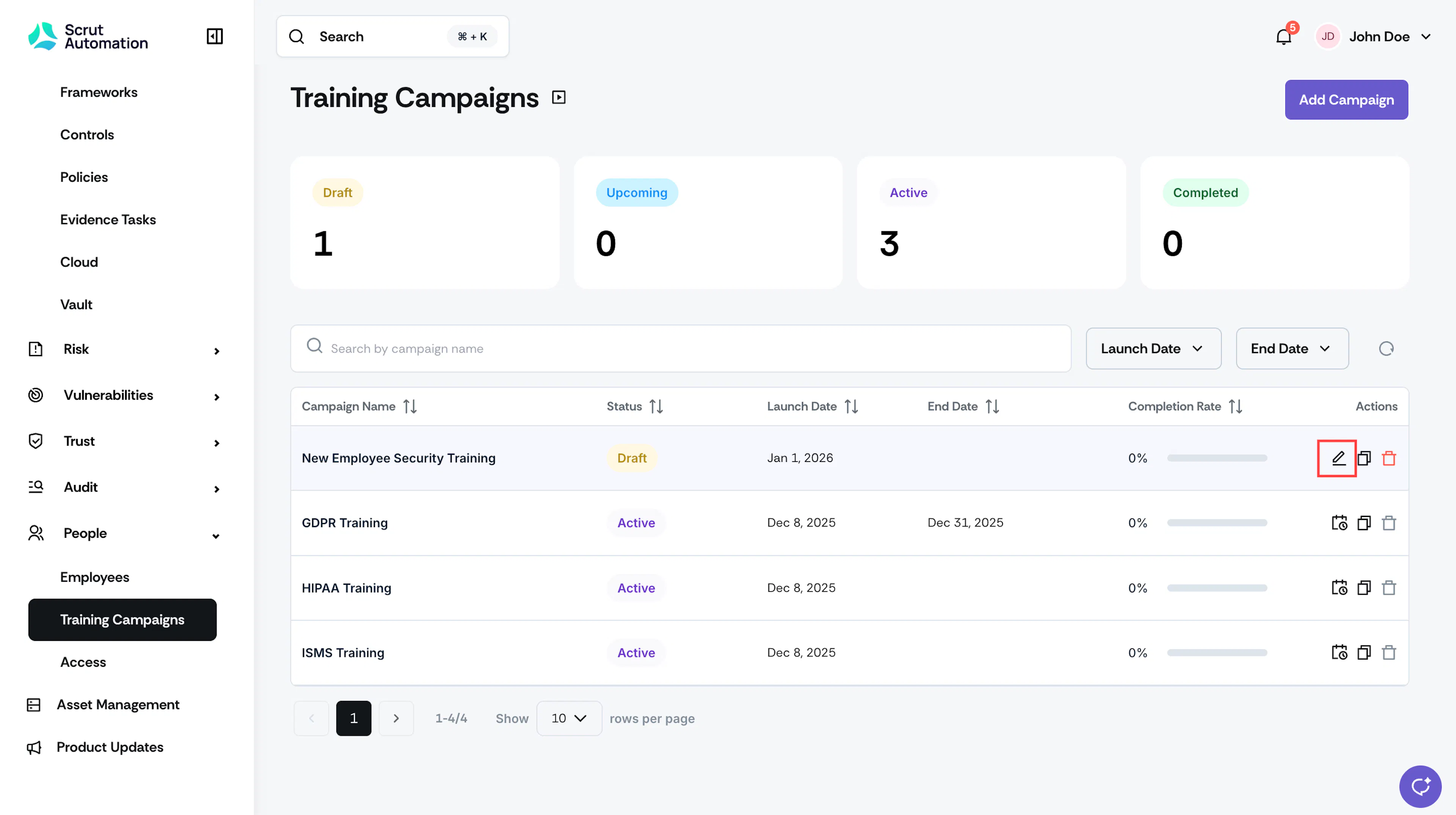
Click People → Training Campaigns and click the edit icon next to the campaign you want to edit.
-
You can edit the following:
- Campaign Details: Update the campaign name, description, launch date, end date, SLA, and time zone
- Training Materials & Quiz Configuration: Update the training materials, quiz questions, and passing criteria
- Employee Checklist: Modify the checklists to which the training is a part of
-
Click Save to apply all your changes.
Was this page helpful?