

Review Evidence Audit Logs
Who can use this feature
- Supported on Foundation, Growth, and Scale plans
How to View Evidence Audit Logs
Audit logs provide a detailed record of all actions taken on an evidence task, helping you track changes and maintain compliance.
-
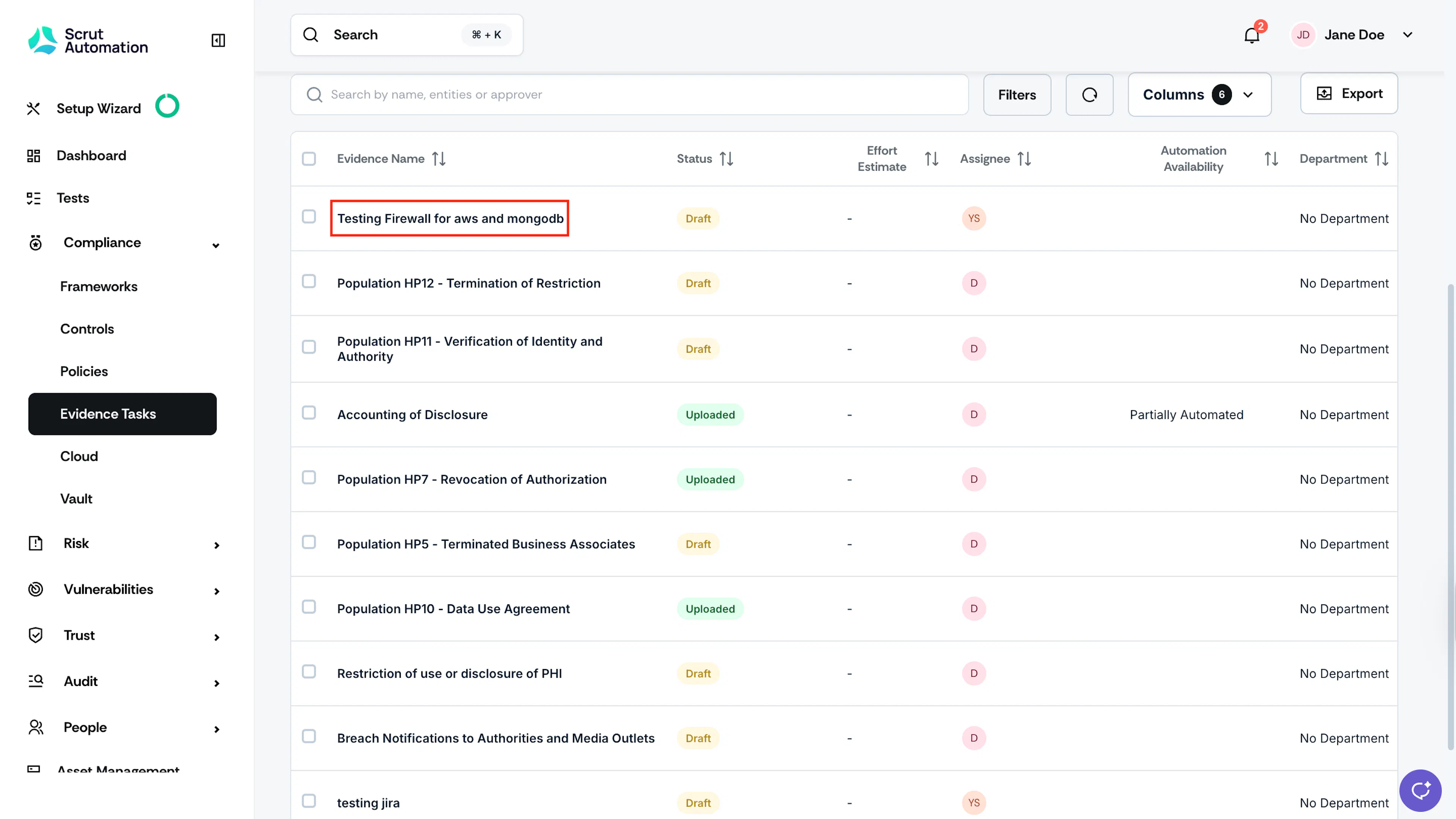
Click Compliance → Evidence Task on the left navigation panel.
-
Click the All Evidences tab, and select the evidence task for which you want to view the audit logs.
-
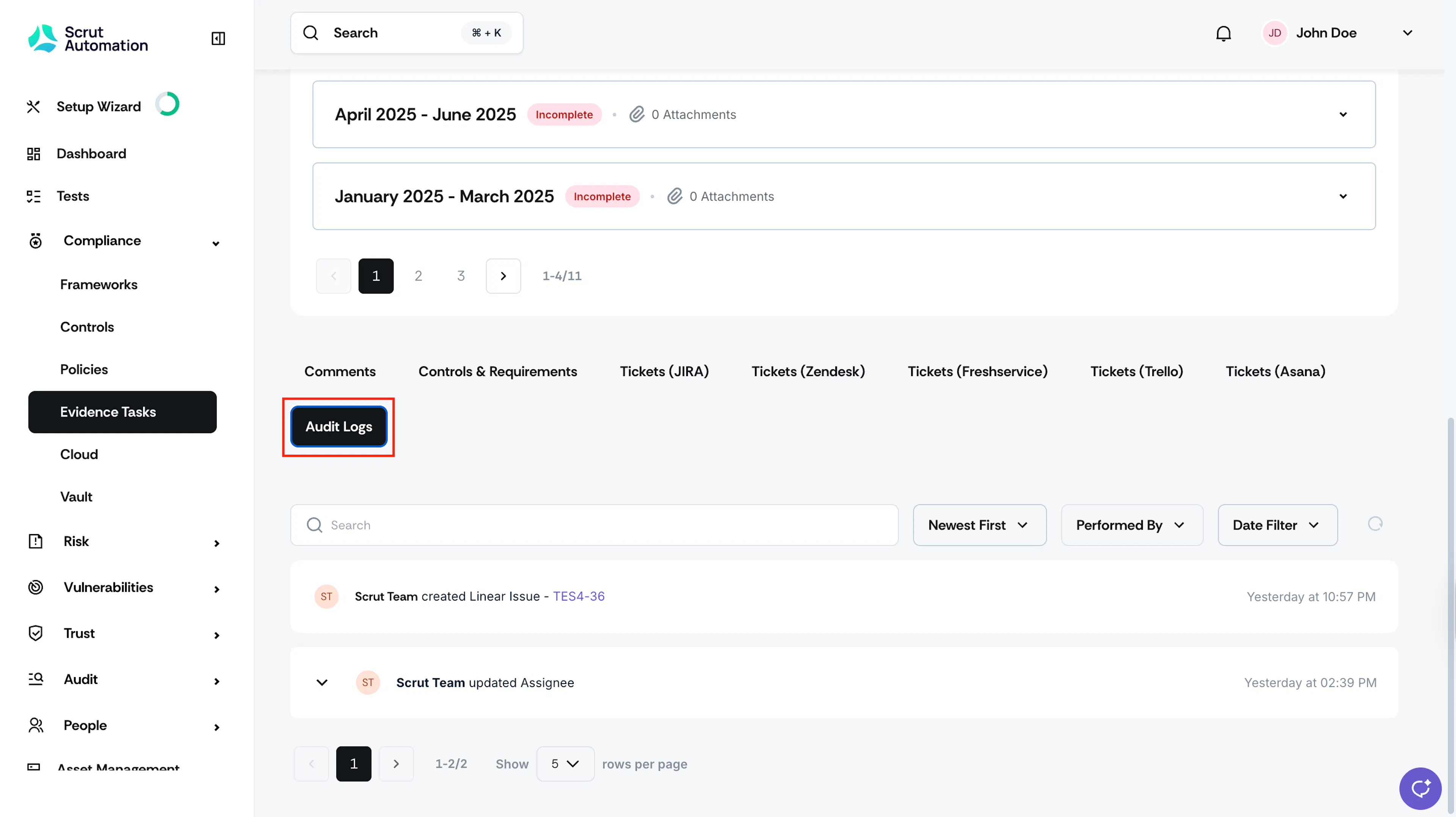
Scroll down and click the Audit Logs tab to view the detailed record of evidence actions.
Was this page helpful?