

Send Direct Links to Specific Trust Portal Items
Who can use this feature
- Supported on Foundation, Growth, and Scale plans
You can share links to specific items from your Trust Vault with customers, prospects, partners, vendors, and other stakeholders. All you have to do is copy and share the unique link for a Trust Vault item, such as documents, compliance details, controls, subprocessors, FAQs, and updates. This allows you to provide recipients with direct links to the content they need, enabling easy access without browsing the entire page.
How to Share Links to Specific Items
-
Go to your Trust Vault website (such as trust.scrut.io).
-
Find the document or section you want to share with the recipient, then click to open the side drawer.
-
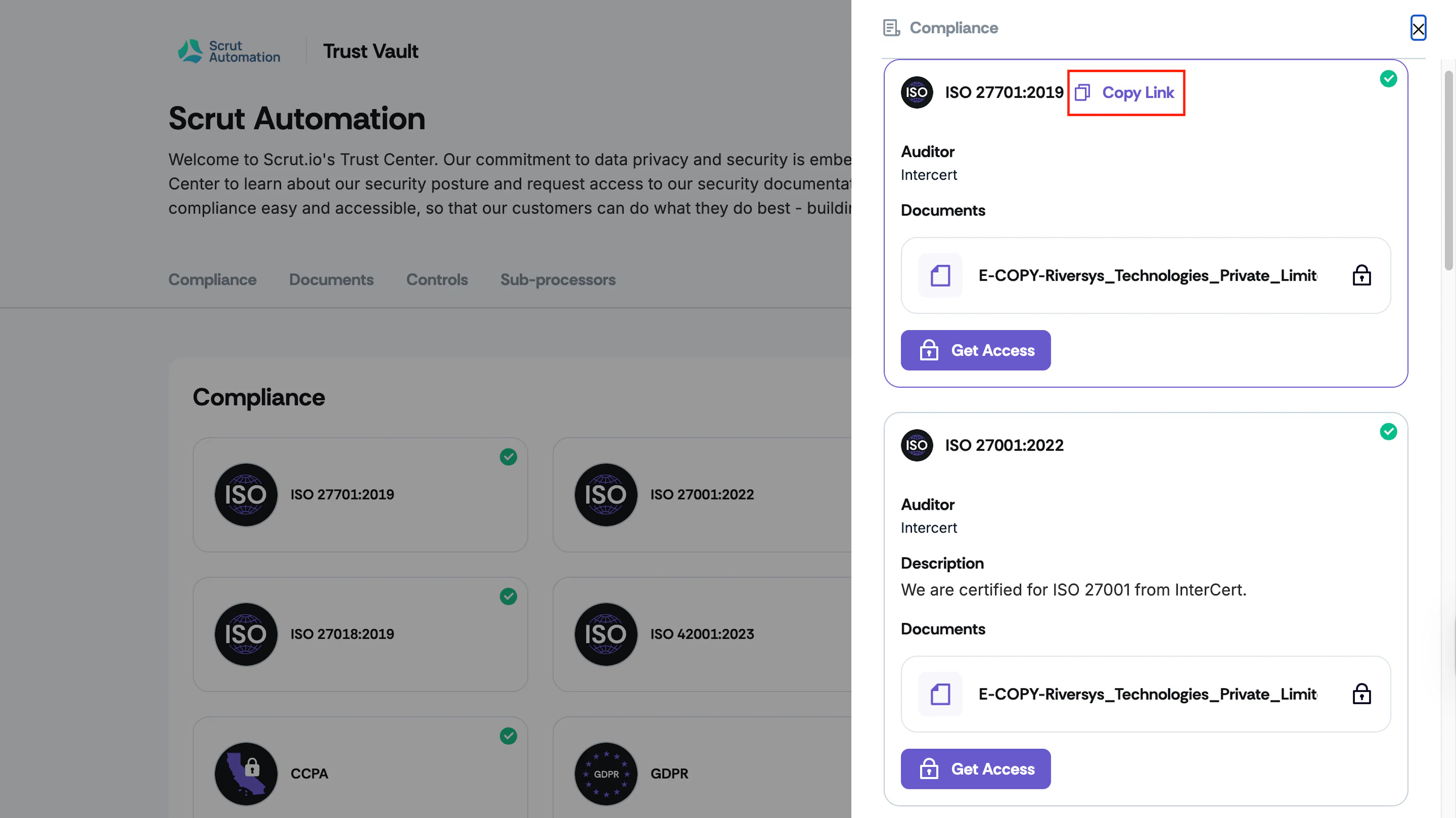
Hover over the item and click Copy Link.
-
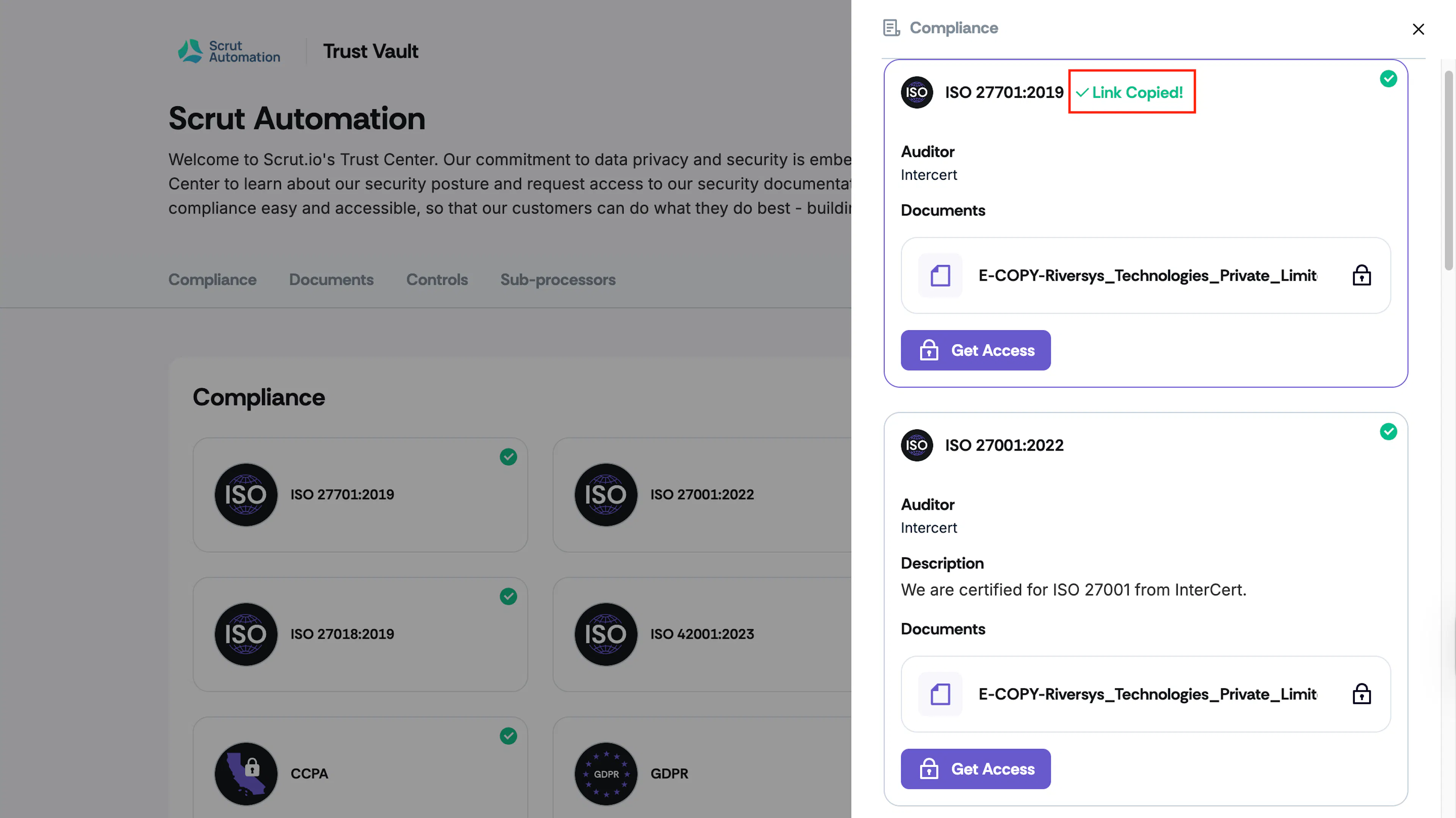
The unique URL for the item will be copied to your clipboard.
-
Share the link via email, Slack, chat, or any other messaging tool.
-
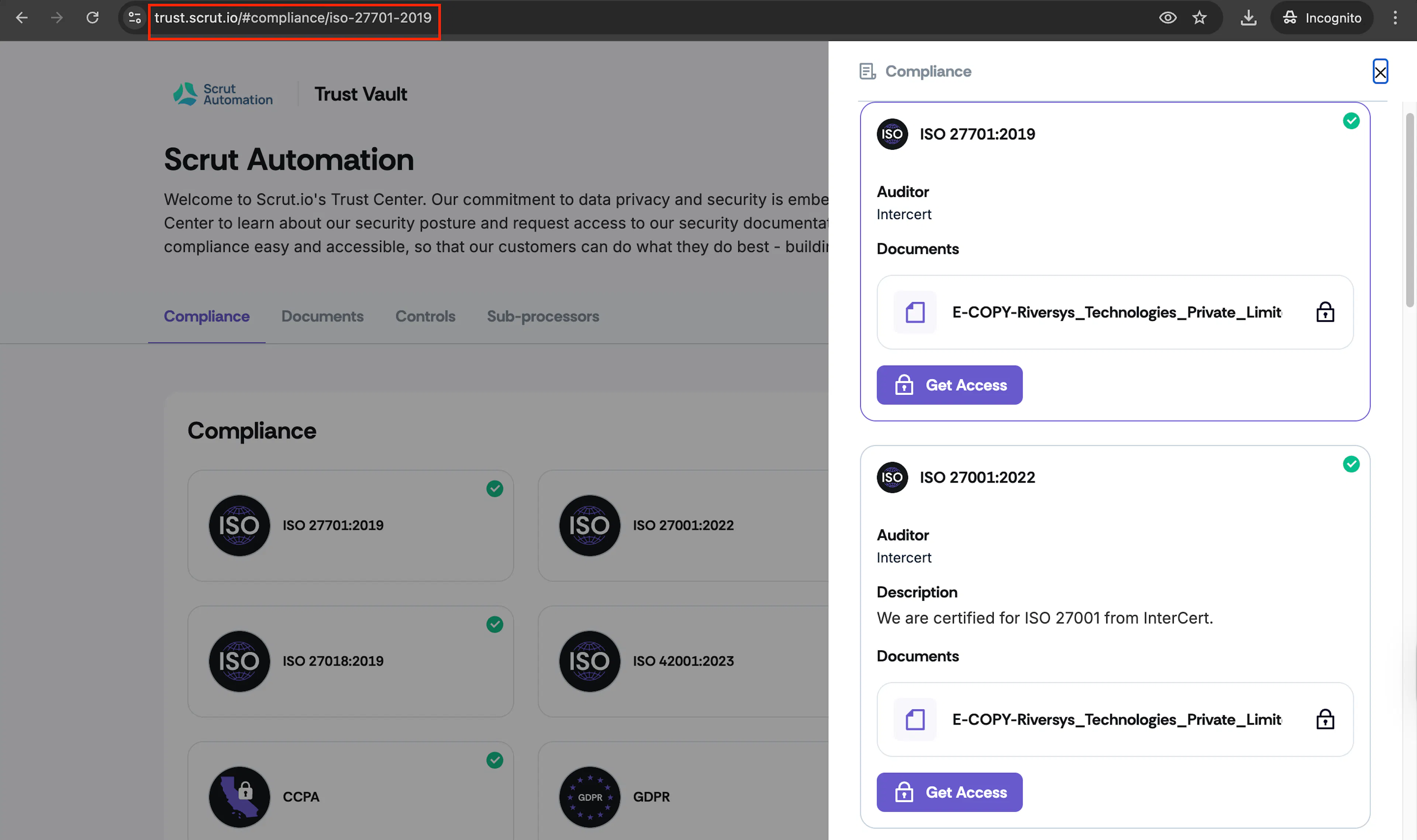
When the recipient clicks the link, they’ll be taken directly to the specific item or content shared.
Heads Up!
The Copy Link option is available for both desktops and mobile devices.