Monitor an Ignored Test
There may be scenarios where you need to revert an ignored test. For example, you might have wrongly marked a test as ignored, or a previously ignored test might be relevant as your tech stack changes, and so on. In such cases, you can revert it by monitoring it. In this article, we explain how to monitor an ignored test:
Monitor a Single Test
-
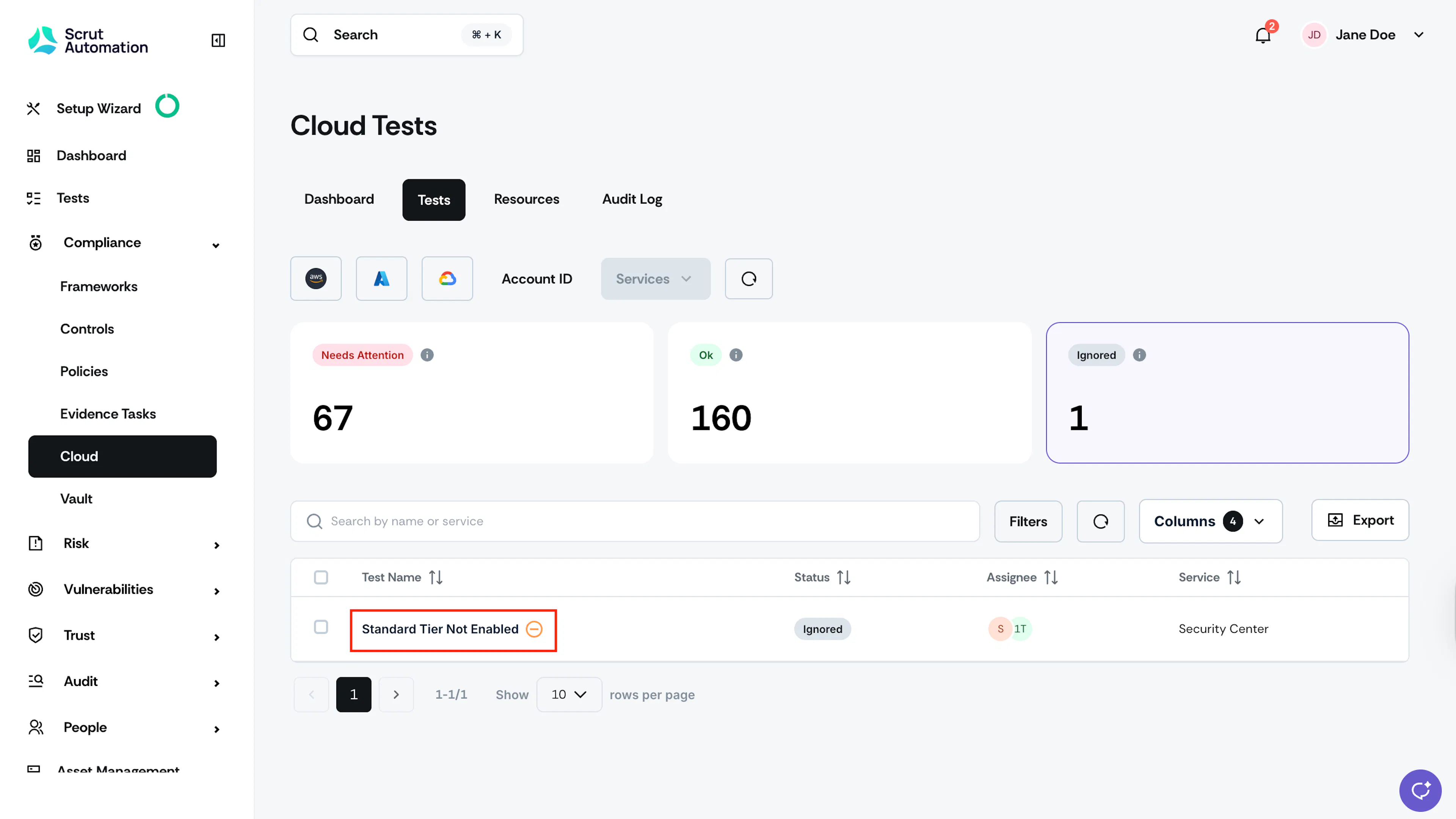
Click Compliance → Cloud on the left navigation menu, and click the Tests tab.
-
Click the test that you want to monitor.
-
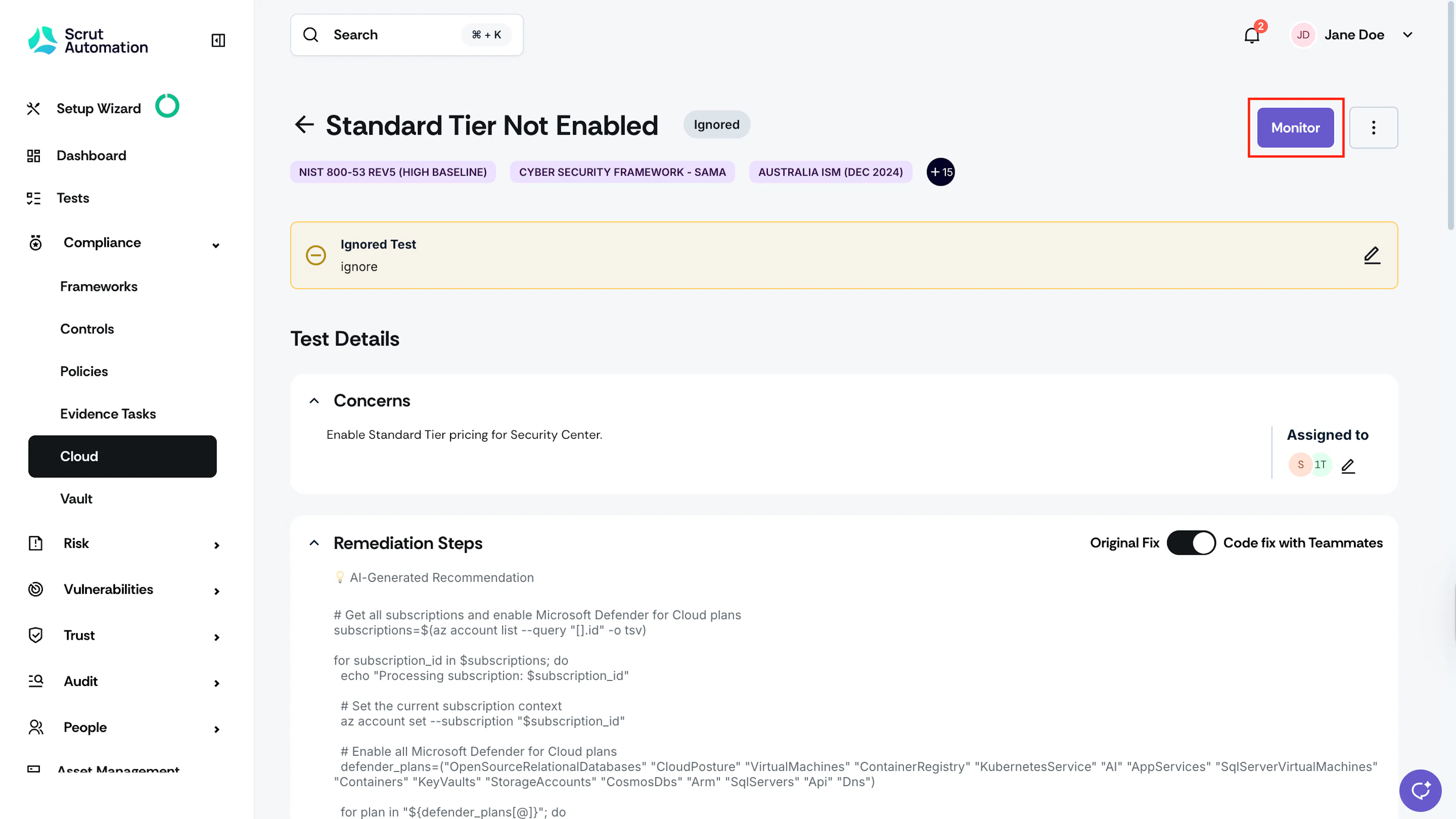
Once you’re on the test details page, click the Monitor button.
-
The test status changes to Needs Attention. Remediate the test and click Test Now to validate the remediation.
Bulk Monitor Multiple Tests
-
Click Compliance → Cloud on the left navigation menu, and click the Tests tab.
-
Click Ignored on the status card to view only ignored tests.
-
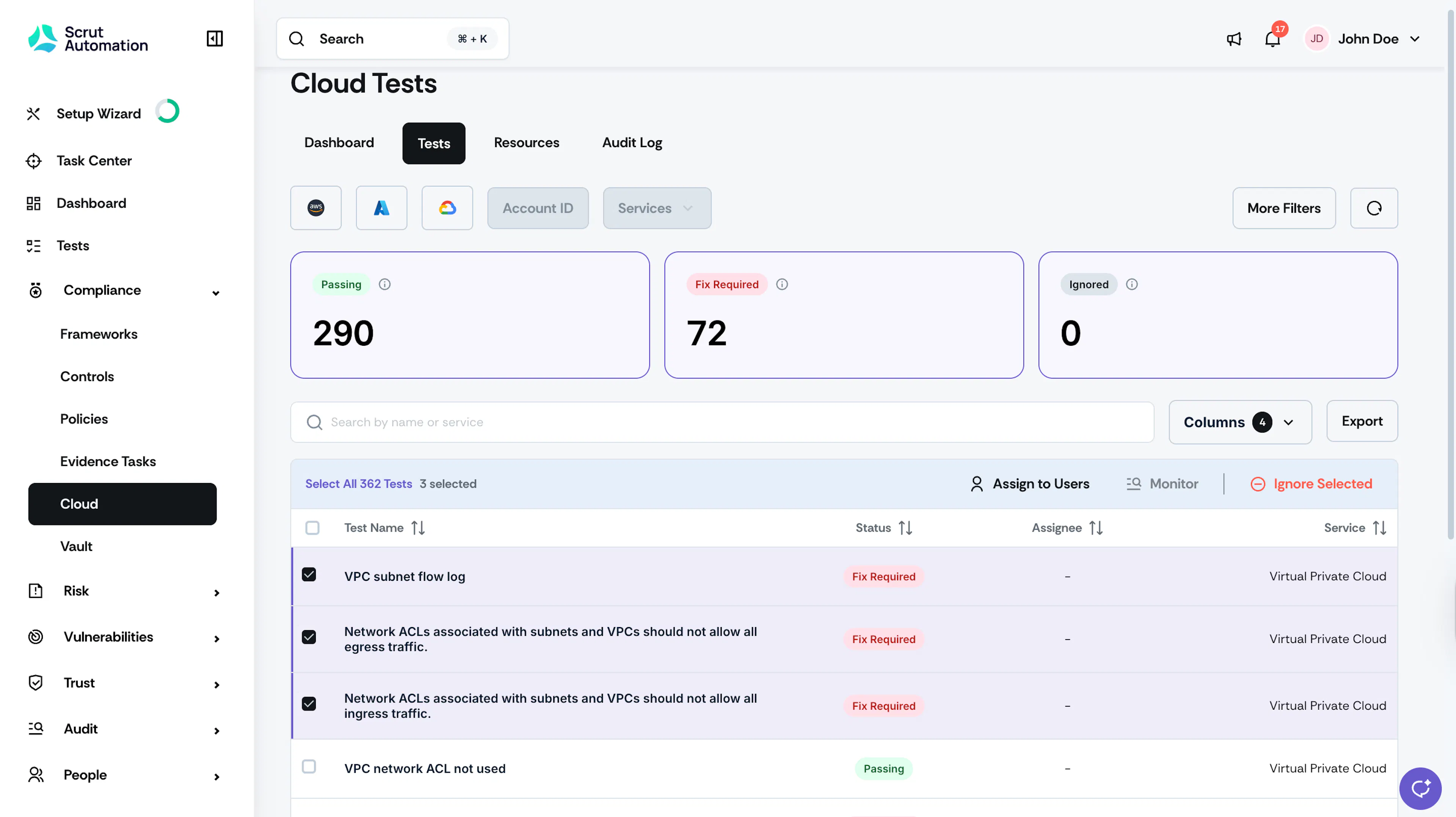
Select the tests that you want to monitor.
-
Click the Monitor button at the top of the table.