

Validate Test Remediation
After you've applied the remediation steps, verify that the fix is working as intended. Most scheduled tests run once every 24 hours by default. Real-time tests run on a Continuous Monitoring cadence and do not follow a fixed schedule. For either test type, you can trigger an immediate scan by clicking the Test Now button on the test details page.
Heads Up!
It might take a few moments for the test to complete as Scrut runs all associated services to validate.
-
Click Compliance → Cloud on the left navigation menu, and click the Tests tab.
-
Click the test that you want to validate.
-
Click the Test Now button.
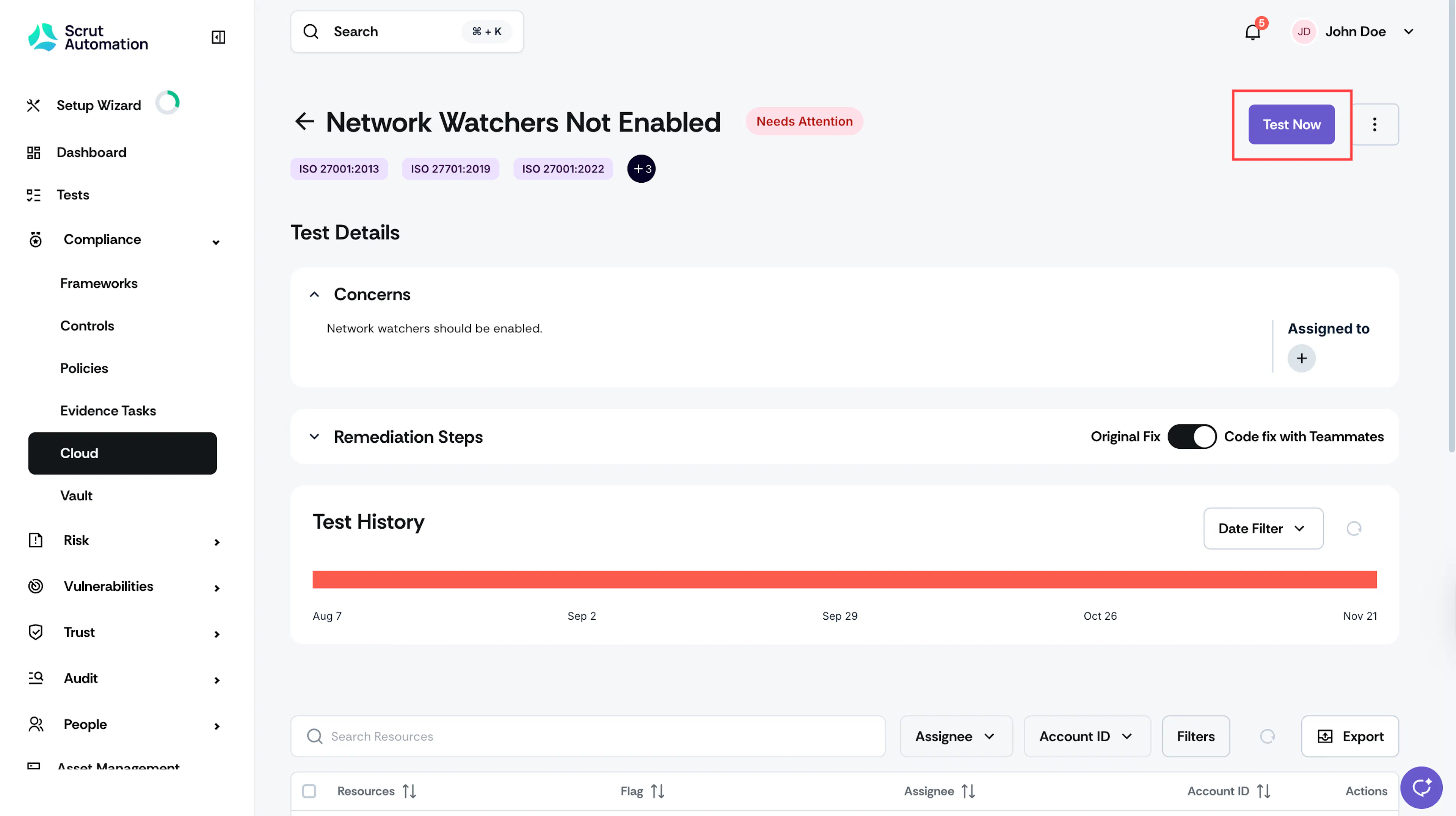
Note: The button will be grayed out while a scan is in progress.
Heads Up!
If the fix you've applied is correct and the issue is fixed, the test status will change to Compliant.