

Reset Terminated Employee
Use this option to revert an employee’s termination status if it was marked in error.
- Go to People → Employees in the left navigation panel.
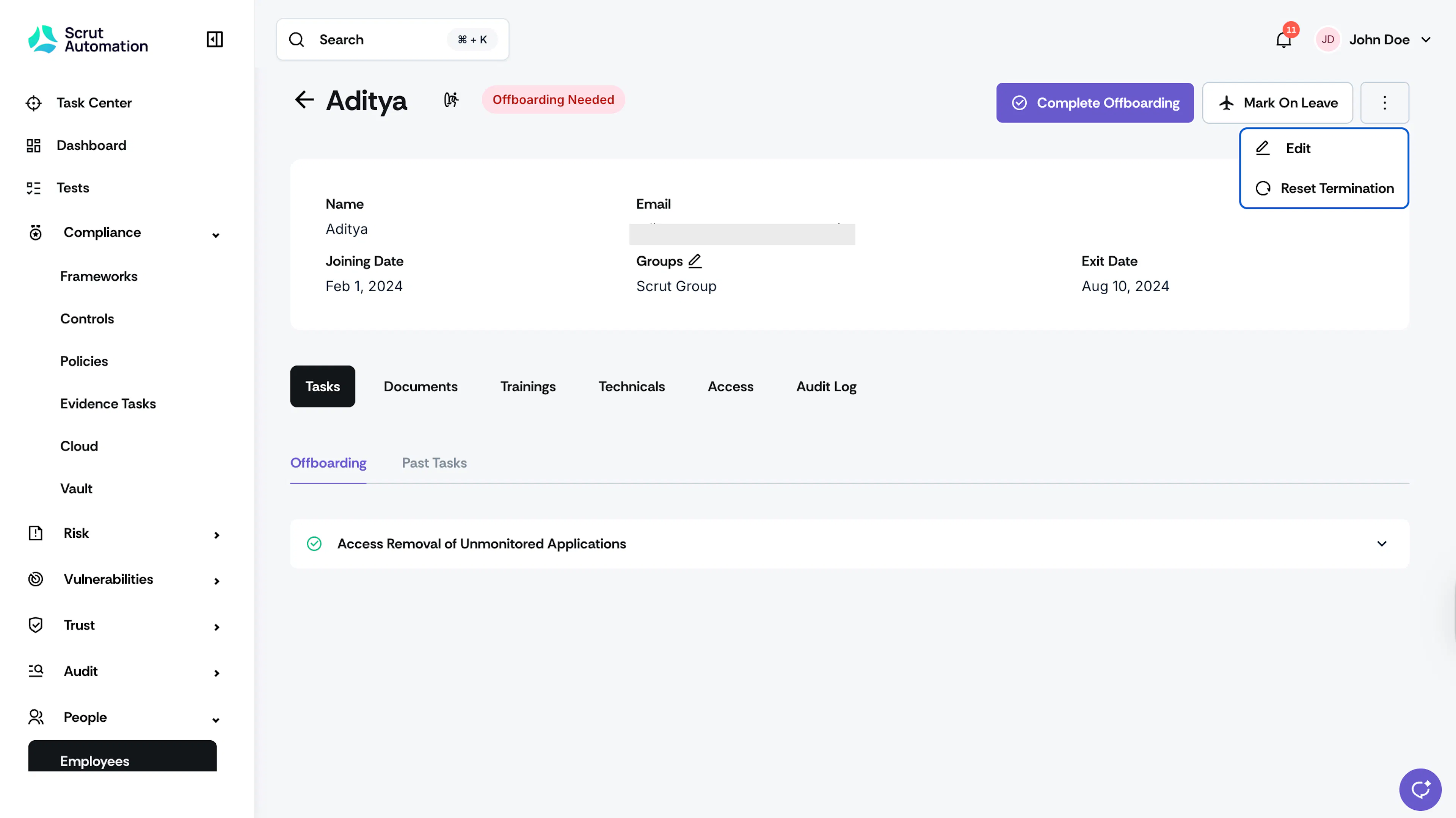
- Select the employee who was marked as “Terminated.” The employee status should be “Offboarding Needed.”
- Click the three-dots menu in the employee profile.
- Select Reset Termination.
What Happens Next?
The employee’s status will revert to “Active.”
Was this page helpful?