

Integrate PingOne (Beta)
PingOne SSO integration enables users and employees to log in to Scrut via single sign-on (SSO), eliminating the need to request an OTP each time.
Integrating PingOne
-
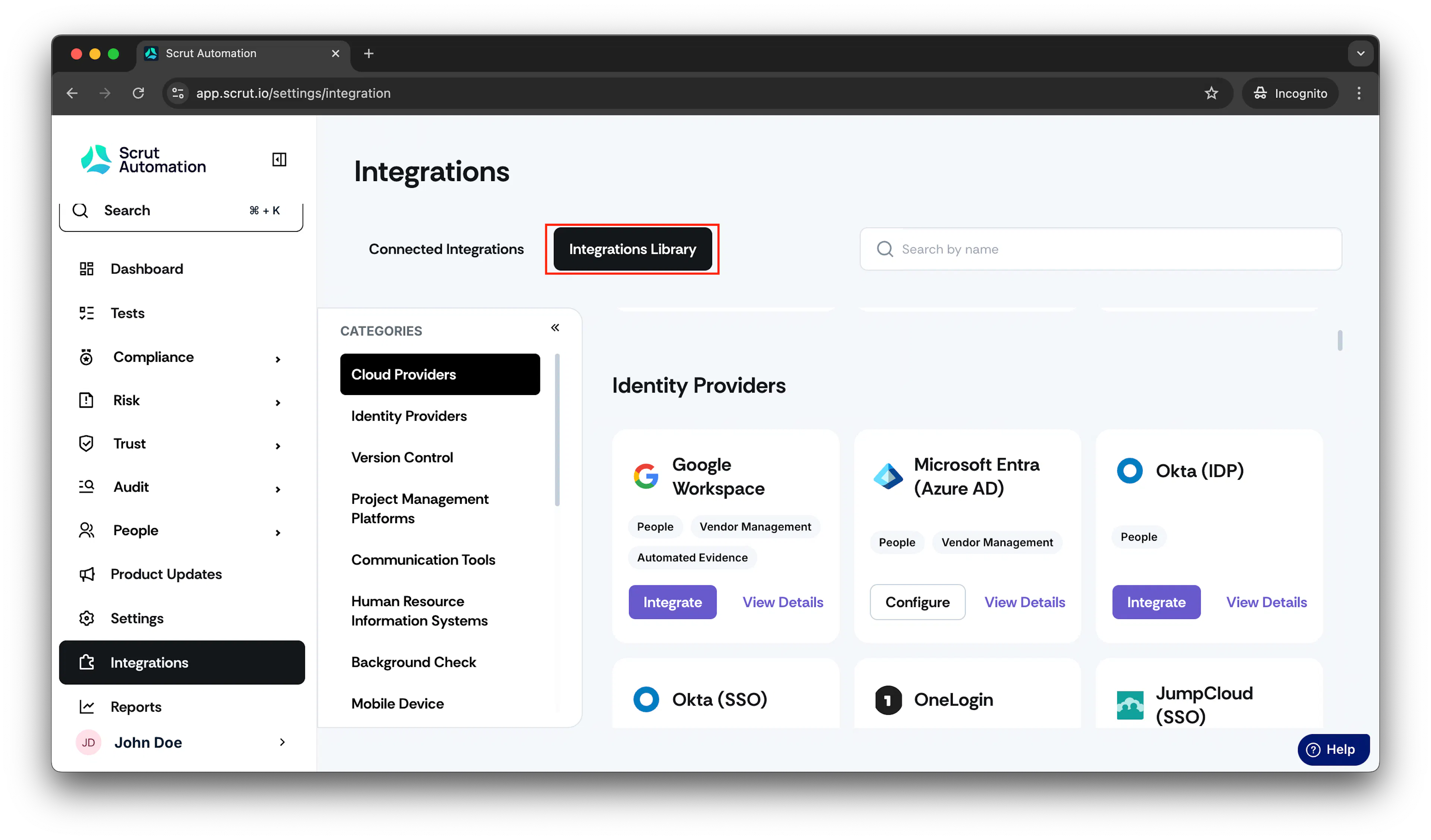
From the left navigation panel, select Integrations.
-
Click Integrations Library.
-
Scroll to the Identity Provider section and find PingOne.
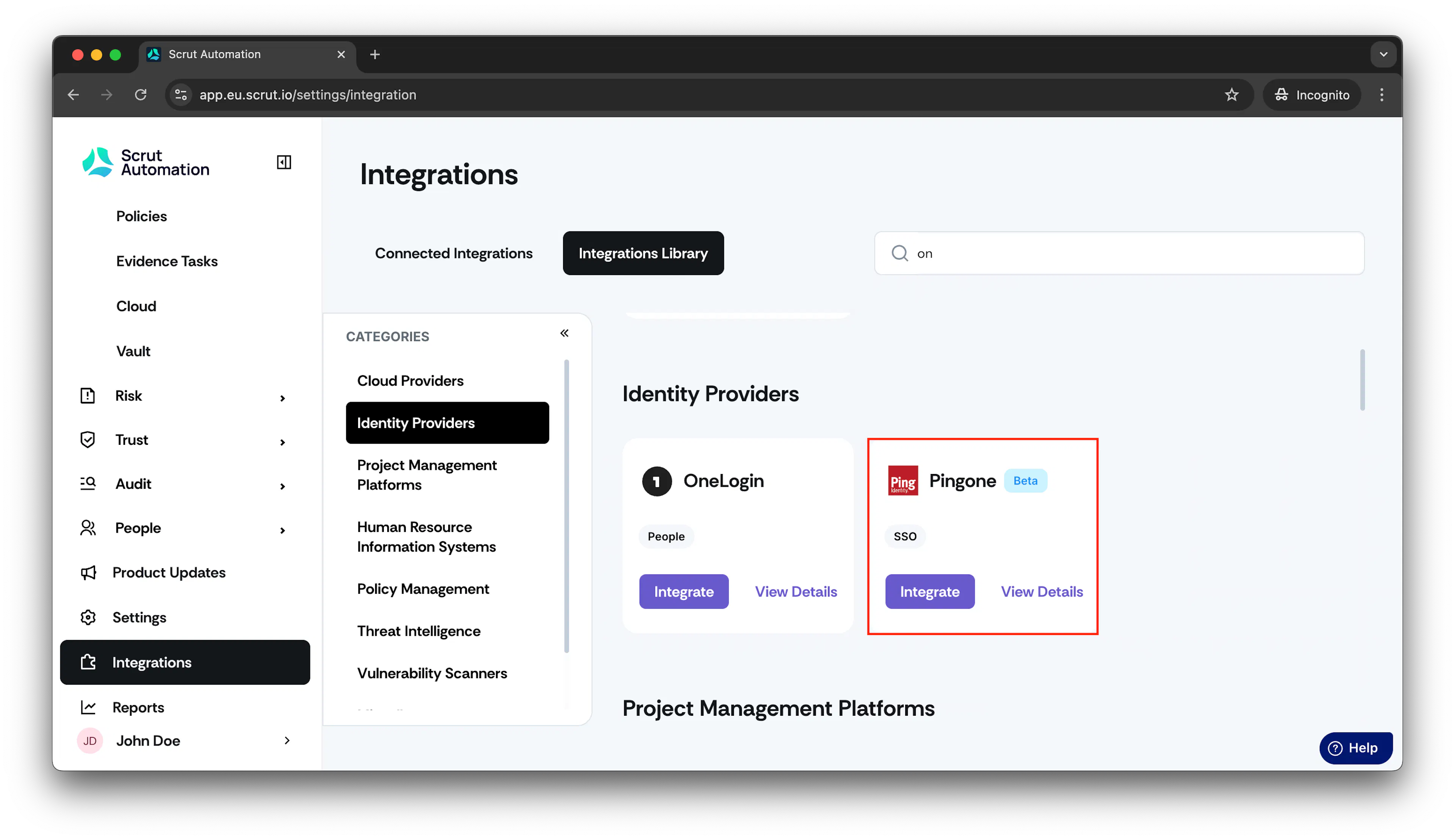
- Click Integrate. The PingOne integration page opens.
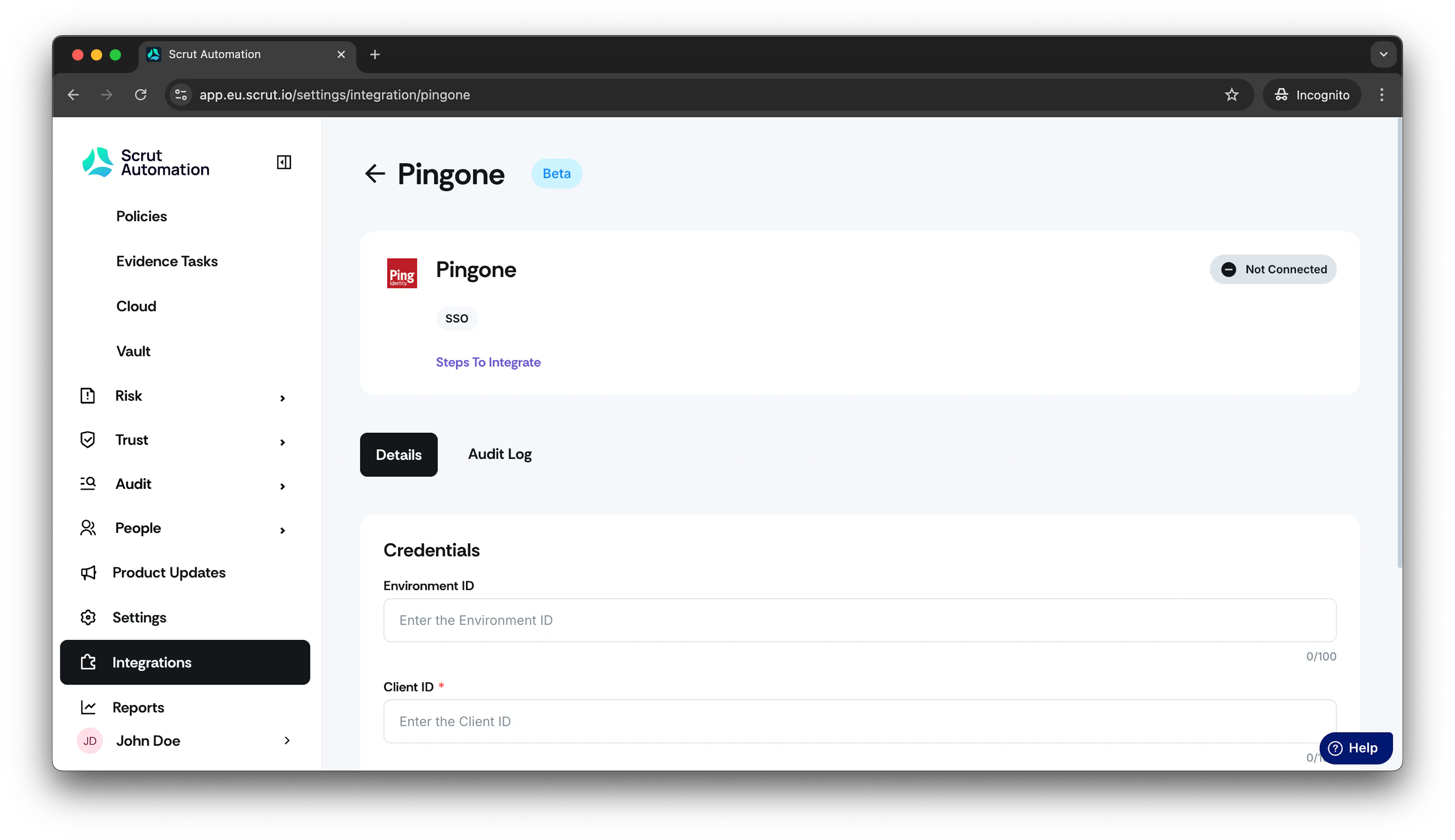
-
Generate the Client ID and Client Secret as described in this video guide.
-
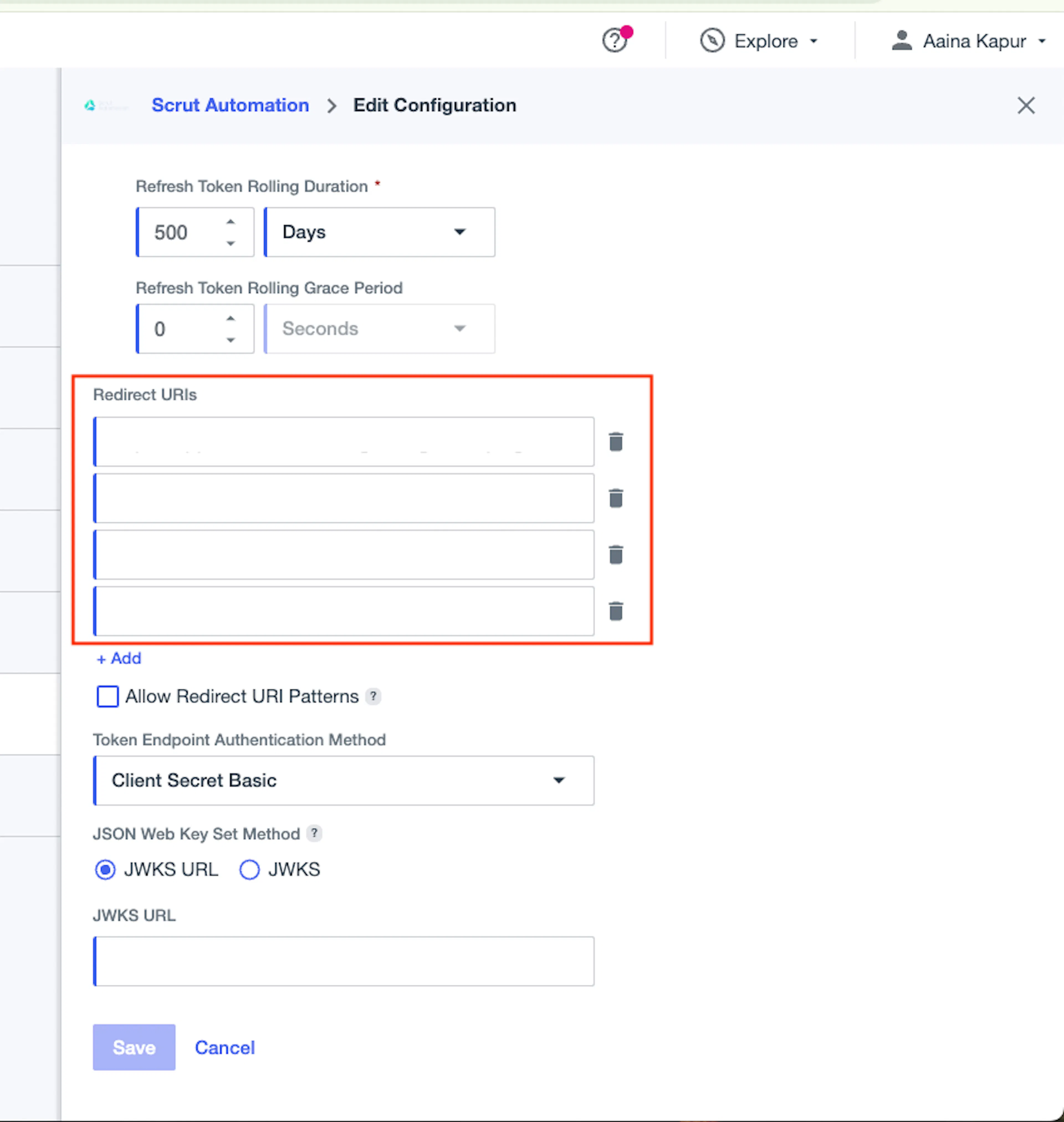
Enter the Redirect URLs based on the region your Scrut account belongs to.
INDIA
https://app.scrut.io/settings/integration/PingOne
US
https://app.us.scrut.io/settings/integration/PingOne
EU
https://app.eu.scrut.io/settings/integration/PingOne
AUSTRALIA
https://app.au.scrut.io/settings/integration/PingOne
Note: You need not enter the Home Page and Sign-On URLs while creating the Scrut application in the PingOne platform.
Important:
Make sure to add the following Redirect URI in addition to the ones mentioned above.
https://scrut.eu.auth0.com/login/callback
This is critical to ensure the integration works successfully with Scrut’s Auth0 migration. To learn more, see here.
- Once the credentials are generated, copy them and paste them into your Scrut platform's PingIdentity integration page.
- Click Submit.