

Mark an Audit Completed
Who can use this feature
- Supported on Foundation, Growth, and Scale plans
Once the audit is complete, you must manually mark it as complete.
-
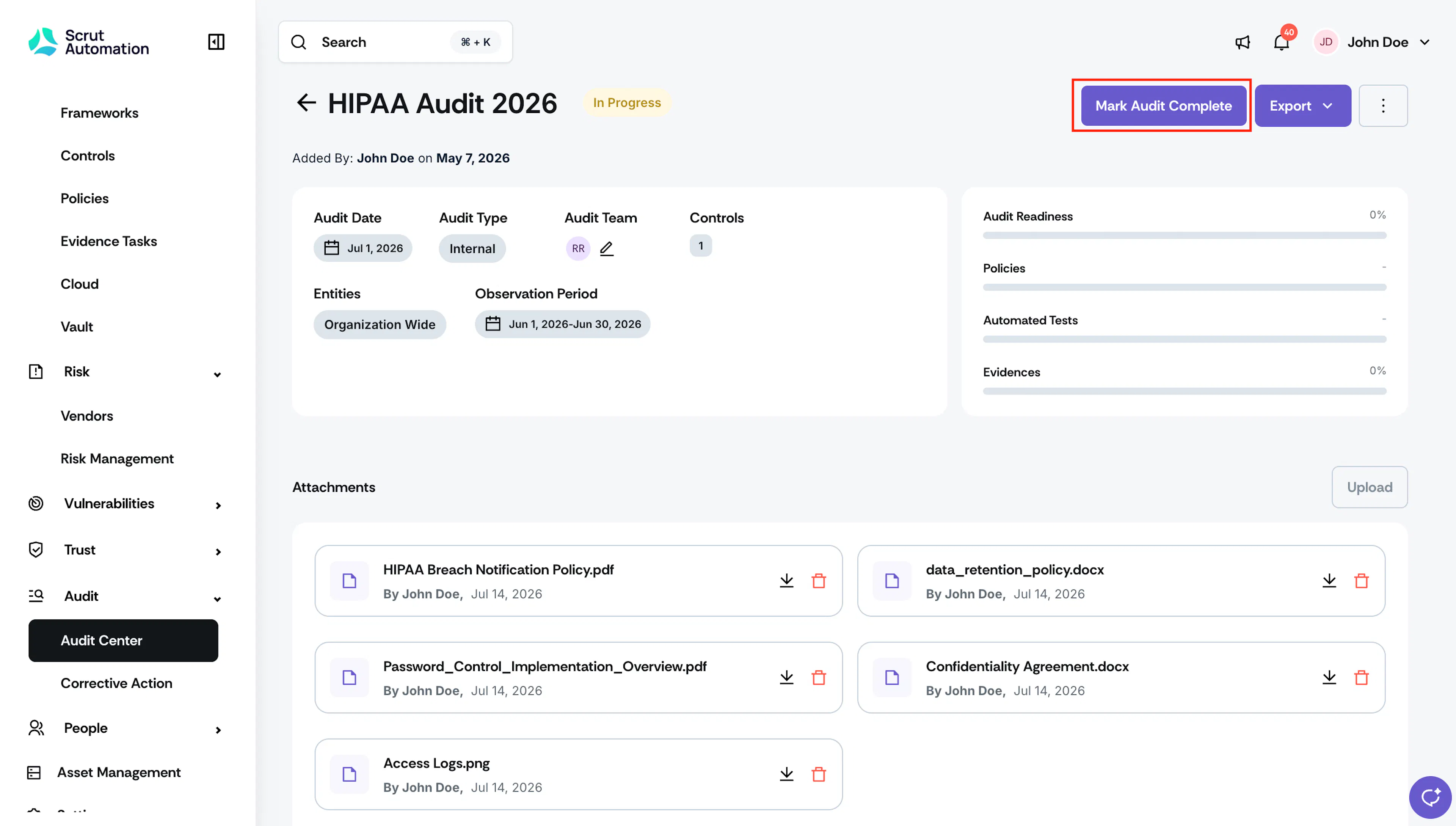
Click Audit → Audit Center, and open the audit you want to mark as completed.
-
Click the Mark Audit Complete button.
Heads Up! Marking an audit as completed is irreversible. So, review your data carefully before proceeding.
-
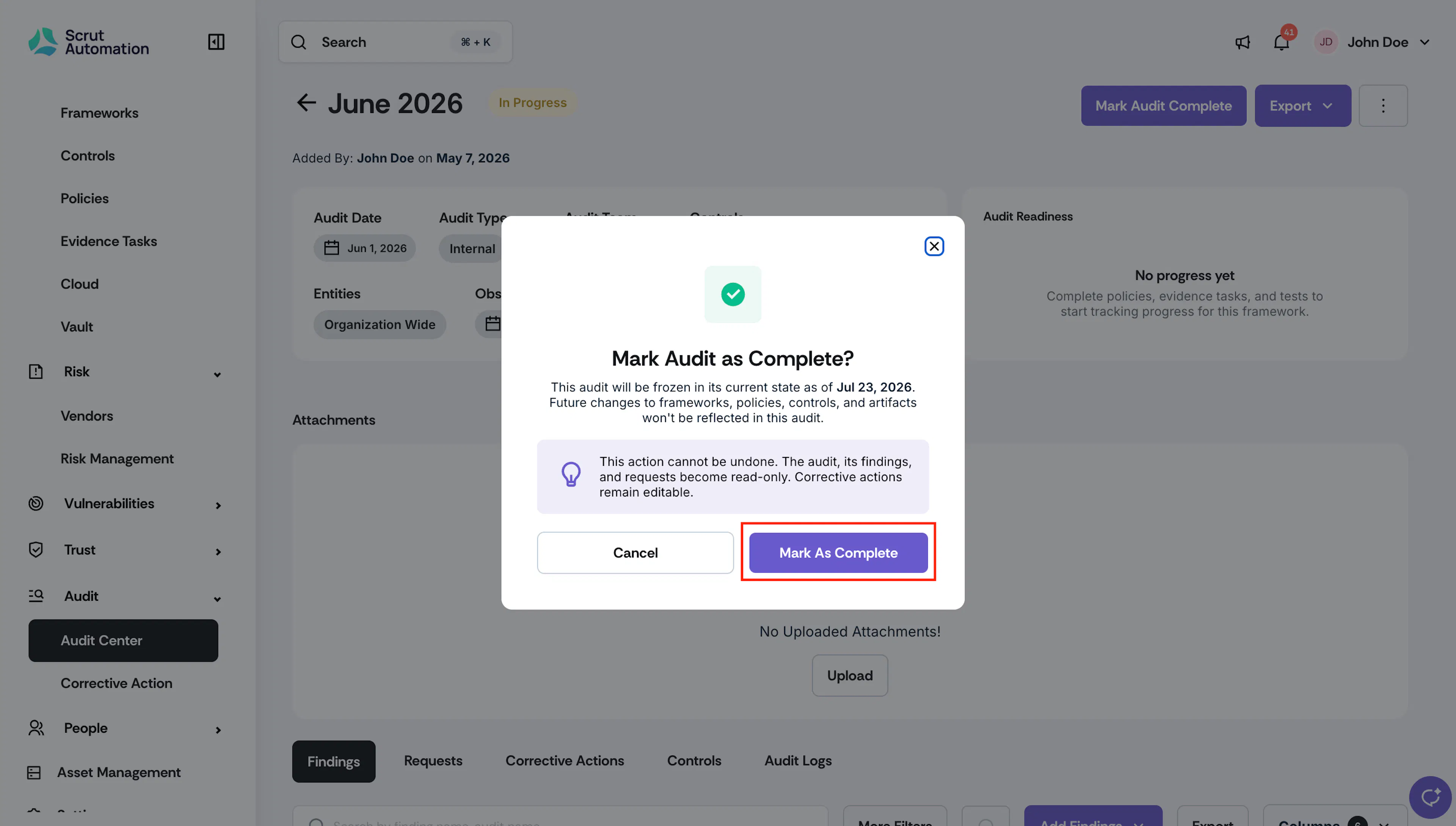
Click Mark as Complete to confirm your action.
What Happens When You Mark an Audit Complete
When you click Mark As Complete, Scrut freezes the audit in its current state as of that date. Future changes you make to frameworks, policies, controls, and artifacts elsewhere in Scrut are not reflected in this audit. This includes:
- Compliance percentages: Policy completion, Evidence completion, and Test completion percentages
- Controls: All Controls associated with the audit, along with their status
- Frameworks and Requirements: The Framework and its Requirements as they existed at completion
- Artifacts: The status of linked policies, evidence, and tests at the time of completion
Note:
The audit, its findings, and its requests become read-only after completion. Corrective actions linked to the audit remain editable.
Was this page helpful?