

Grant Access to Auditors to Your Audits
Who can use this feature
- Supported on Foundation, Growth, and Scale plans
The Audit Center makes it easy for auditors to preview relevant policy and evidence files without needing full access to the policy and evidence modules.
How Do Auditors Access Scrut?
Prerequisites
- You need to grant access to your Scrut organization for the auditor and the audit team. See here for instructions on adding auditors to the platform.
Viewing Audits
- Once you grant the auditor access, they will be able to view the Audit module and all audits within it.
- When an auditor clicks on an audit, they will see all relevant controls under the Controls tab for that audit.
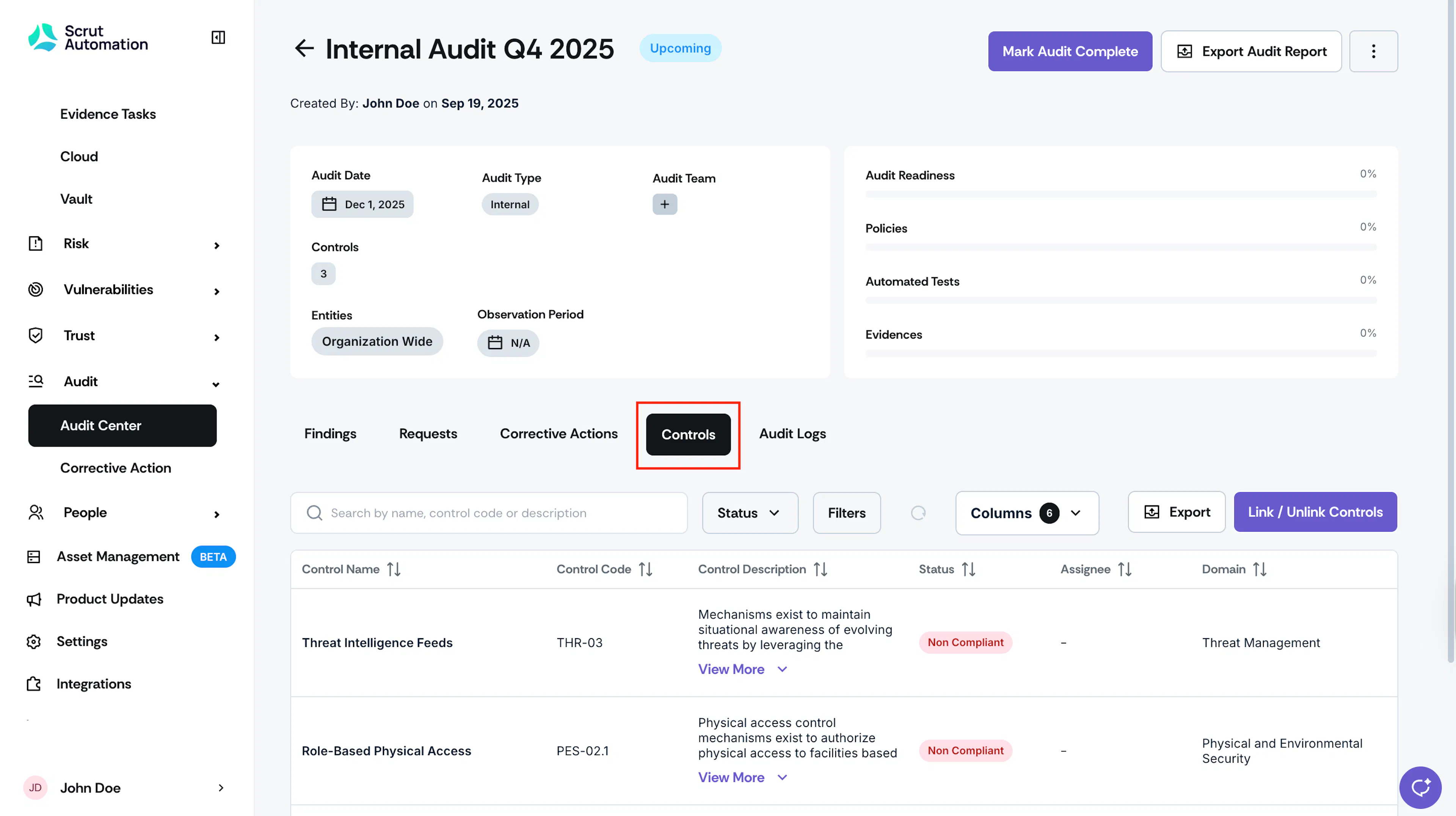
- Clicking a control opens a side panel that displays detailed control information.
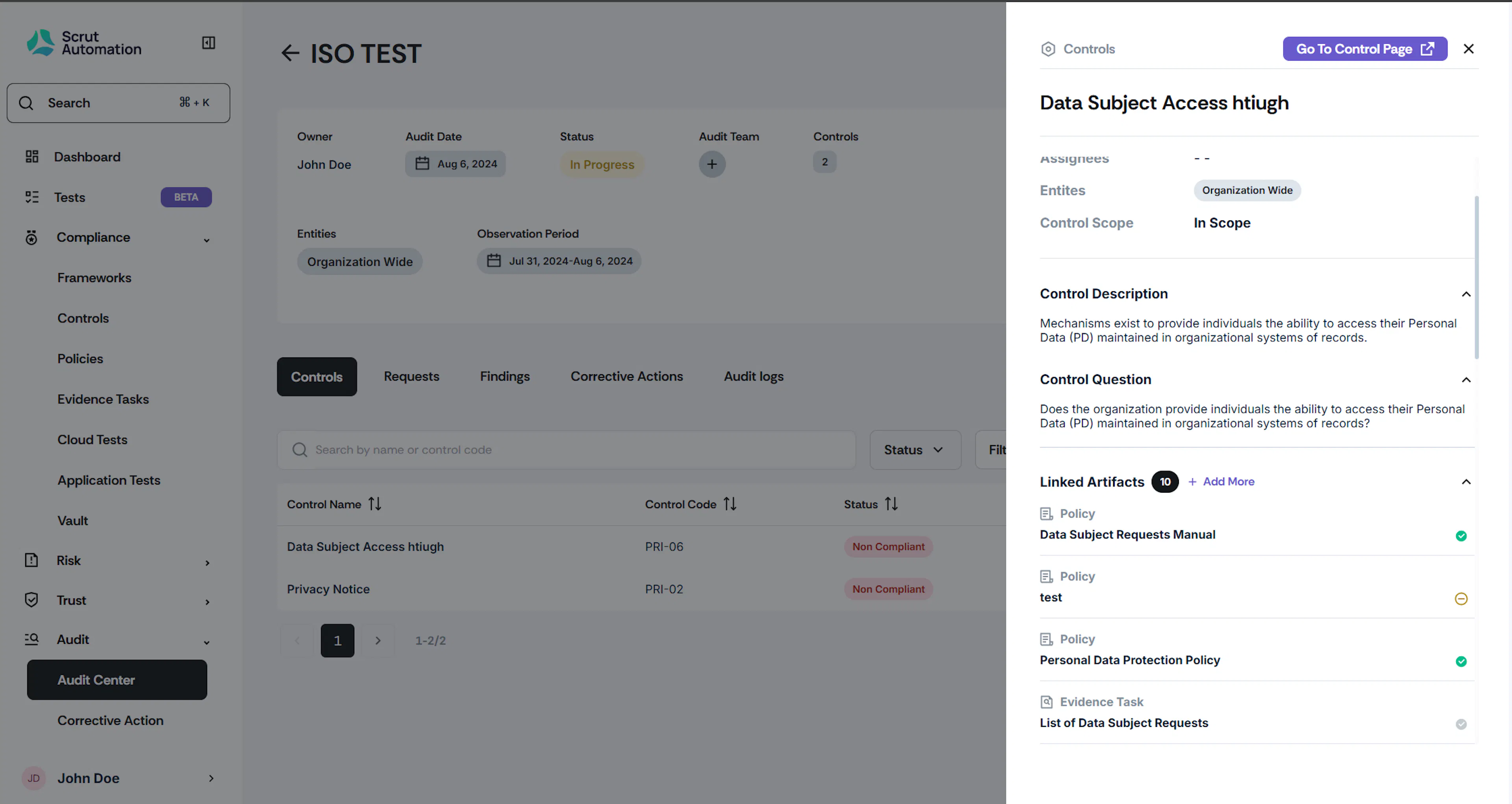
Viewing Policies and Attachments
- The auditor clicks on a policy to view its details, including status and attachments.
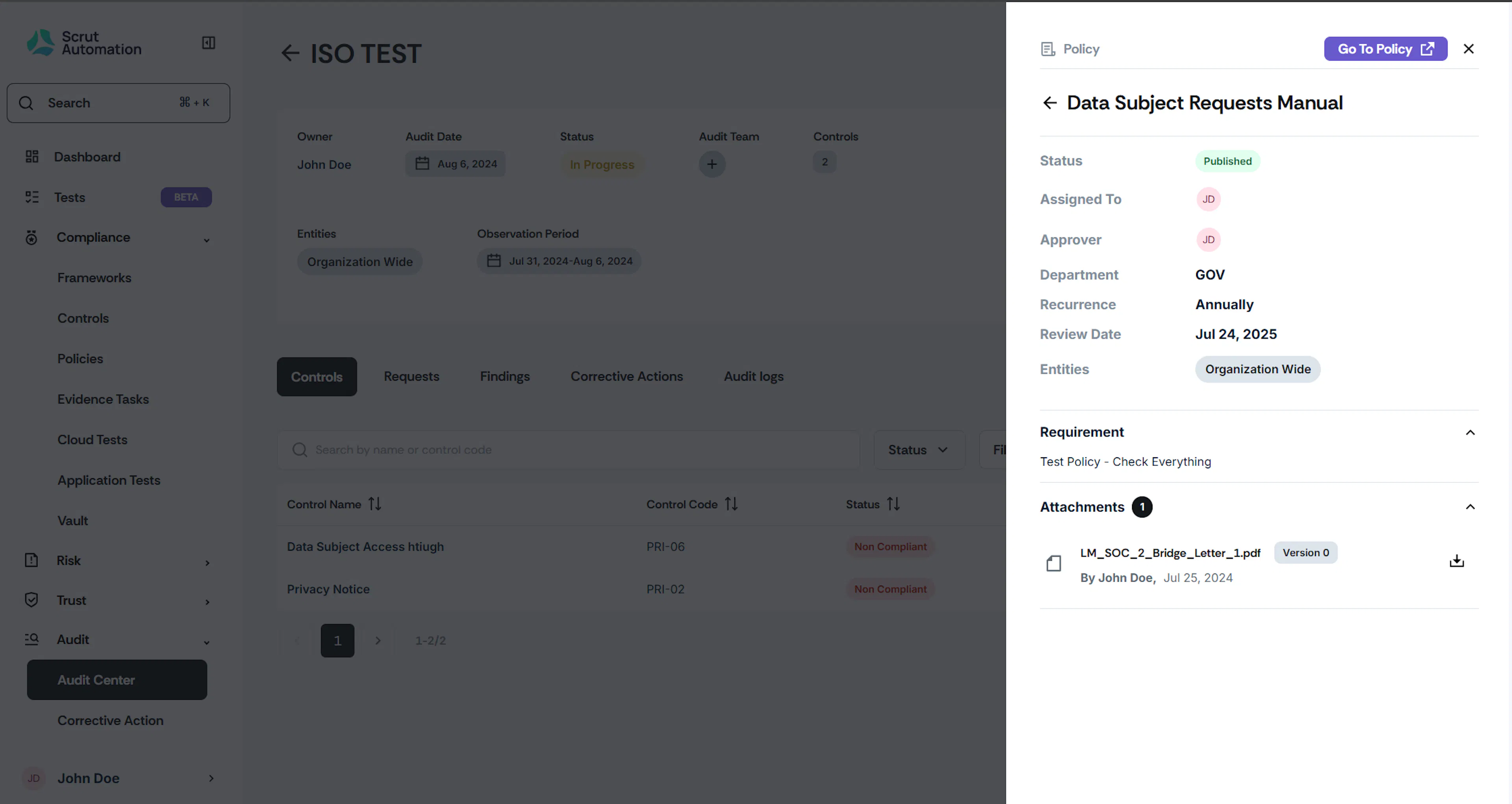
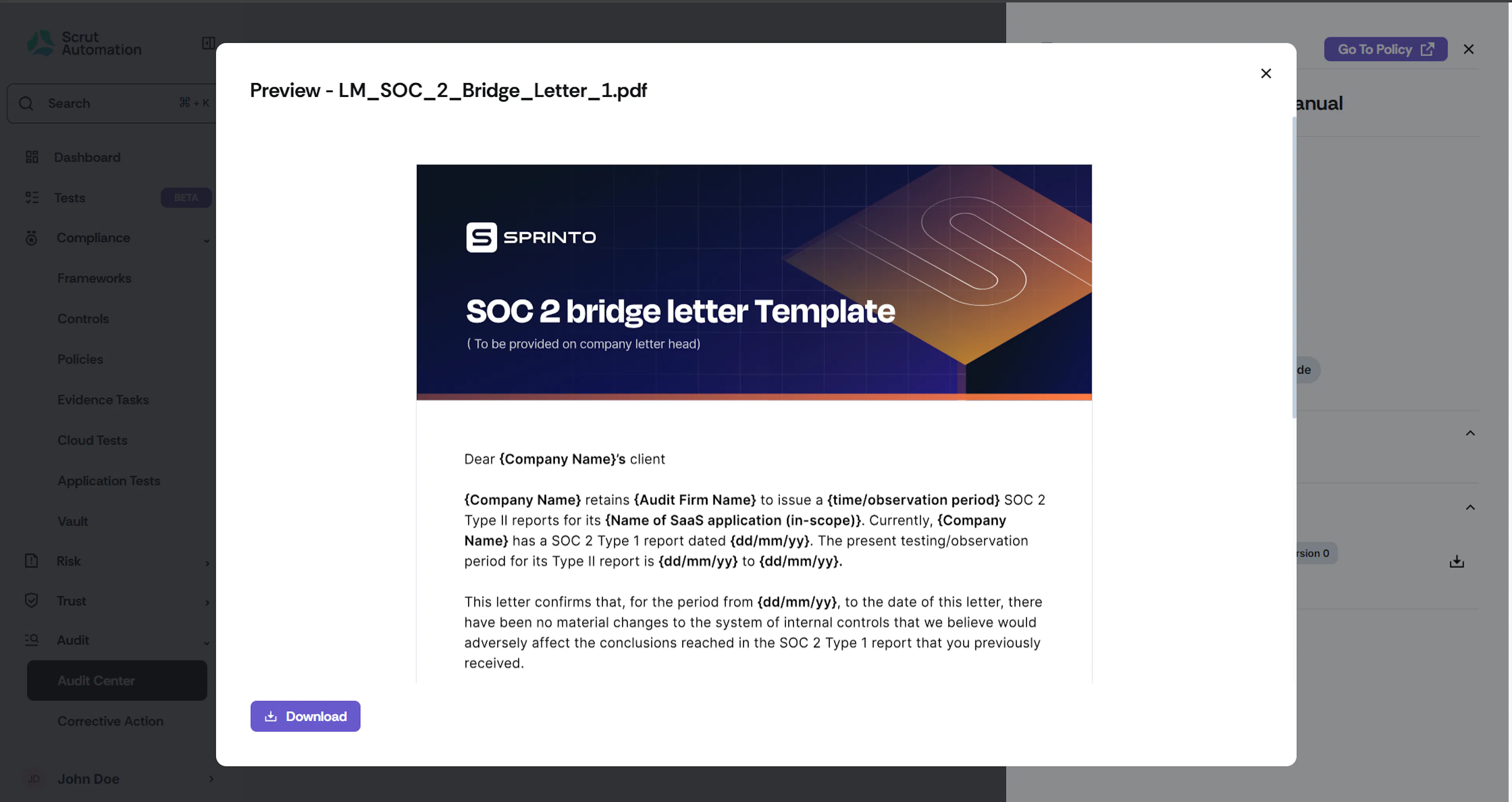
- They can click on an attachment to preview it instantly.
Viewing Evidence Files
- The auditor can also view corresponding evidence files directly from here.
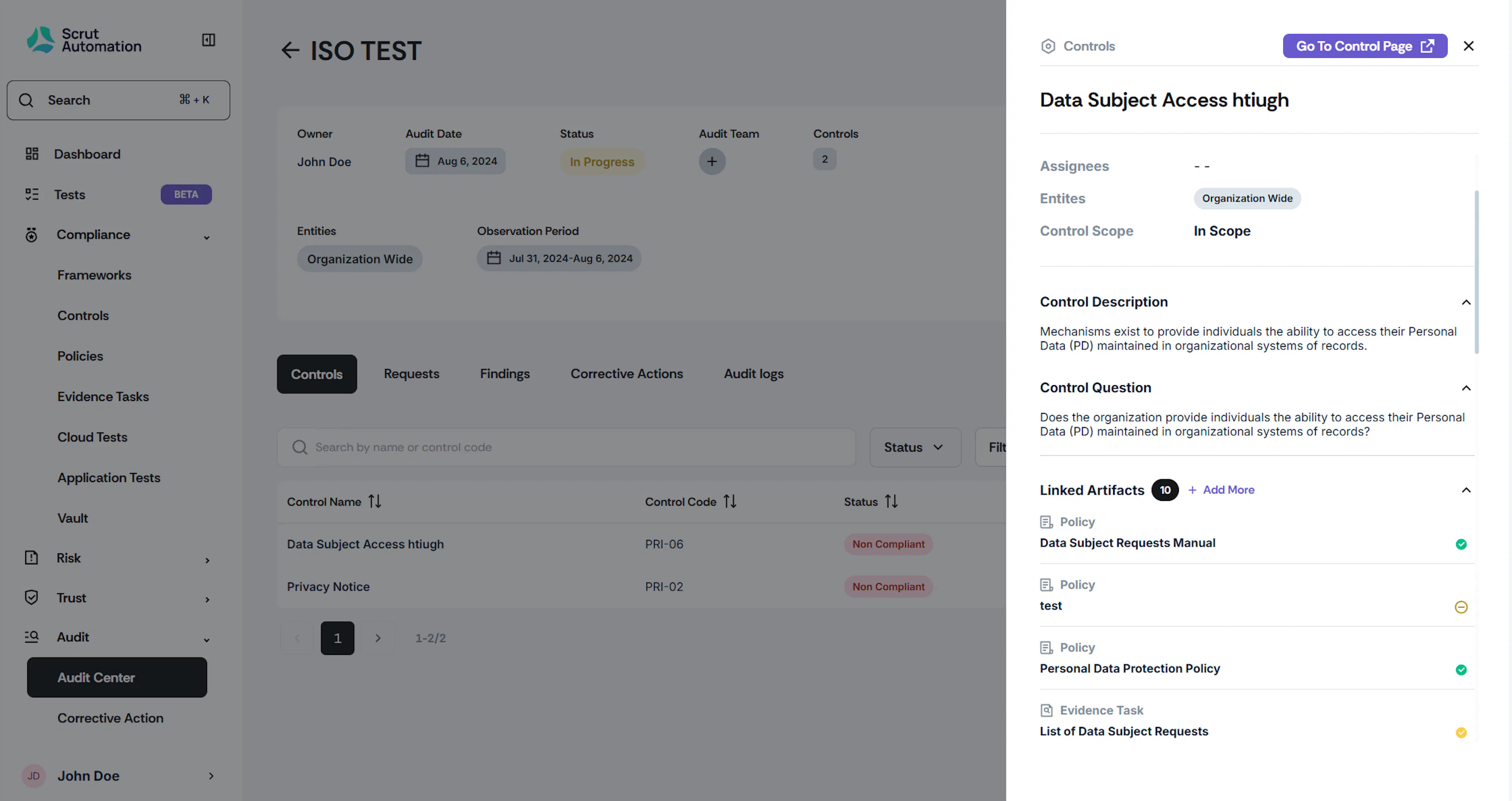
- Click on an evidence name to view its details in the side panel.
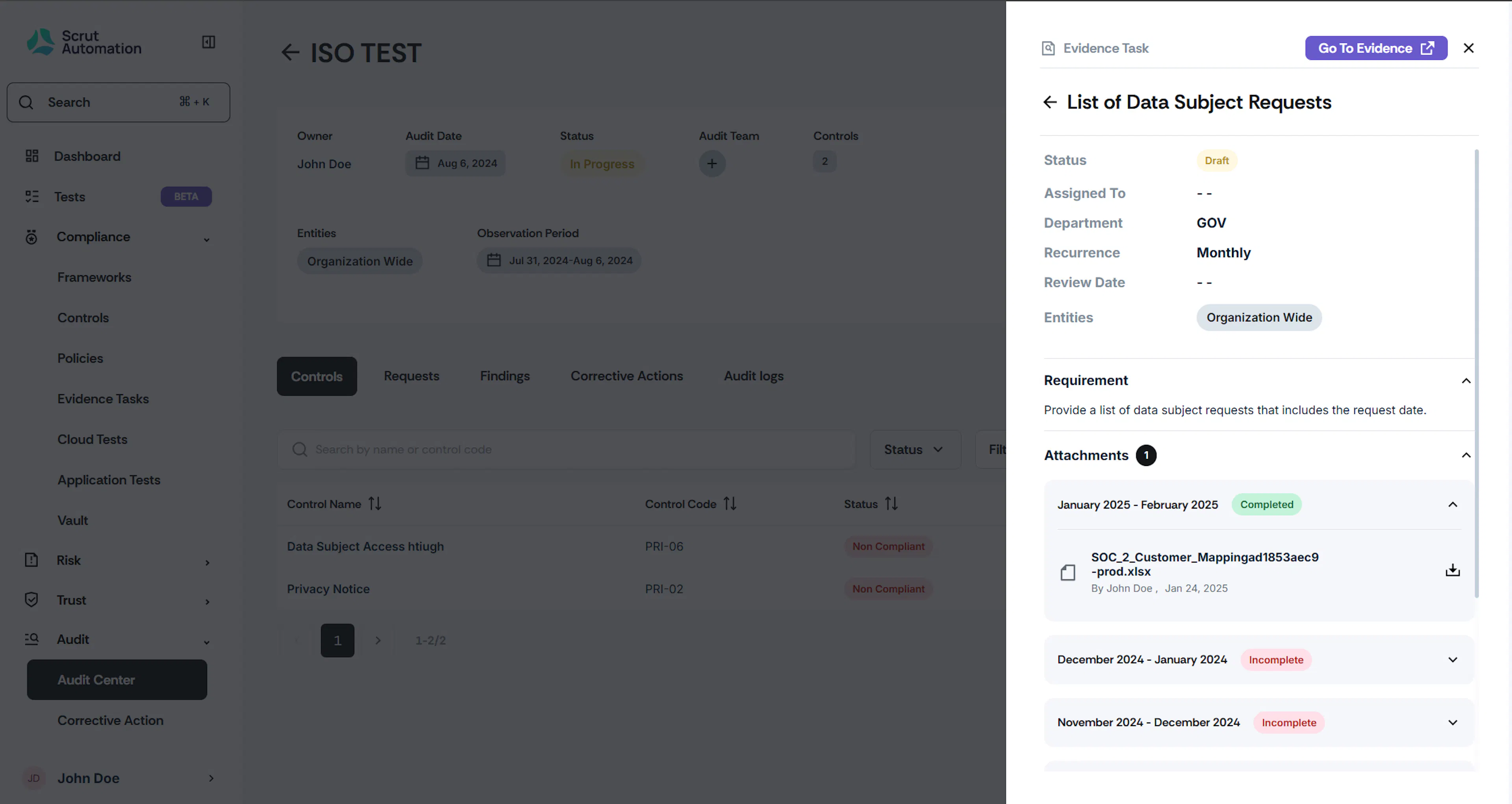
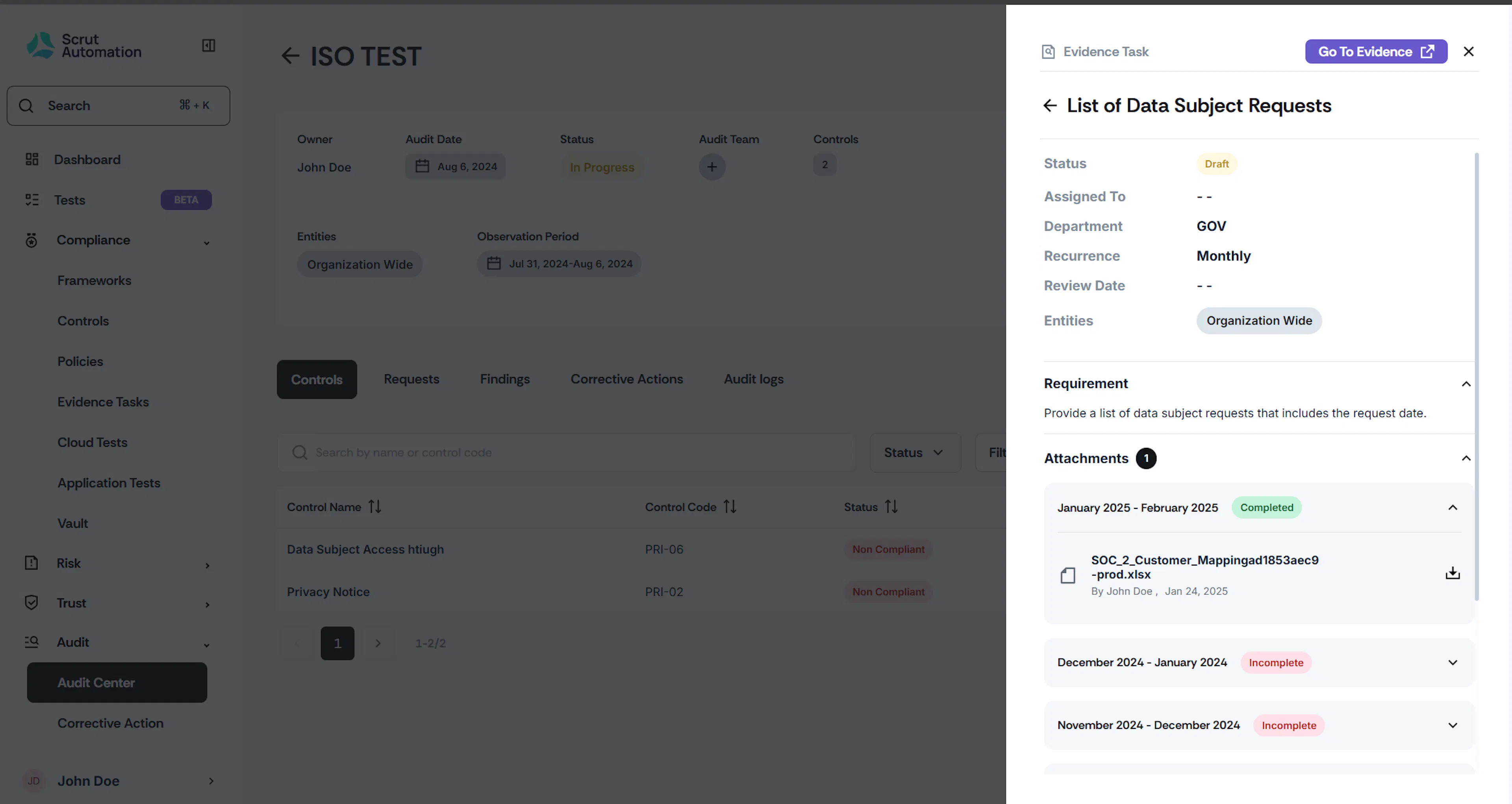
- Click on an evidence attachment to preview or download it.
Was this page helpful?