

View Audit Logs for an Audit
Who can use this feature
- Supported on Foundation, Growth, and Scale plans
The Audit Logs in the Audit Center provide a complete picture of all activity related to an audit, including actions taken across the audit, its findings, requests, and corrective actions.
How to View Audit Logs for an Audit
-
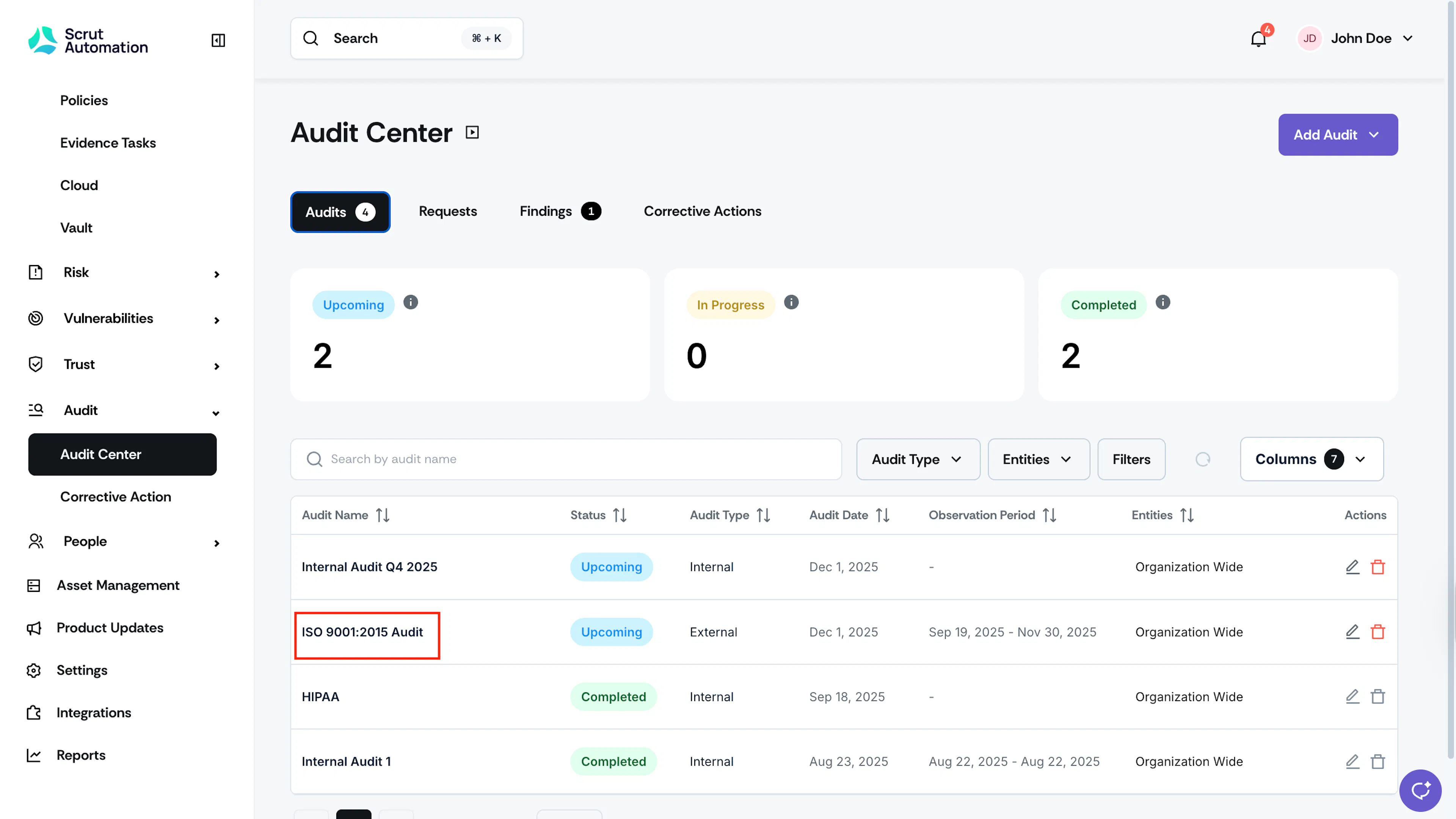
Sign in to Scrut and click Audit → Audit Center on the left navigation panel.
-
Open the audit you want to review.
-
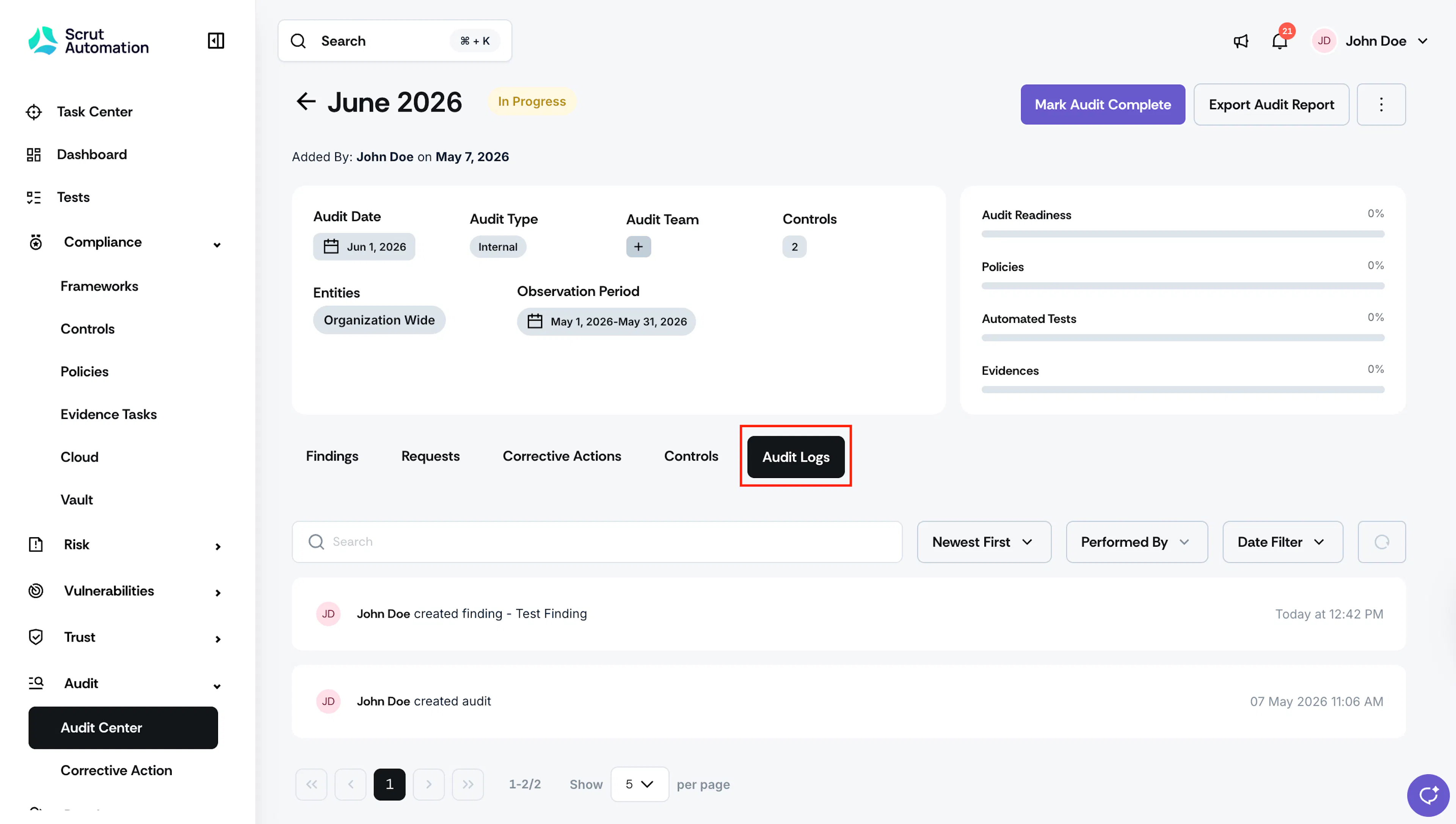
Click Audit Logs. The log displays all activity associated with the audit, sorted chronologically.
Heads Up!
Each Audit Finding, Request, and Corrective Action has its own audit logs, which shows activity scoped to that item only.
Was this page helpful?