

September 2026
Scrut now connects to more of your tech stack and takes manual work off your team’s plate.
Key Features & Enhancements
Push and pull compliance data with Open APIs
Connect Scrut to the tools you already use, and keep compliance data in sync programmatically.
Generate your Trust Portal with Scrut Teammates
Your compliance work already tells your security story. Now it builds your Trust Portal too.
Assign each integration to the right owner
Route every integration to the person who manages it, so setup and fixes don’t wait on the GRC admin.
Share read-only policies with employees
Some policies are informational only. Now Scrut treats them that way.
Get the complete audit picture in one place
Know exactly where your audit stands. Track requirements, evidence, findings, and requests from a single page.
Push and pull compliance data with Open APIs
Your compliance data lives across multiple tools and systems. Internal scripts, custom HR apps, and in-house scanners all hold data your auditors need. Getting that data into your compliance program meant exporting and uploading multiple files. That manual work slowed you down and could leave evidence stale or missing. Similarly, getting data out of your compliance tool and into your own reports meant repeating the same thing in reverse.
With Open APIs, Scrut now works with your whole tech stack, not only the tools on its integrations list.
- Push evidence and scanner findings from any tool into Scrut directly
- Pull frameworks, controls, policies, and test results from Scrut into your own reports and workflows
Organization admins create and manage API credentials in Settings → Developer Console.
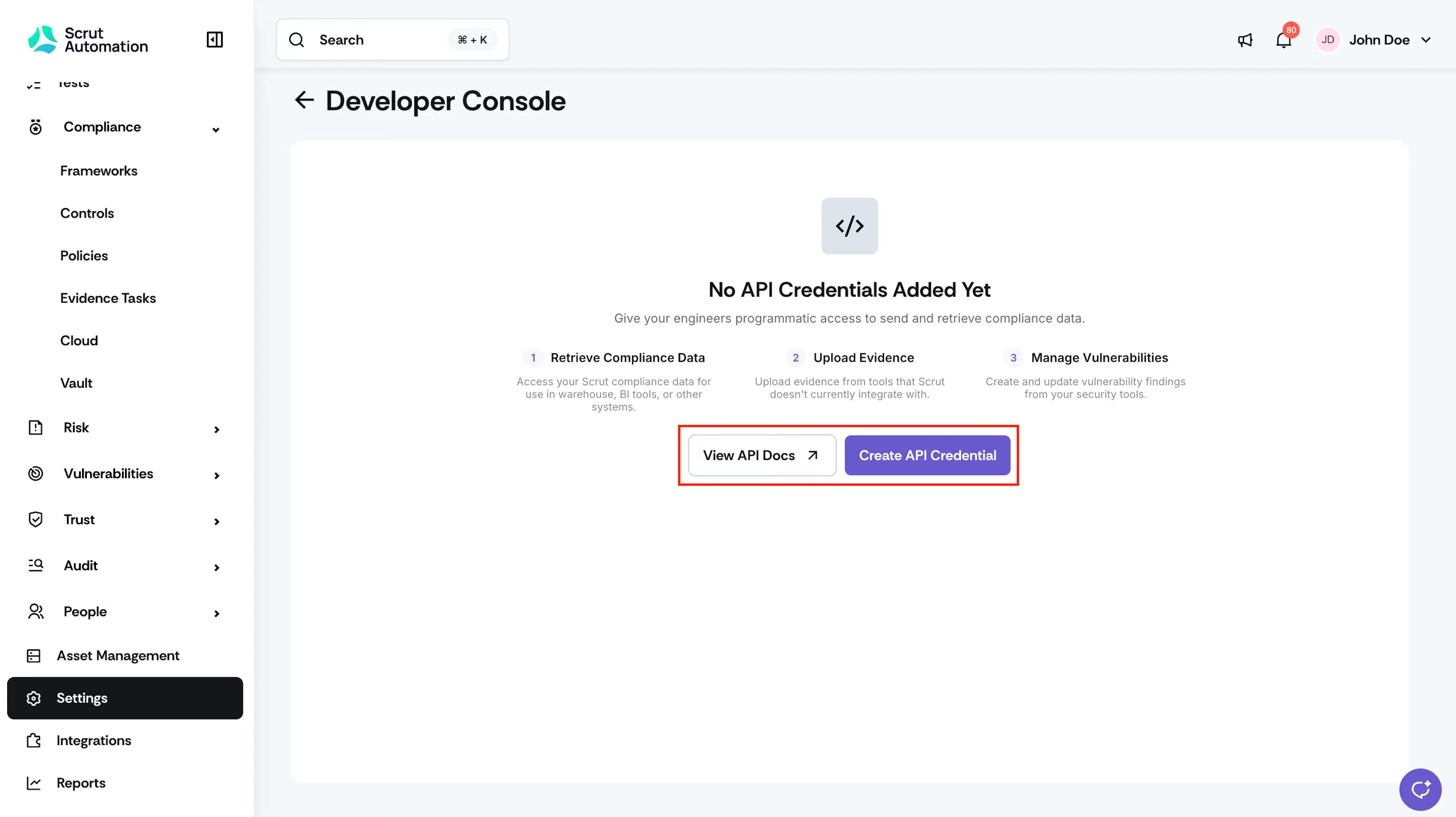
Learn more: Developer Docs
Generate your Trust Portal with Scrut Teammates
You’ve set up your compliance program; the next step is to showcase it to customers and prospects through a Trust Portal. But setting up that portal means repeating work you’ve already done. You manually re-enter your frameworks, controls, sub-processors, FAQs, and organizational details. That work can take days. It’s also easy to leave out a certification or control you’ve already earned.
- Scrut Teammates generates a Trust Portal draft from data already in your account.
- You review each section and keep, edit, or reject what Teammates suggests.
- Finally, you preview the portal and publish it on your custom domain.
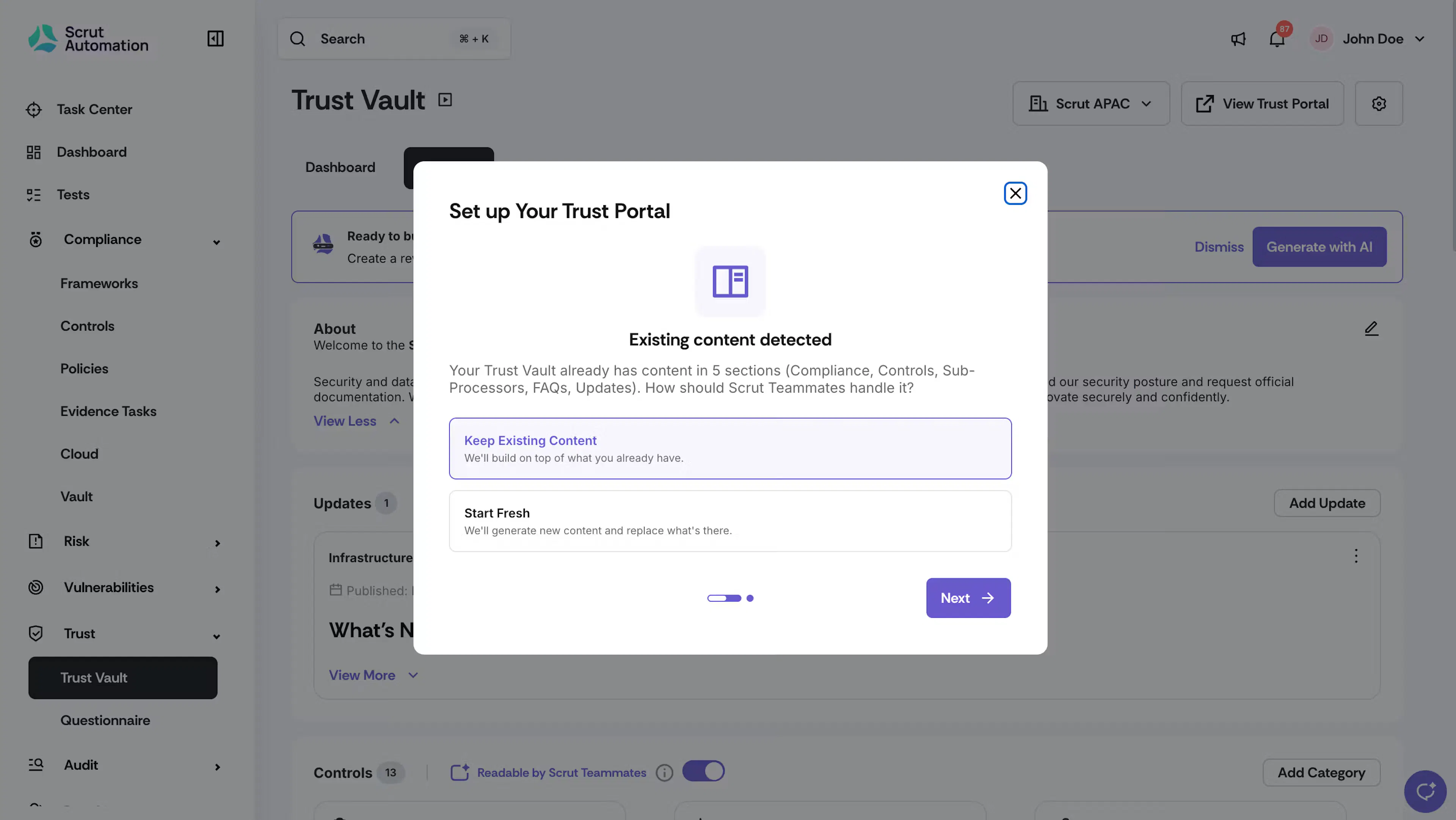
Learn more: Set Up Your Trust Portal With Teammates
Assign each integration to the right owner
The GRC admin running your compliance program is often not the person who manages AWS, the HR system, or device management. Connecting each tool means tracking down the right admin and waiting for them to step in.
- You can now assign an owner for each integration during onboarding or later from the Integrations module.
- The owner gets reminders in the Task Center to connect and configure the tool.
- Connection and sync alerts go straight to the owner so the right person can act quickly.
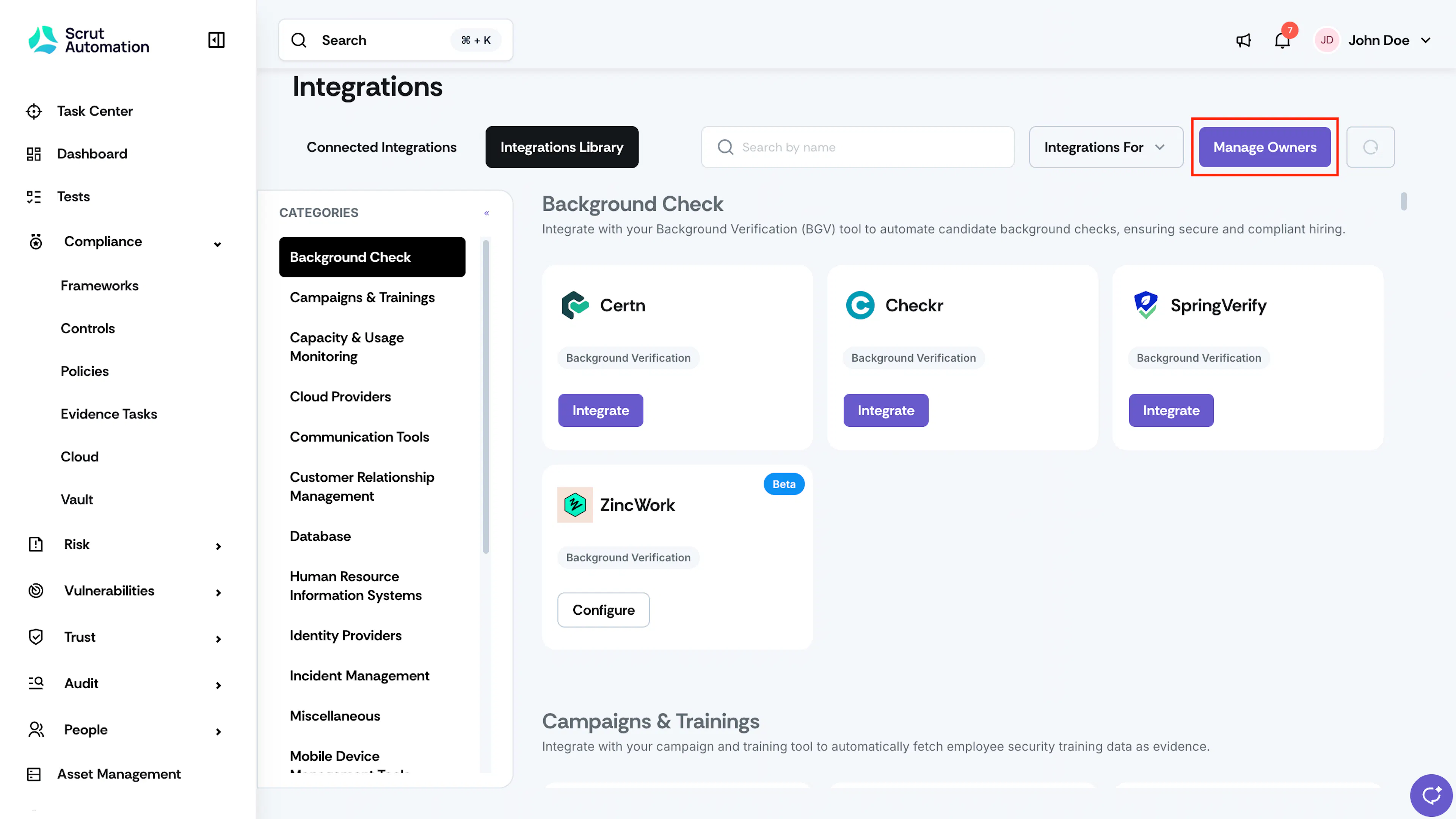
Learn more: Assign and Manage Integration Owners
Share read-only policies with employees
Not every policy needs a signature. Some exist only to keep employees informed. You can now set a policy’s behavior to Read-only.
- Employees can open and read them in the employee portal. They don't have to accept it.
- Checklist completion and policy acceptance rates are applicable only for policies that require employee acceptance. Read-only policies do not count toward your compliance percentage.
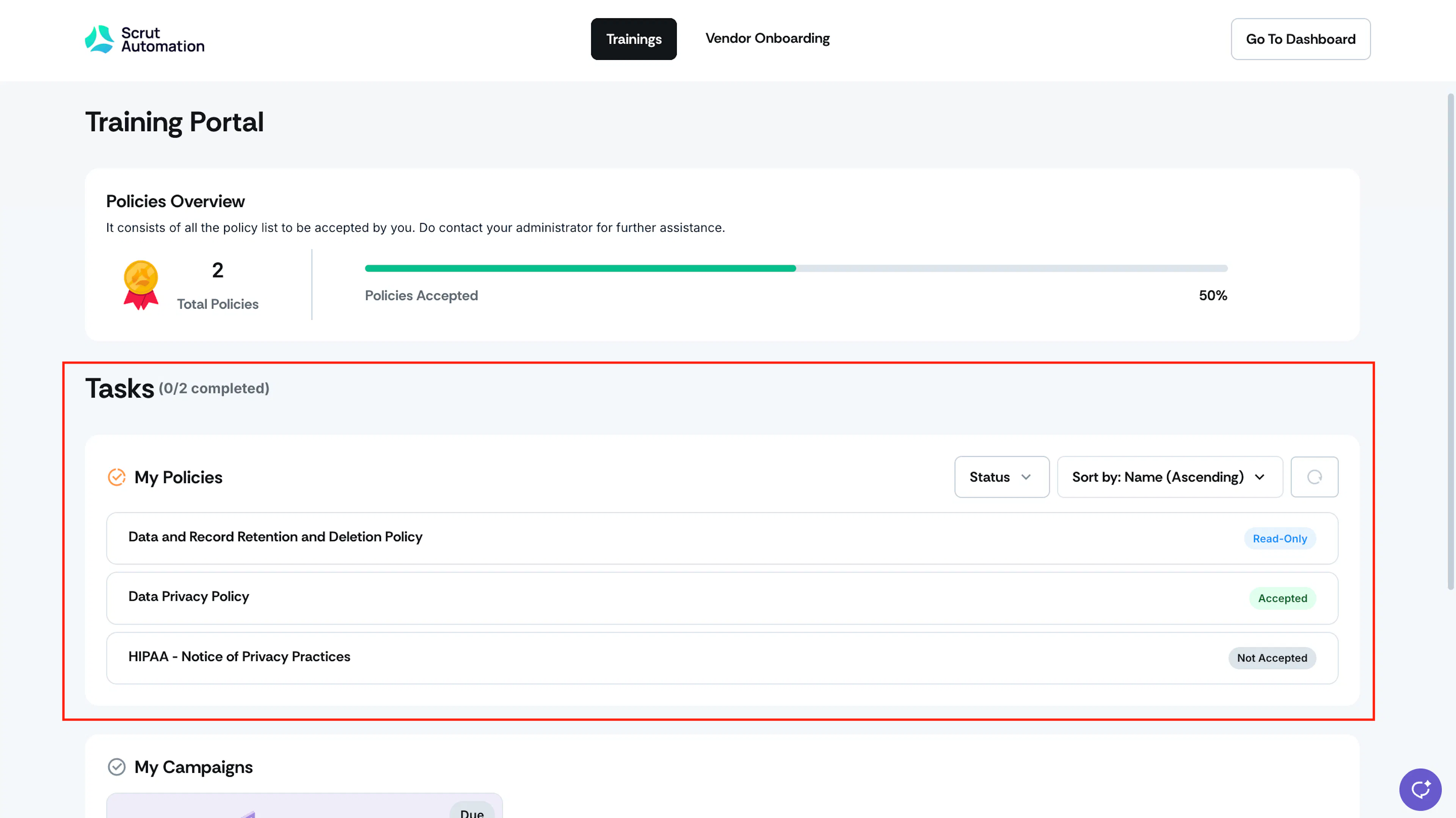
Learn more: Policy Behavior
Get the complete audit picture in one place
Compliance audits involve many moving parts: requirements, artifacts, findings, requests, and corrective actions. When these sit in separate views, it’s hard to see how the audit is progressing. You switch screens to review evidence for a requirement, then switch again to raise a finding. Keeping auditors and internal teams aligned takes extra effort at every step.
The revamped Audit Details page provides you with the complete audit picture.
- View audit progress at a glance, with each requirement marked Accepted, Action Required, or Needs Review.
- Expand a requirement to see its linked policies, evidence, and tests.
- View findings and requests from your auditors in dedicated tabs, and respond and track corrective actions from the same place.
- When the audit wraps up, export an Audit Package or download an Audit Report to share with stakeholders.
Learn more: Revamped Audit Details Page
Other Updates
Scrut MCP
- Scrut MCP reads uploaded files, including PDFs, Word documents, spreadsheets, and images.
- Scrut MCP uploads and attaches evidence in one step, in under two minutes.
Integrations
- Set your Falcon cloud Base URL when you connect CrowdStrike, so Scrut pulls data from the right region.
- When you connect Snowflake, choose your preferred connection method, such as JWT Key Pair, M2M OAuth, or username and password.
Evidence
- Evidence attachments now support Markdown (.md) and YAML (.yaml, .yml) files.
Vendors
- Build your vendor intake form from a CSV or XLSX file, and export your current form as a CSV for review or backup.
- Discovered apps that match an existing vendor are now marked as duplicates, so you can quickly tell new apps from vendors you already manage.
- Discovered apps with broad or sensitive permissions are flagged for review so that you can review the riskiest apps first.
Vulnerabilities
- Scrut’s Vulnerability Validation Agent now tries to reproduce each new finding before publishing it. It tags each finding as Likely TP or Likely FP, so you can prioritize remediation.
- When you submit a fixed finding for verification, Scrut’s Verification Agent reruns the original demonstration. It then marks the finding Closed or Re-opened.