

Integrate Fleet
Fleet integration fetches employees' endpoint/device data to Scrut. This data is displayed in the People Dashboard and the People -> Employee module. The following data is fetched from Fleet:
- Device name
- OS version
- Serial number
- Antivirus Installed(Yes/No)
- HD Encrypted(Yes/No)
- Screenlock Enabled(Yes/No)
Integrating Fleet
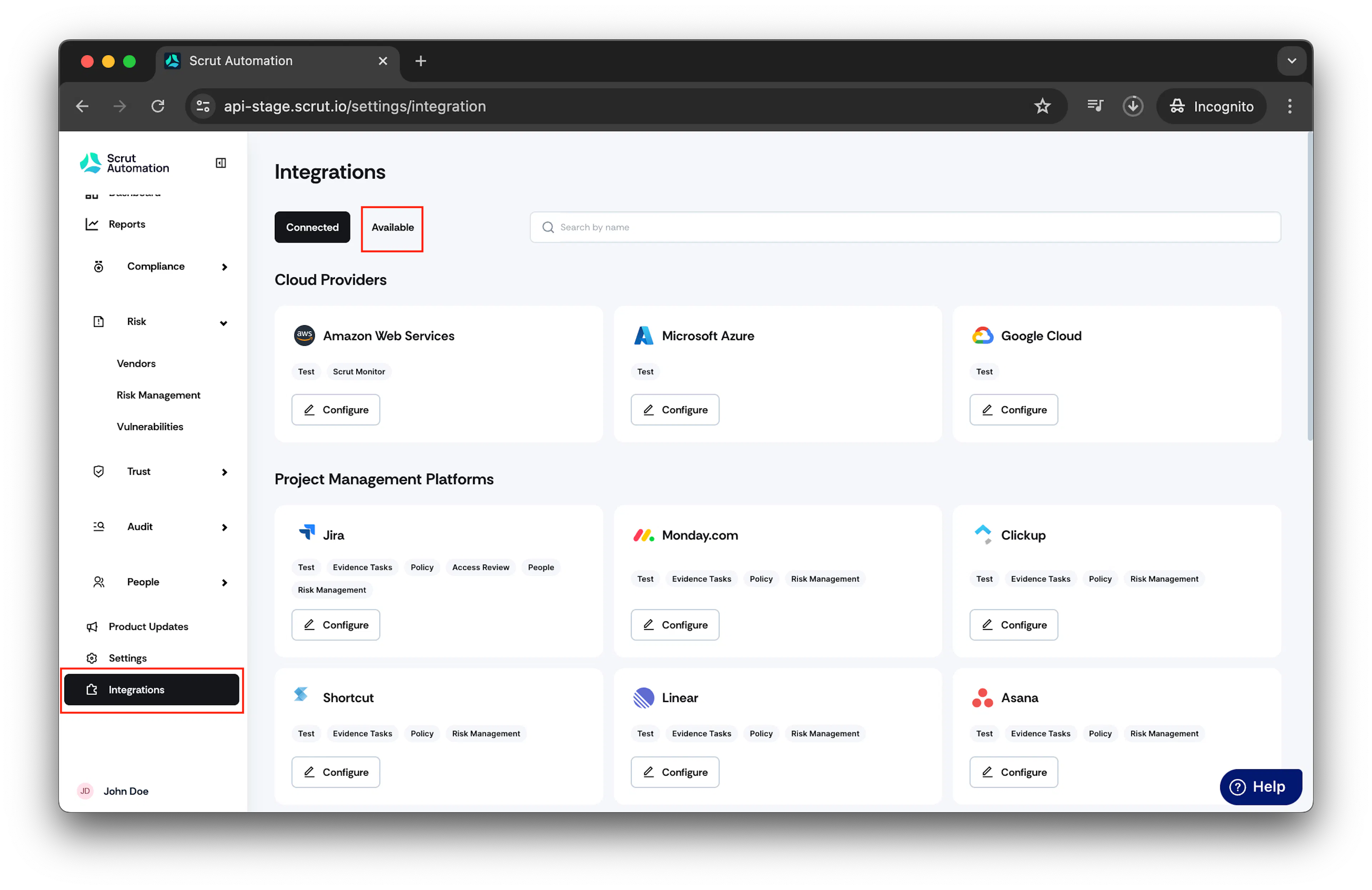
- From the left navigation panel, select Integrations.
- Click on Available.
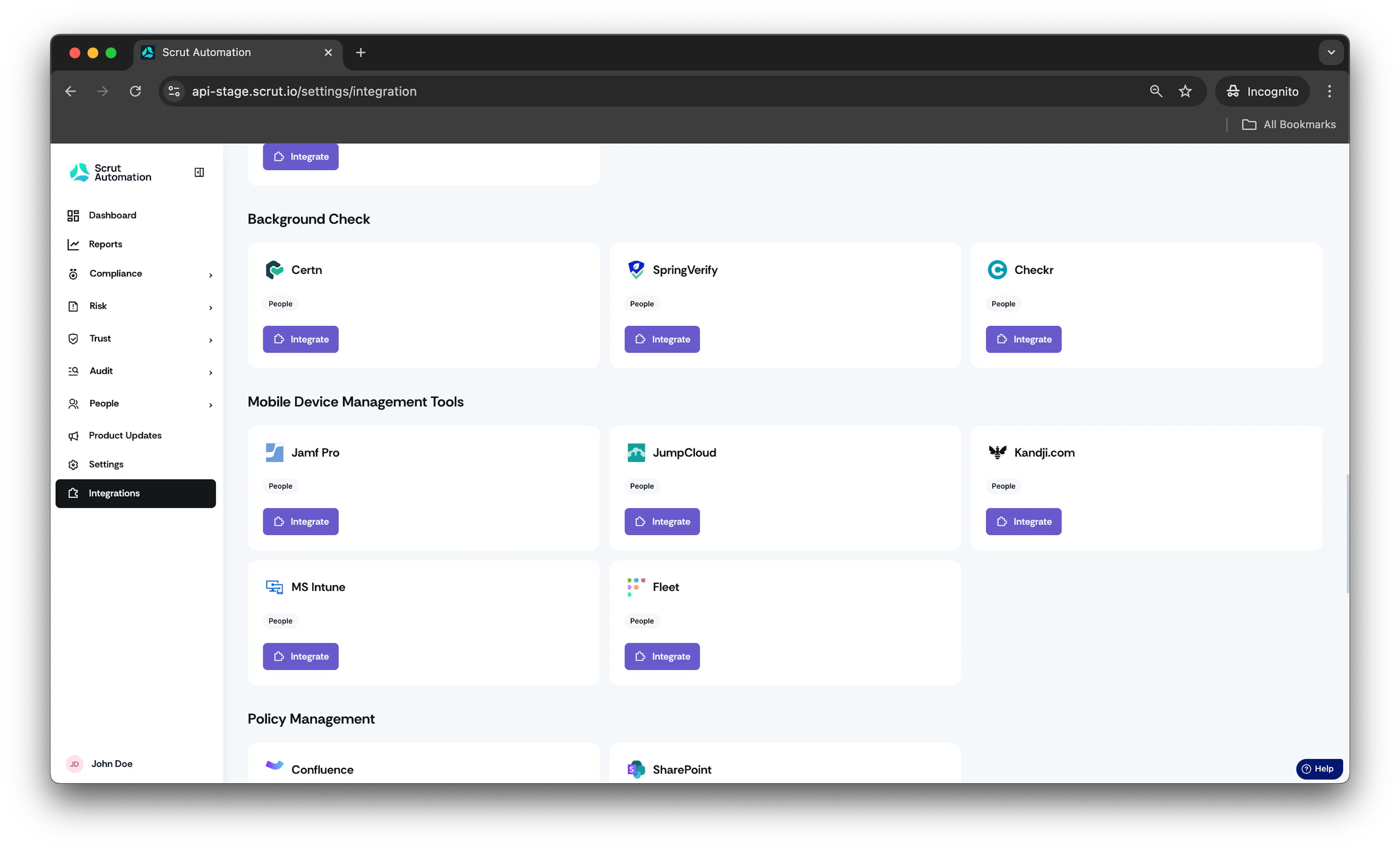
- Scroll to Mobile Device Management Tools section and find Fleet.
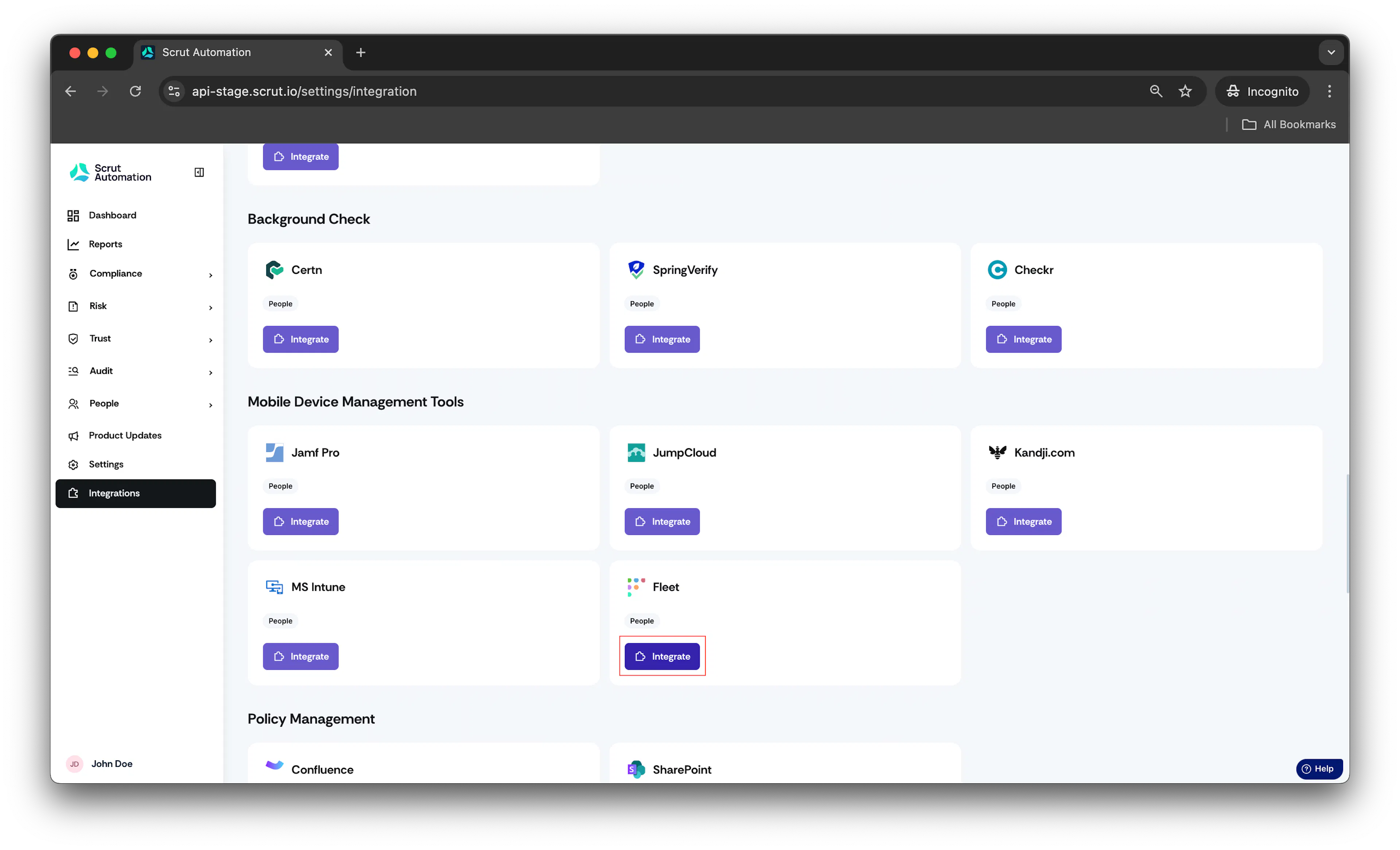
- Click Integrate.
Fleet integration page opens.
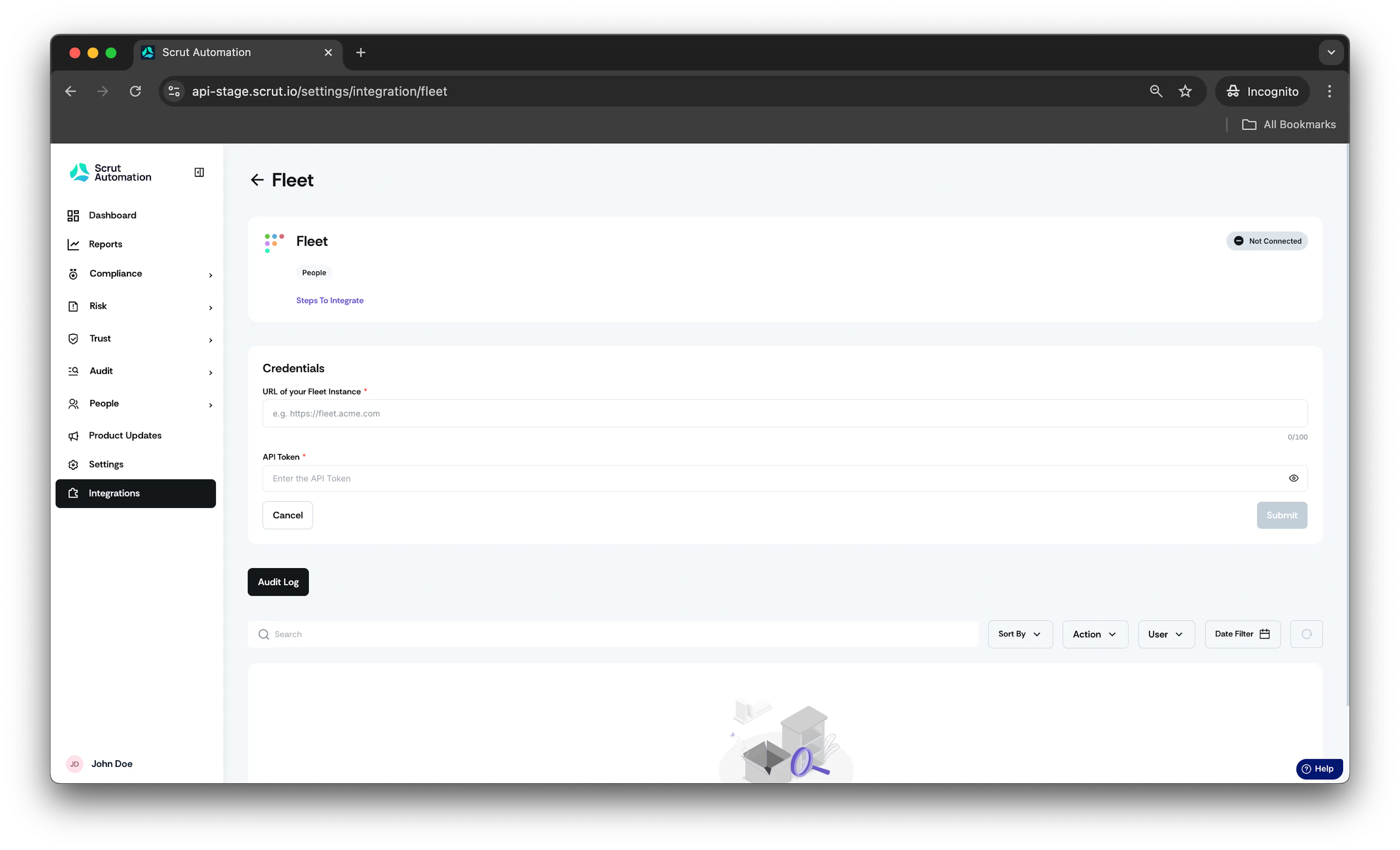
- In URL field, enter the full url of your fleet instance (e.g. https://fleet.acme.com)
- In API Token field, enter the api token.
How to generate API Token?
Read the following Fleet Guide to generate API token.
- Click on Submit.
Integration is successful.
Was this page helpful?