

Integrate KiteCyber
The KiteCyber integration fetches employees' endpoint/device data to Scrut. This data is displayed in the People Dashboard and the People section's Employee module. Scrut fetches the following data from Kitecyber:
- Device name
- OS version
- Antivirus Installed(Yes/No)
- HD Encrypted(Yes/No)
- Screenlock Enabled(Yes/No)
Integrating KiteCyber
- From the left navigation panel, select Integrations.
- Click on Available.
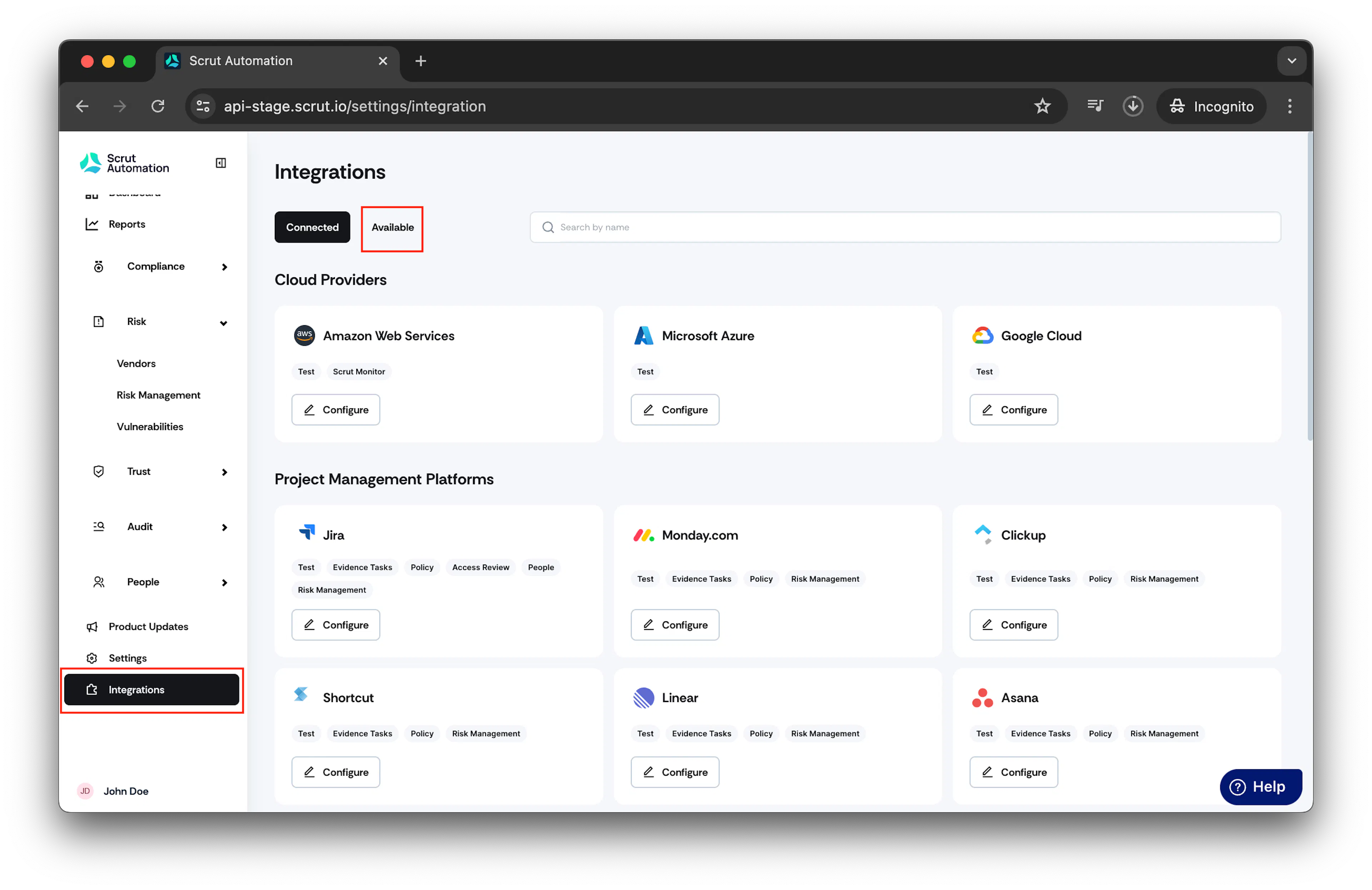
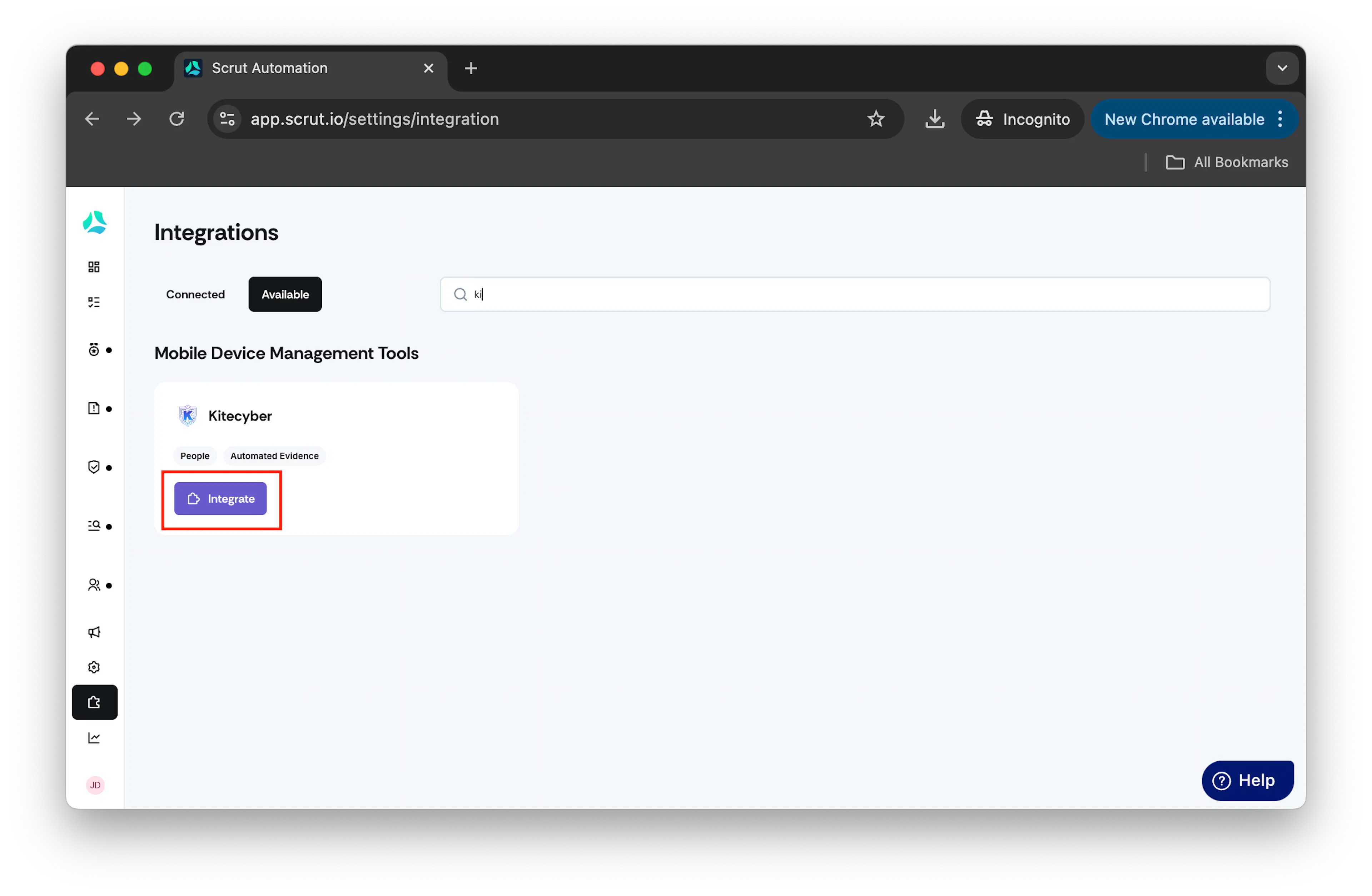
- Scroll to the Mobile Device Management Tools section and find KiteCyber. Optionally, use the search bar to locate the integration.
- Click on Integrate.
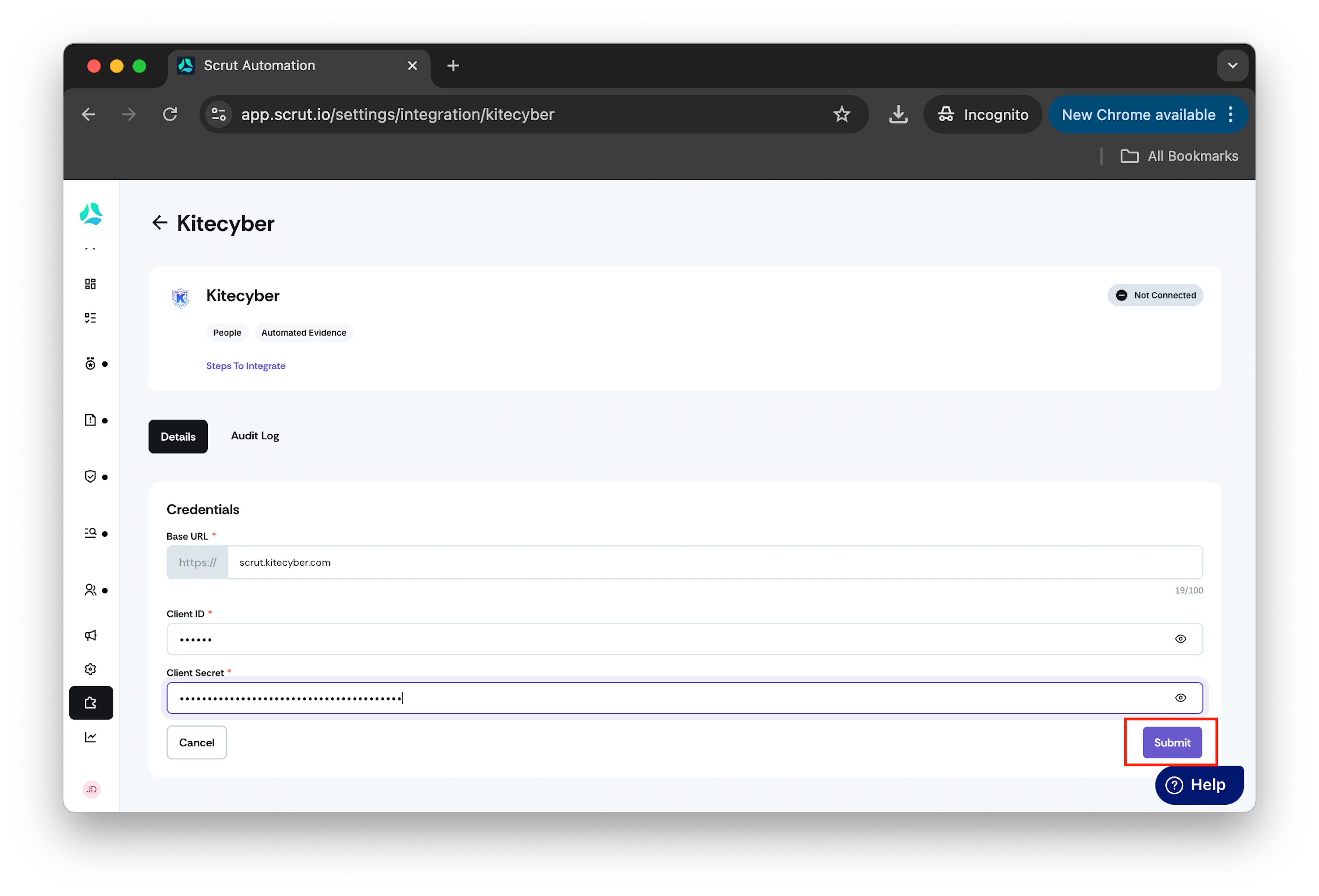
- Enter the Base URL without the prefix, the Client ID, and the Client Secret, and click on Submit.
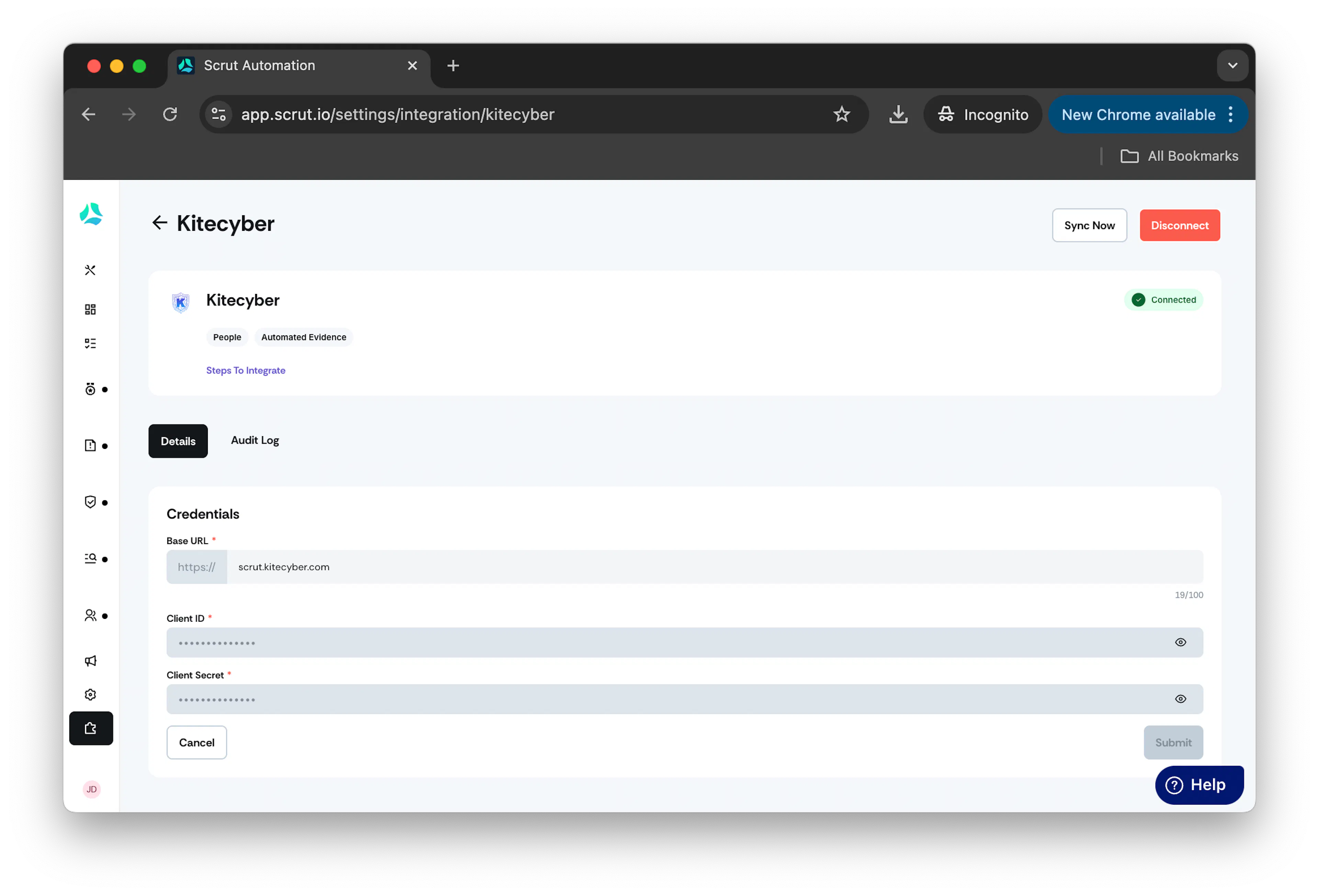
- Once done, you will see a connected flag.
How to retrieve Credentials from KiteCyber
- Login: Access KiteCyber using an admin account.
- API Details: Navigate to Settings > API to retrieve the Client ID. The Client Secret will be sent directly to your email from KiteCyber.
- Base URL: Locate the Base URL by going to Settings > Account > Contact Info.
Was this page helpful?