

Create Shortcut Story
Creating a Shortcut Story
- Log into app.scrut.io.
- Form the left navigation panel expand the compliance menu.
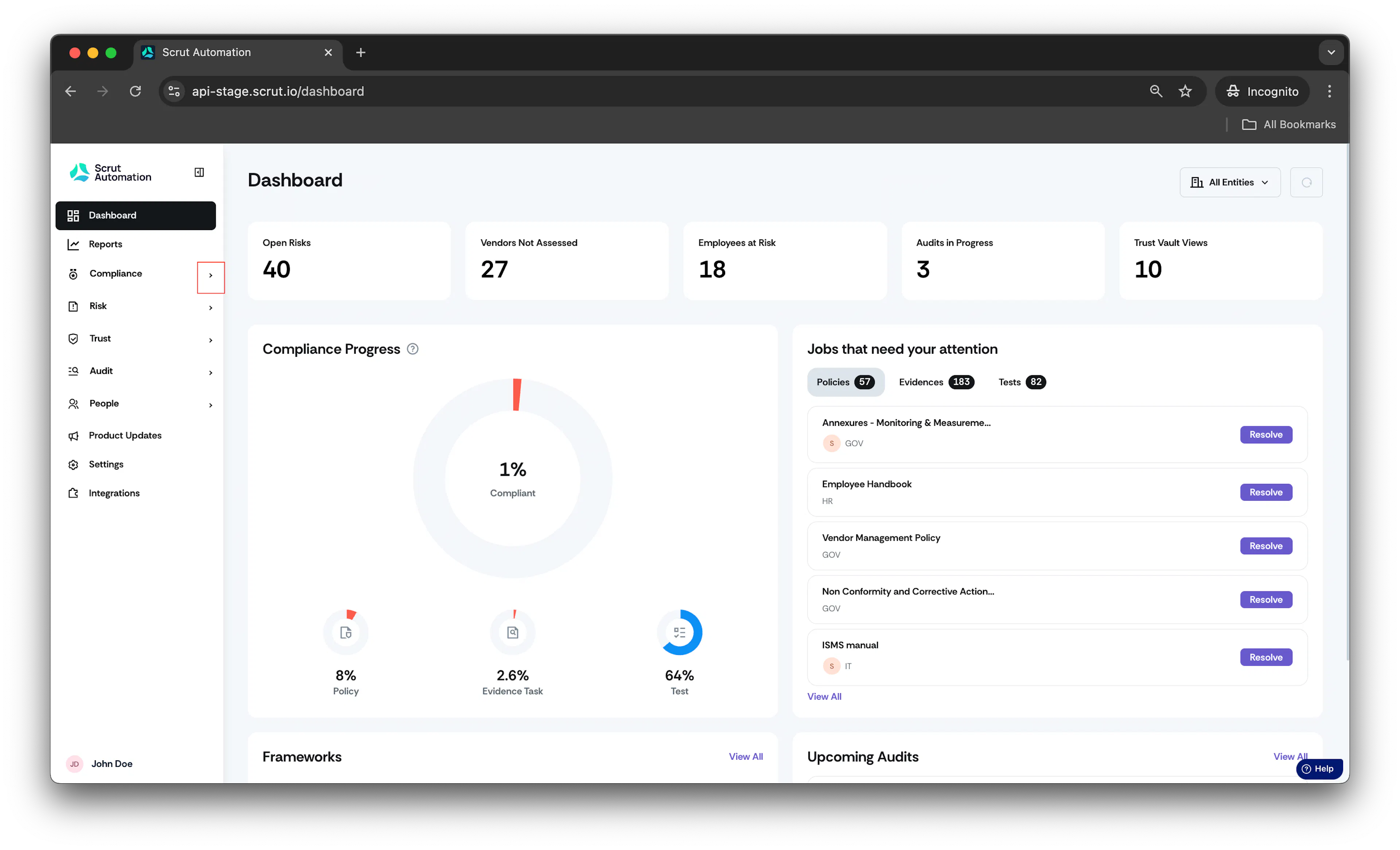
- You can create a Shortcut story from any of the following Scrut artifacts: Policies, Evidence Tasks, Tests, Cloud, Risk Management, and Audit Center (Requests, Findings, and Corrective Actions).
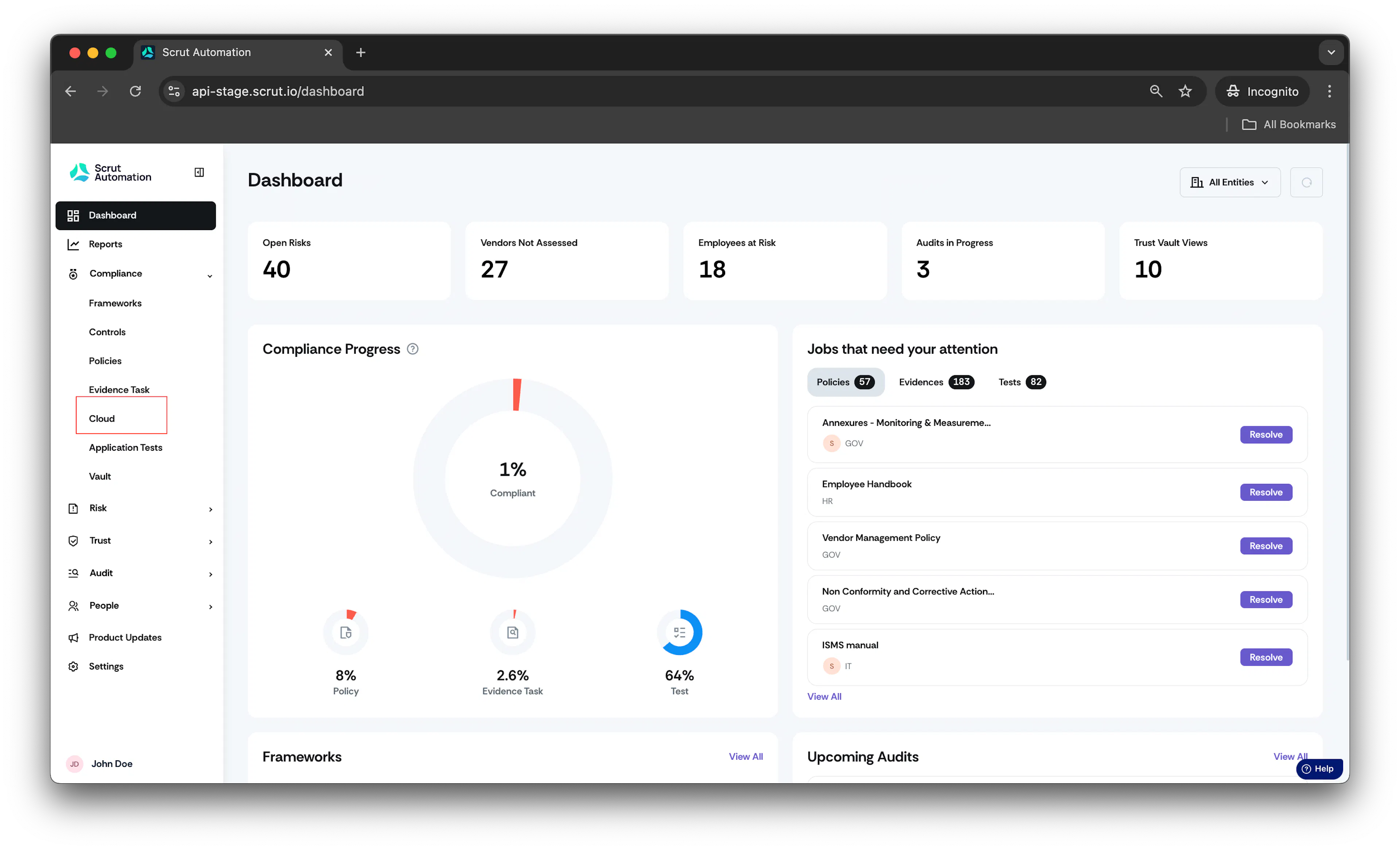
- For example, navigate to Cloud -> Tests.
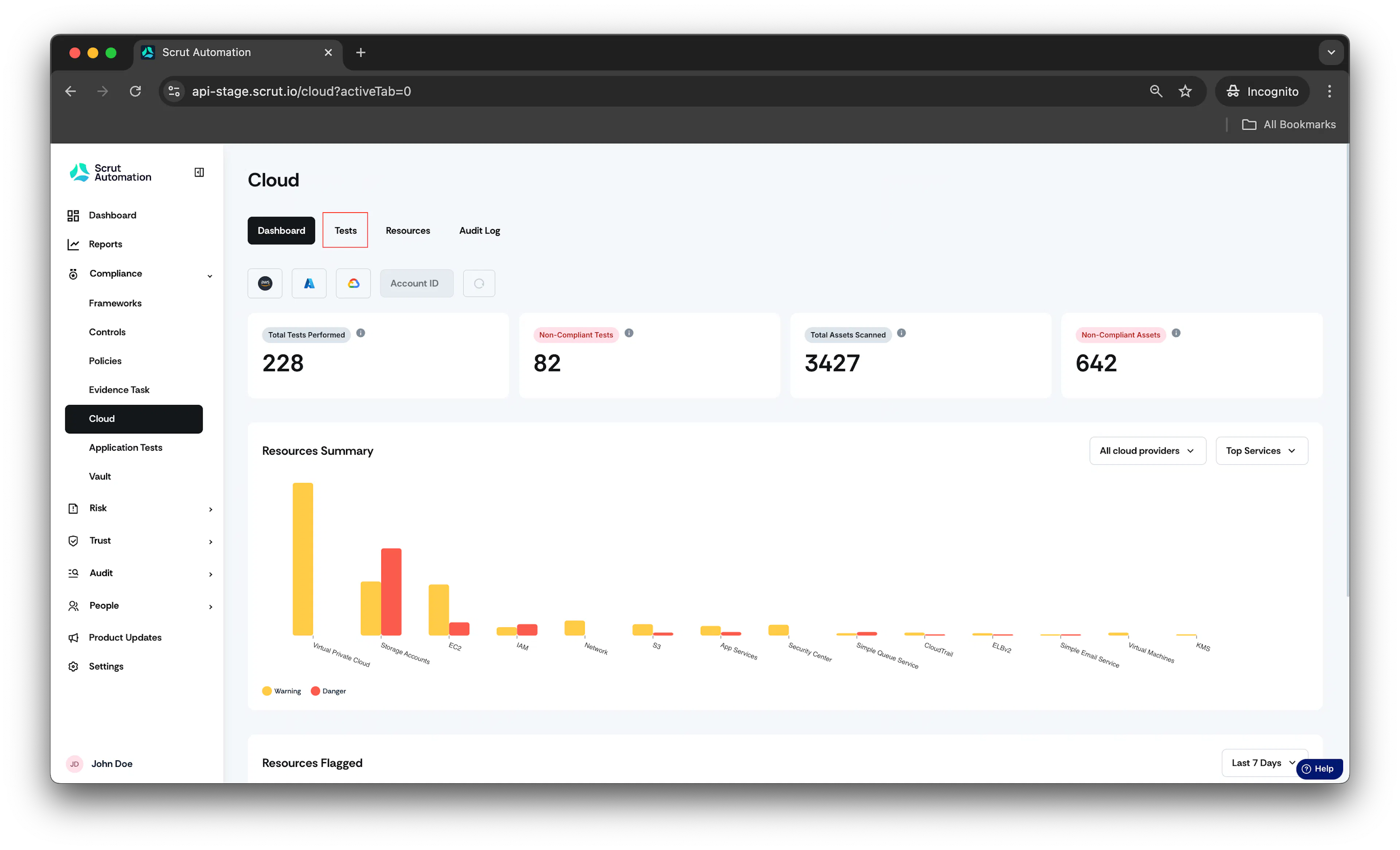
- After landing on the Test page, open the test for which you want to create a Linear issue.
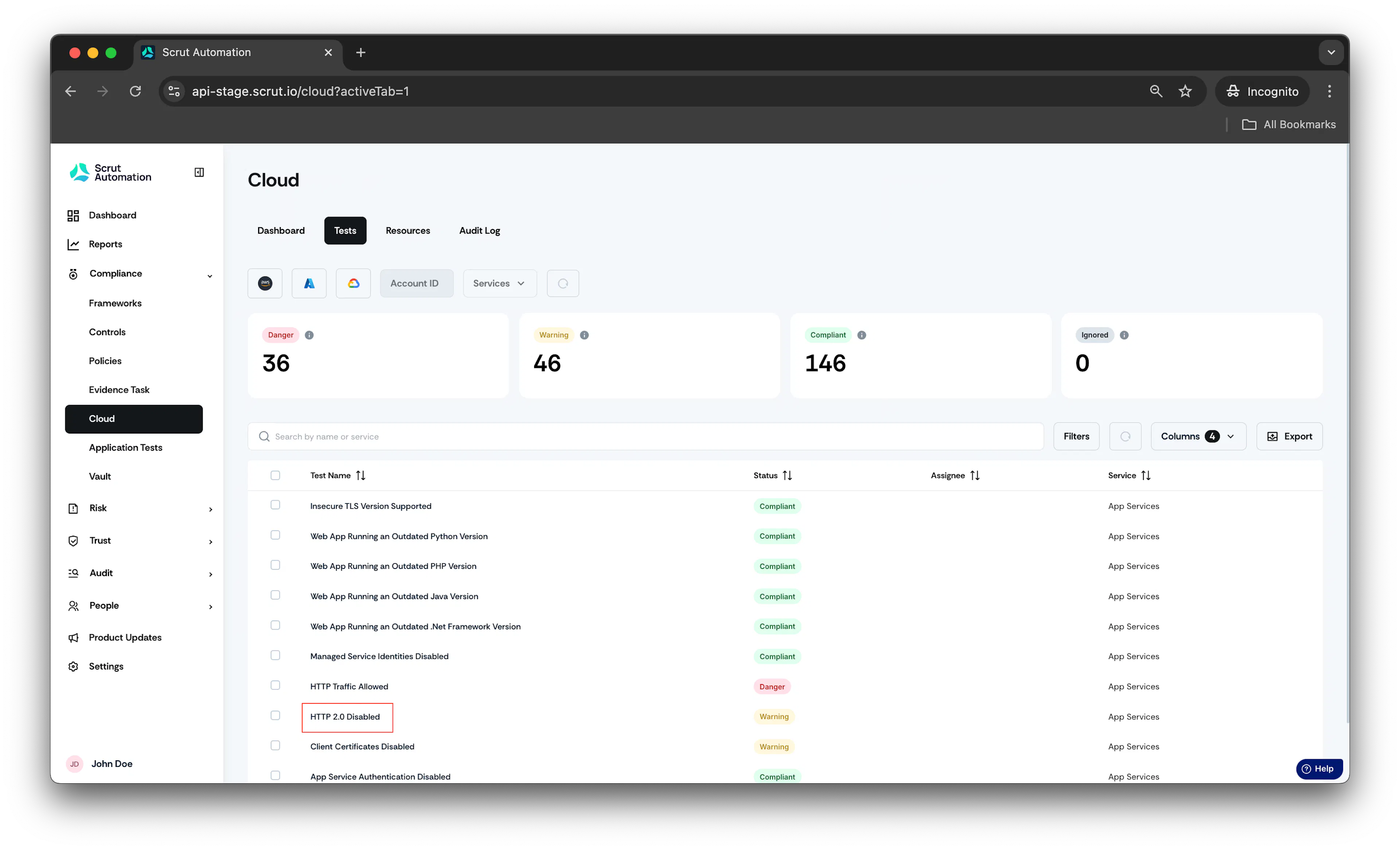
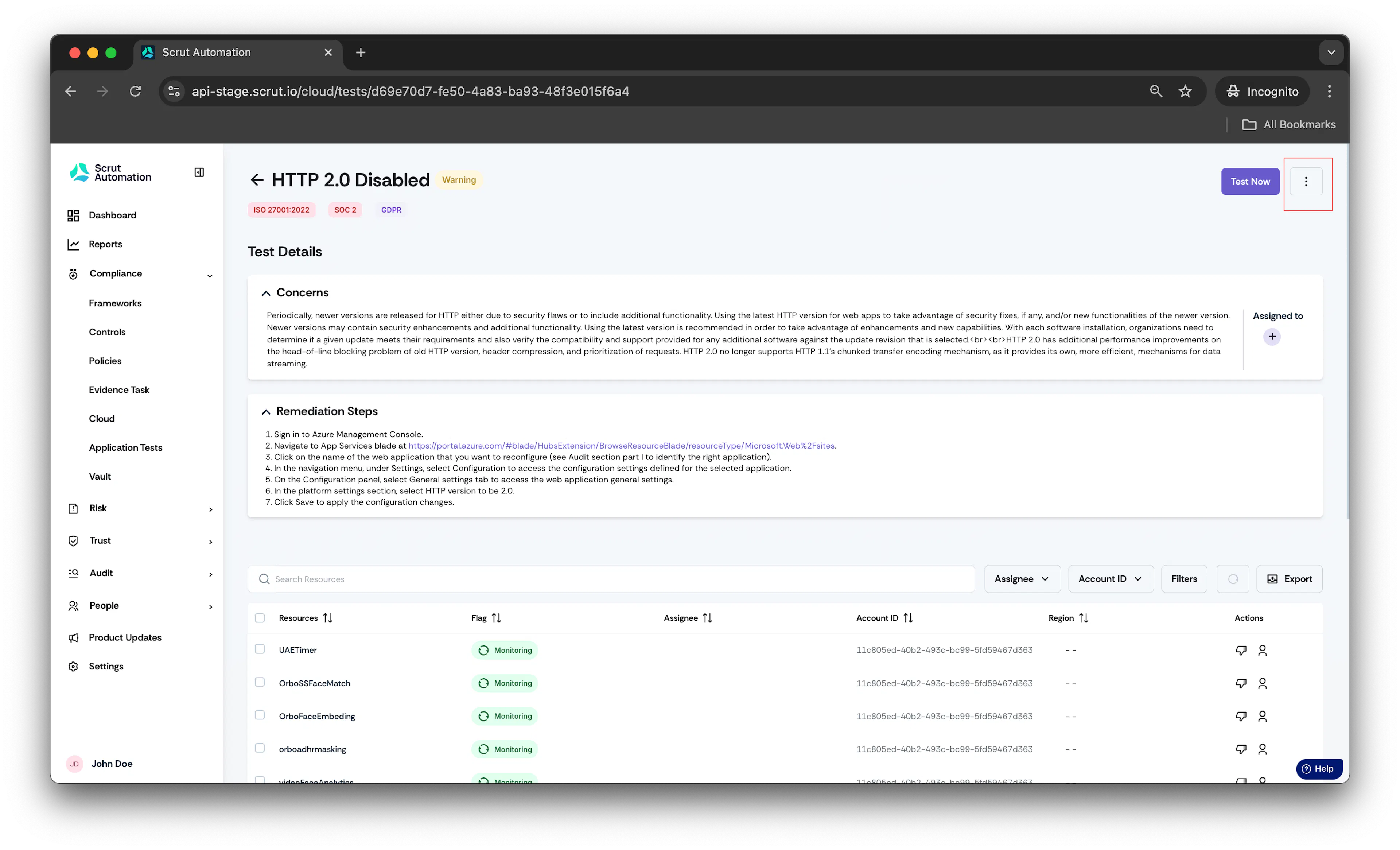
- After opening the respective test, click on the three vertical dots button in the top-right corner.
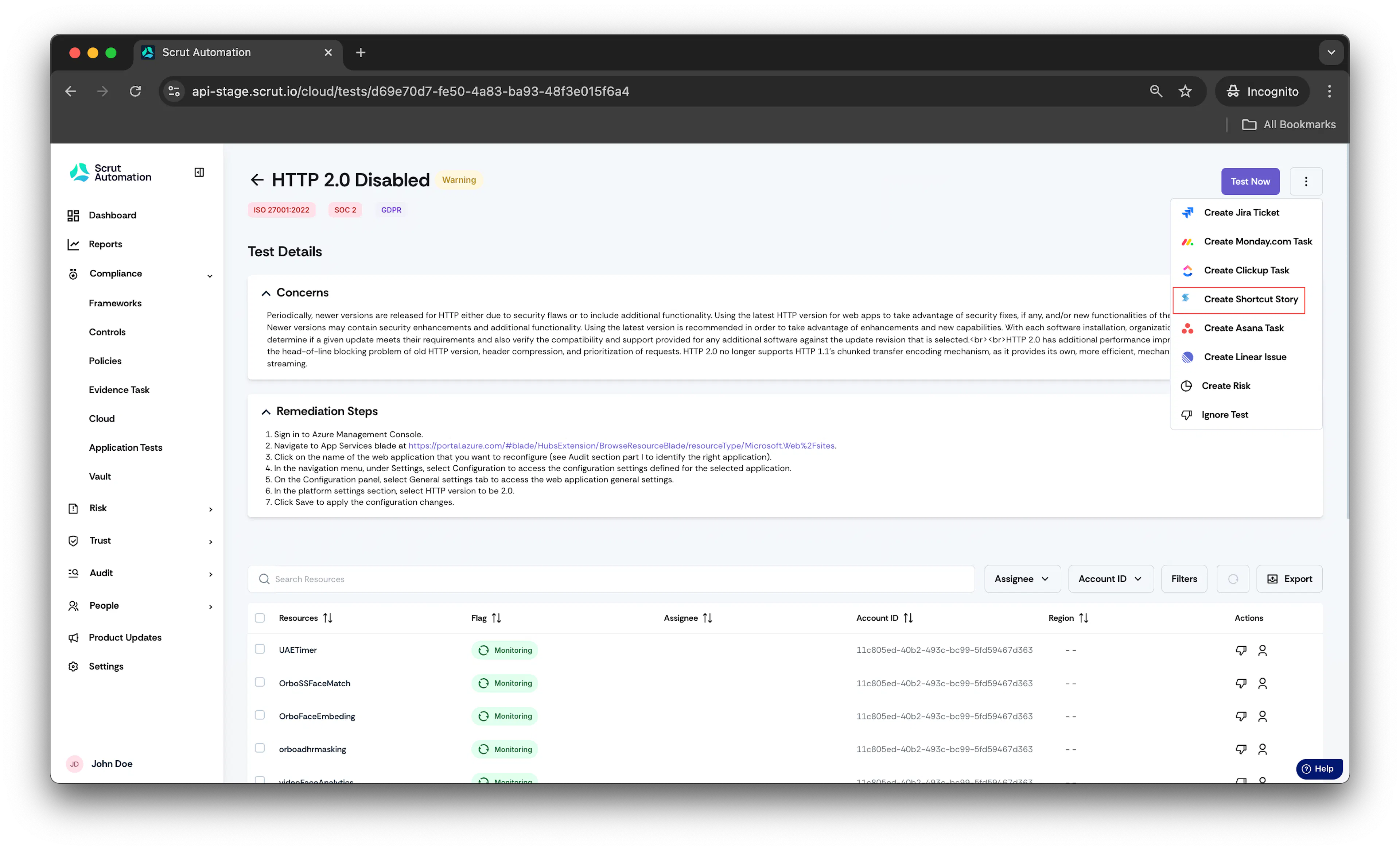
- Click on Create Shortcut Story.
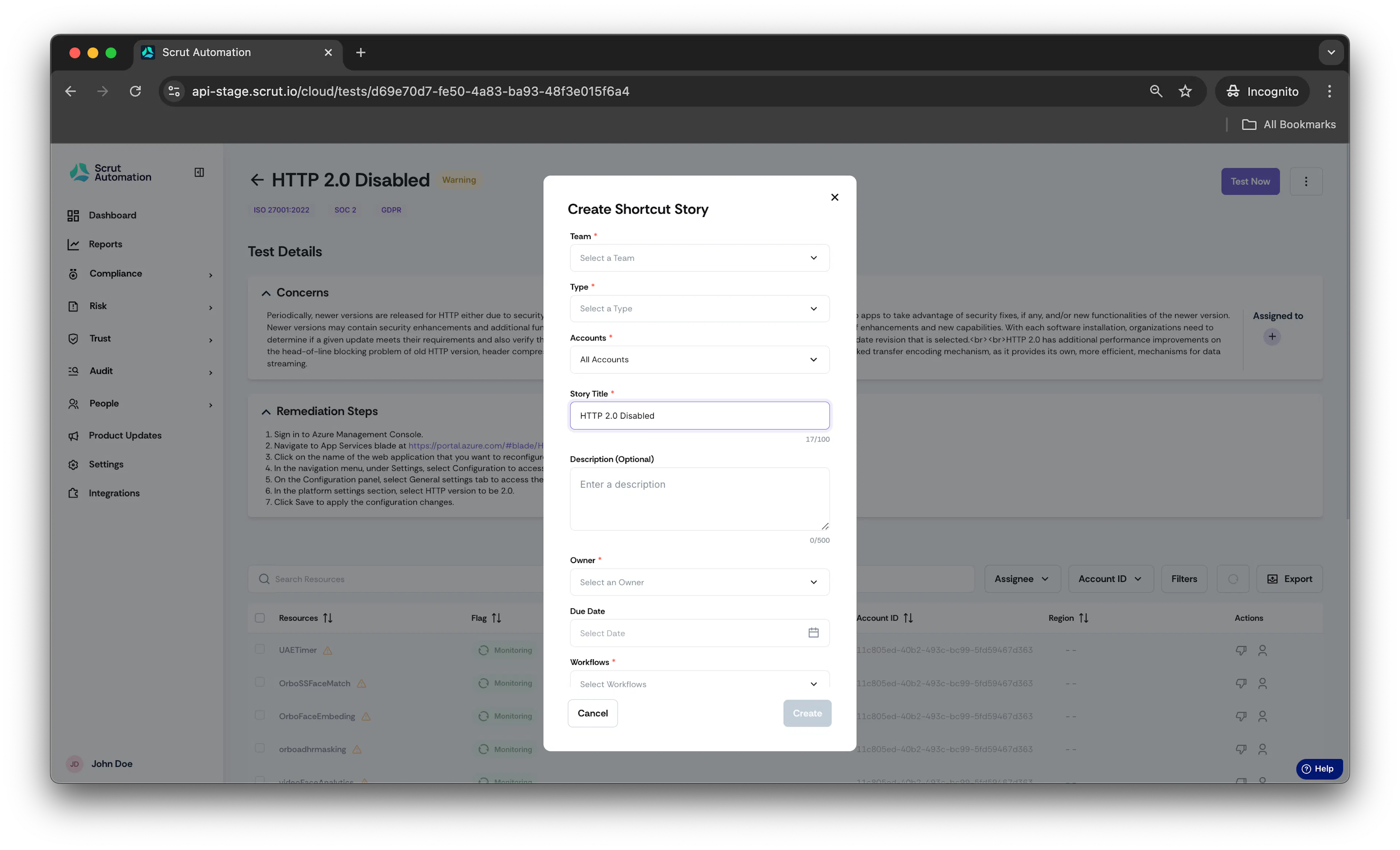
- Once done, you will be prompted to fill in the story fields that you selected during integration.
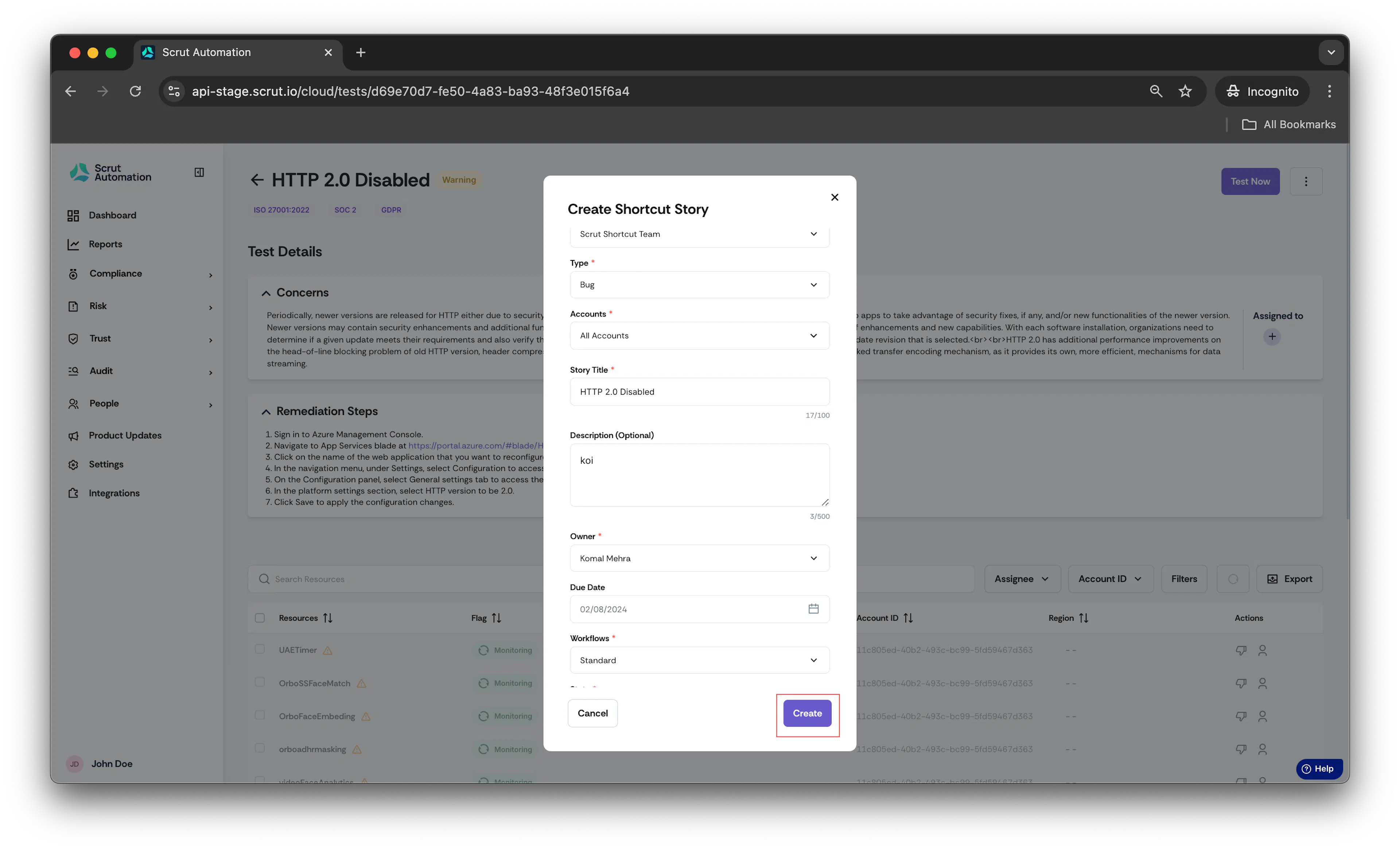
- Once done, click on Create.
Was this page helpful?