

Integrate Basecamp
The Basecamp integration enables Scrut to monitor project-level permissions and user roles within your workspaces. It tracks user activity, project access changes, and collaboration settings to ensure compliance with data access policies.
Integrating Basecamp
-
From the left navigation panel, select Integrations.
-
Click on Integrations Library.
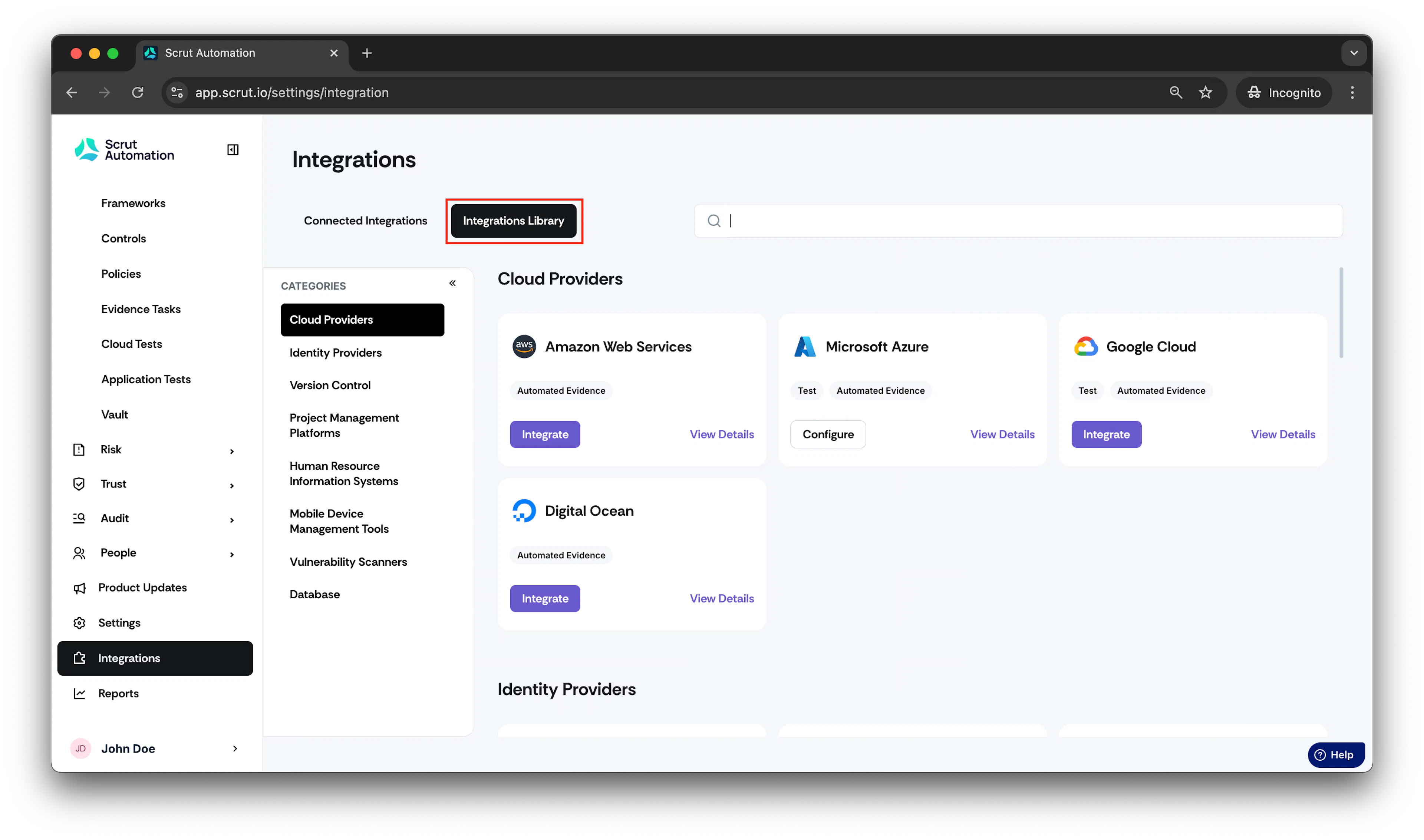
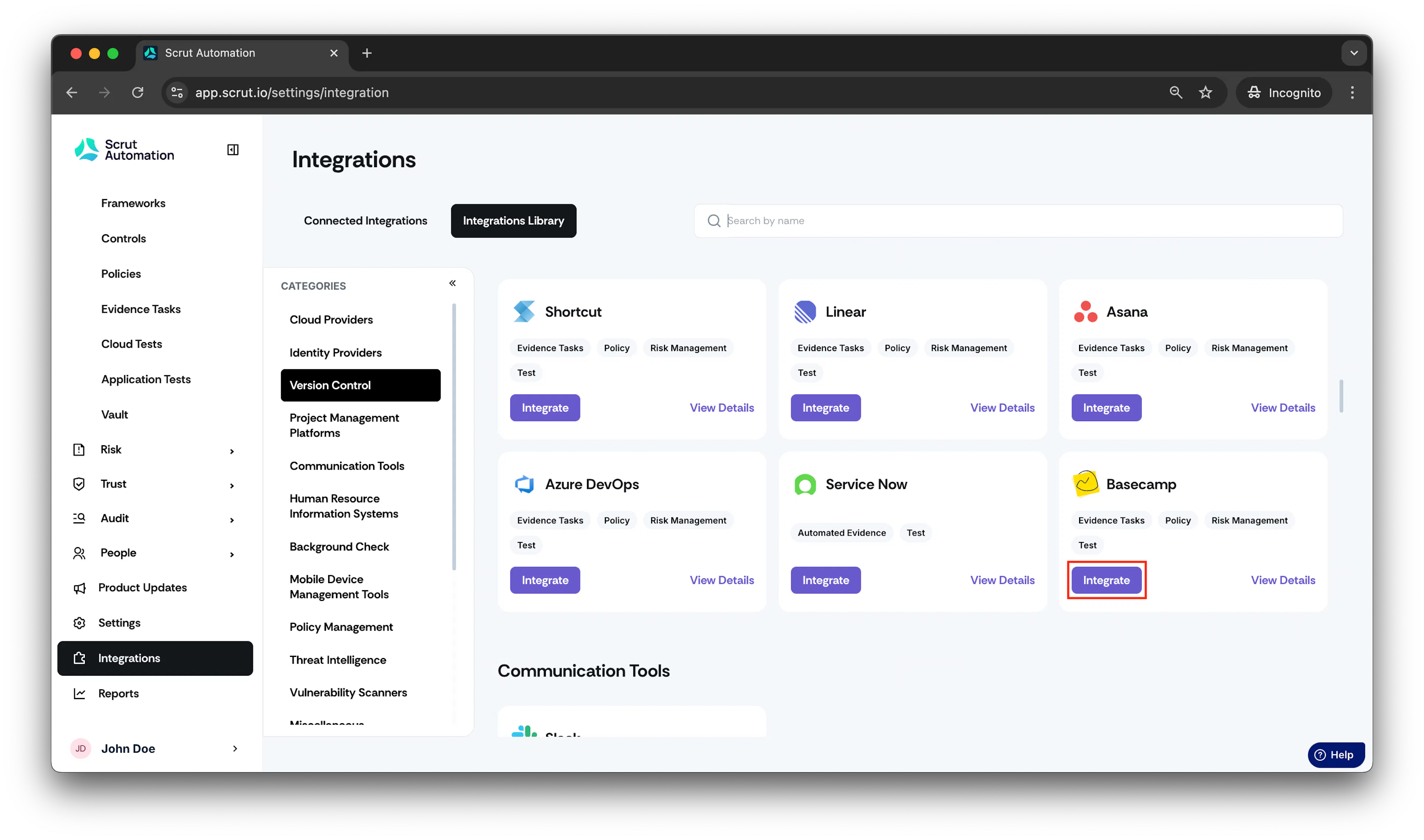
- Scroll to Project Management Platforms section and find Basecamp.
- Click Integrate.
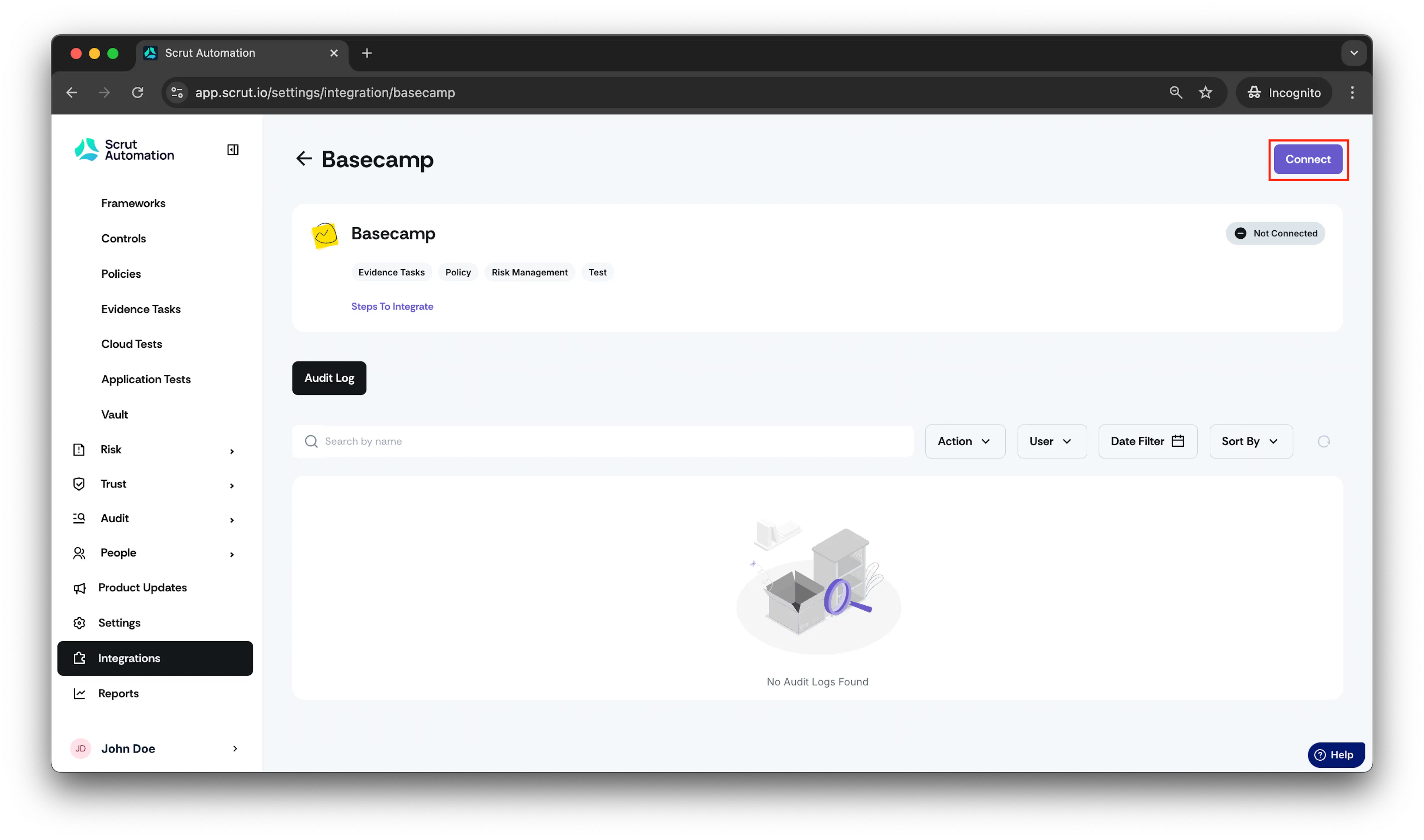
- Click Connect.
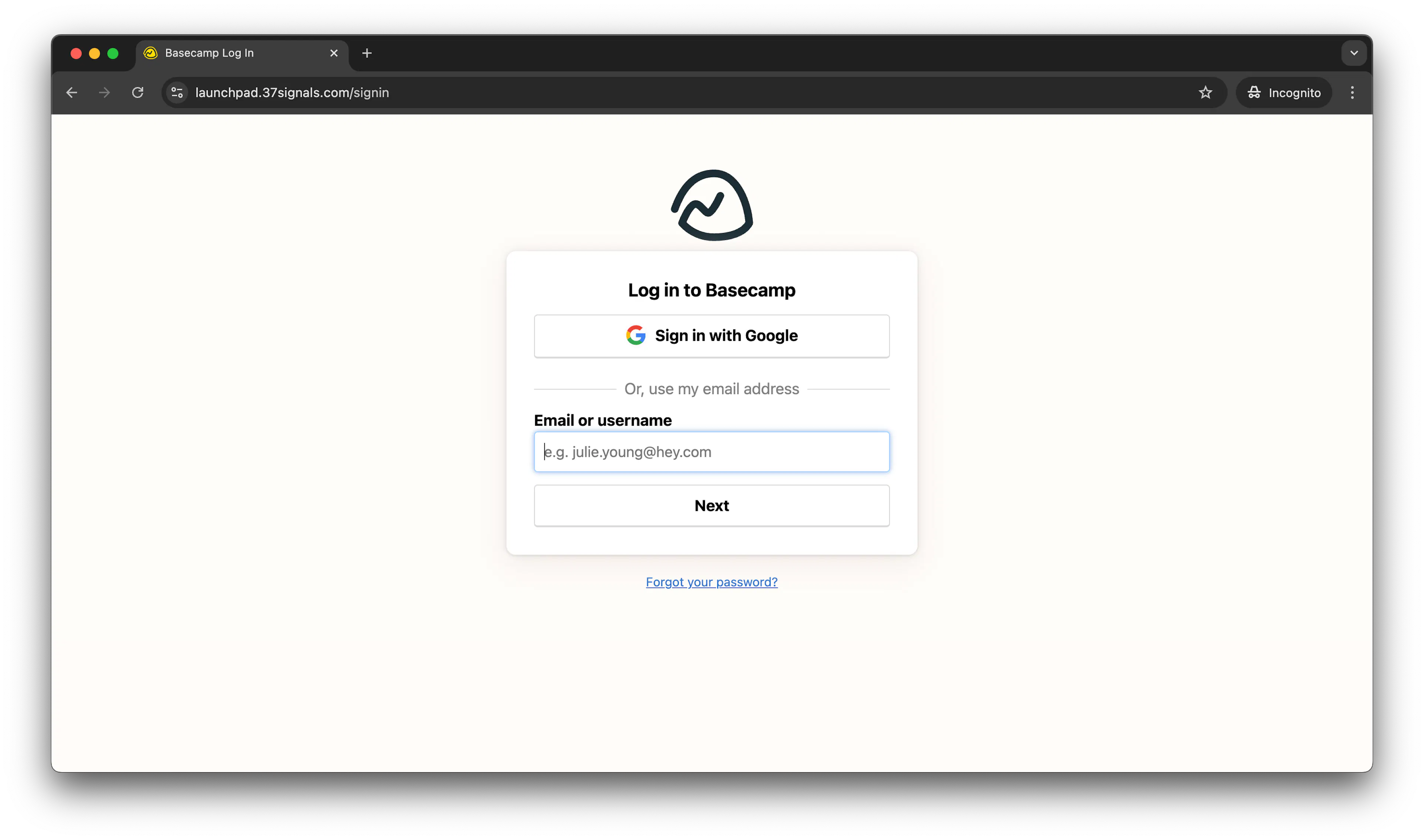
- Enter your Basecamp account email to authenticate the login.
Allow access for Scrut automation to the Basecamp account.
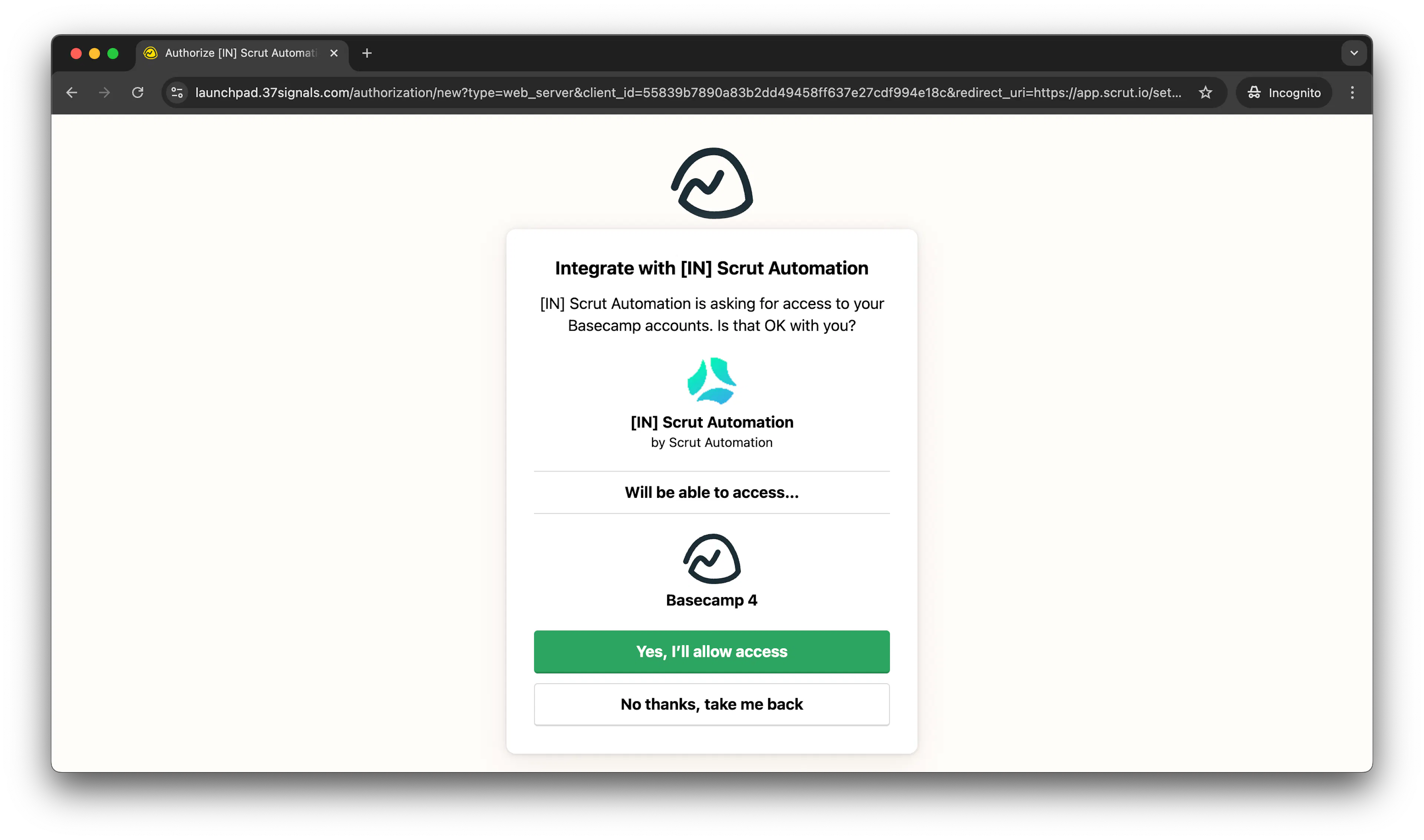
- You will be redirected to the integration page and there will be a connected flag on successful integration.
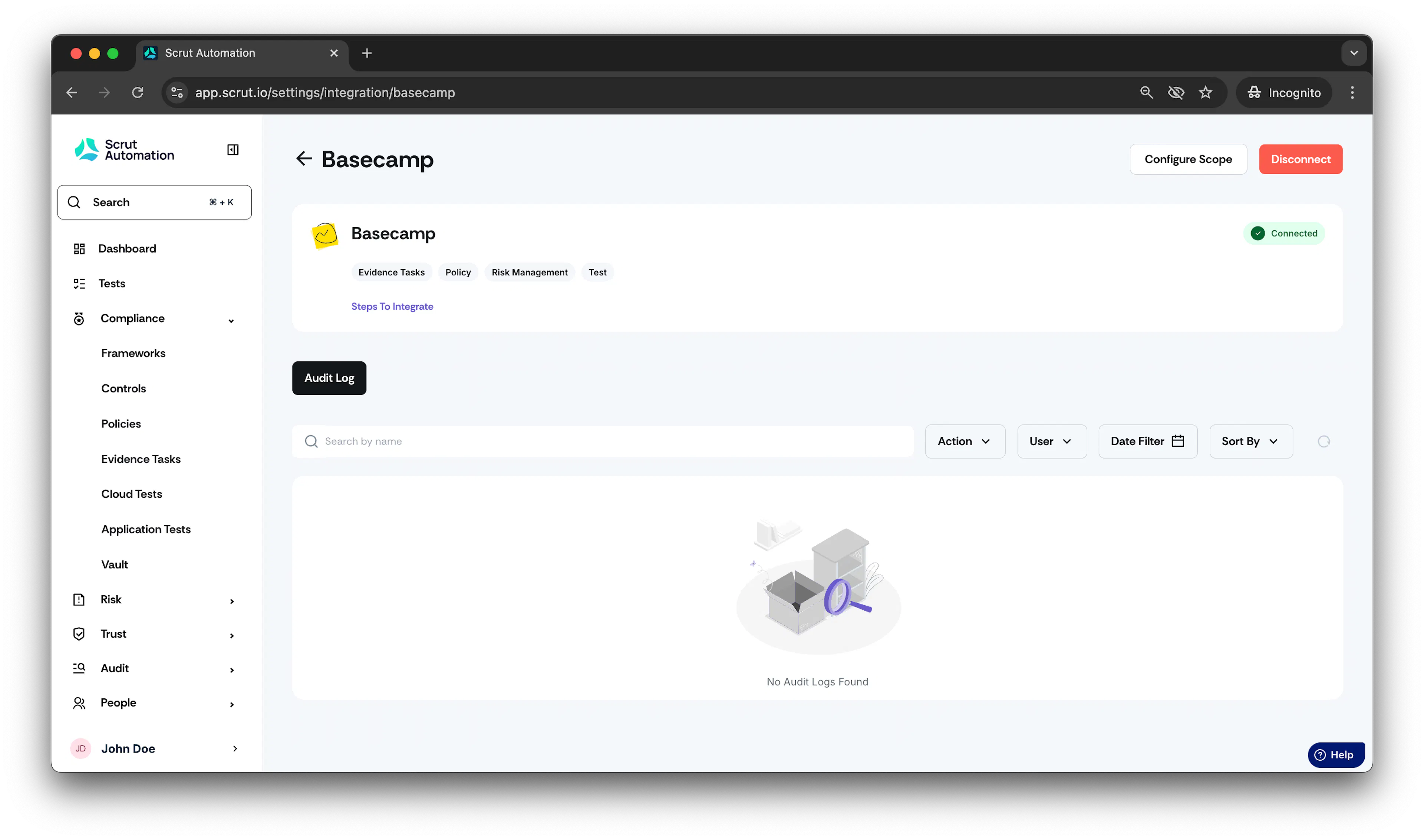
Using the Integration
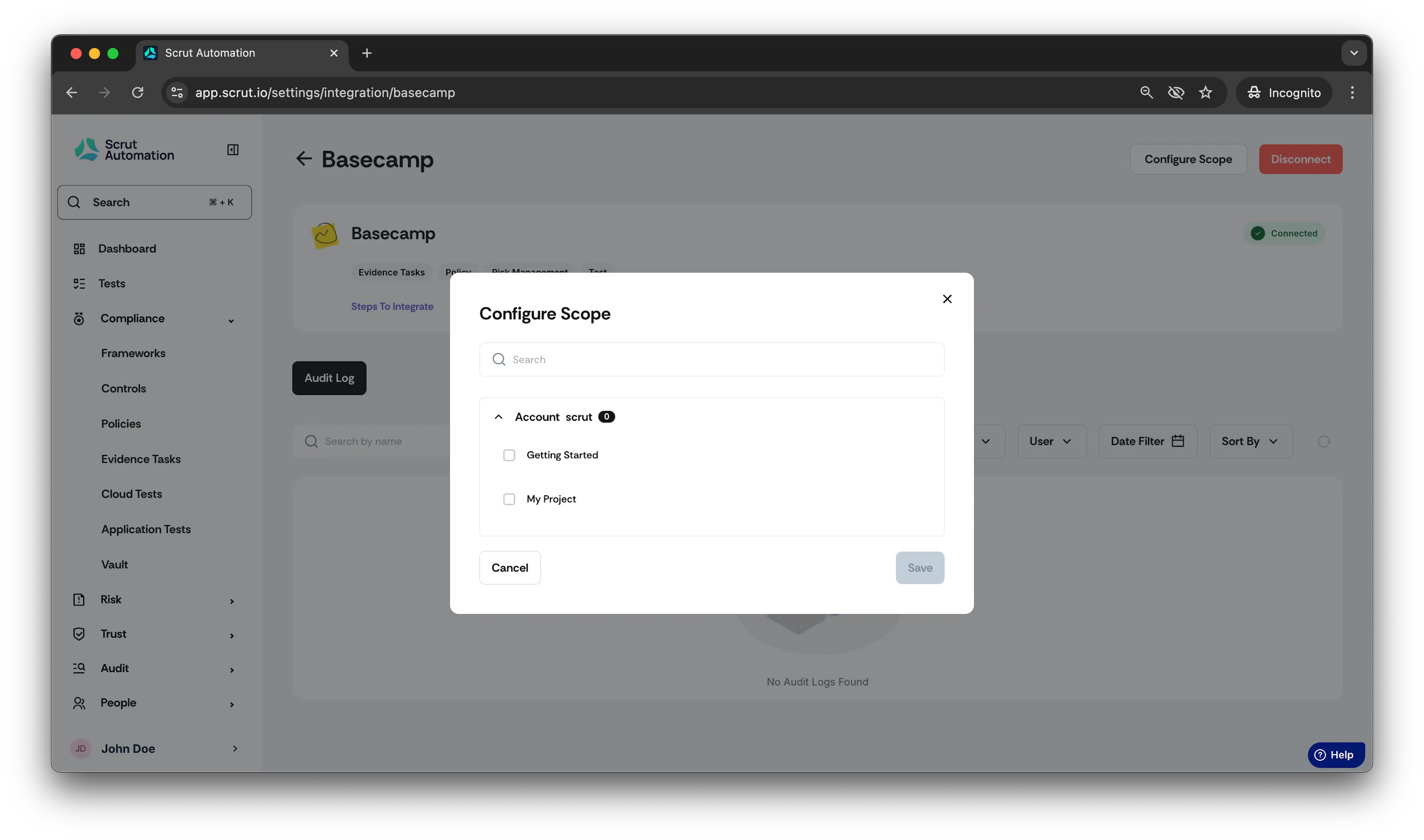
- After successful integration, you will see different accounts displayed in the Scope Configuration section. Each account represents a unique workspace.
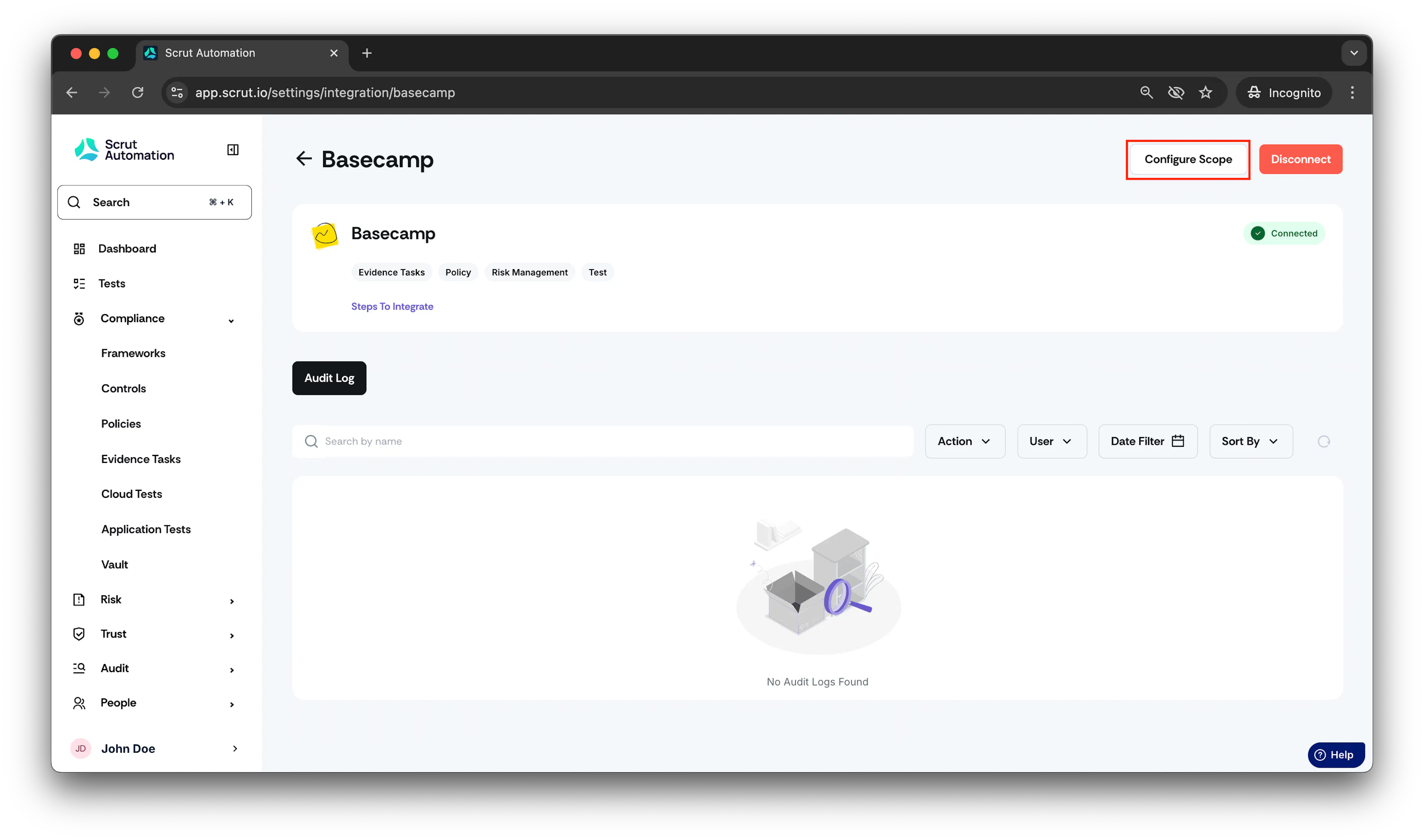
- Under each account, you will find a list of projects available for scope selection.
-
To utilize this integration, navigate to any compliance task (e.g., Policies, Evidence, Risk Management or Tests).
-
Open any policy and click on the three dots located at the top-right corner.
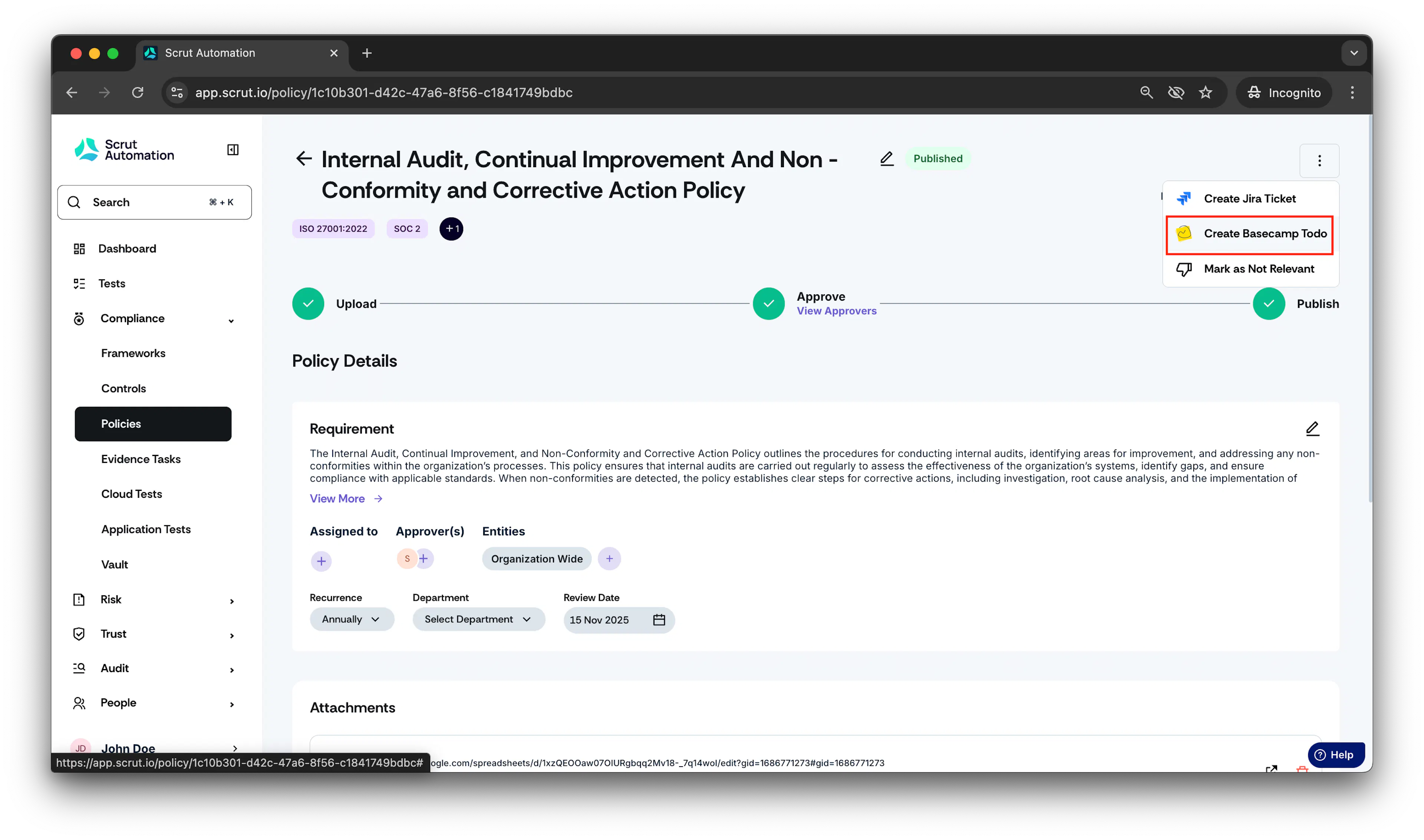
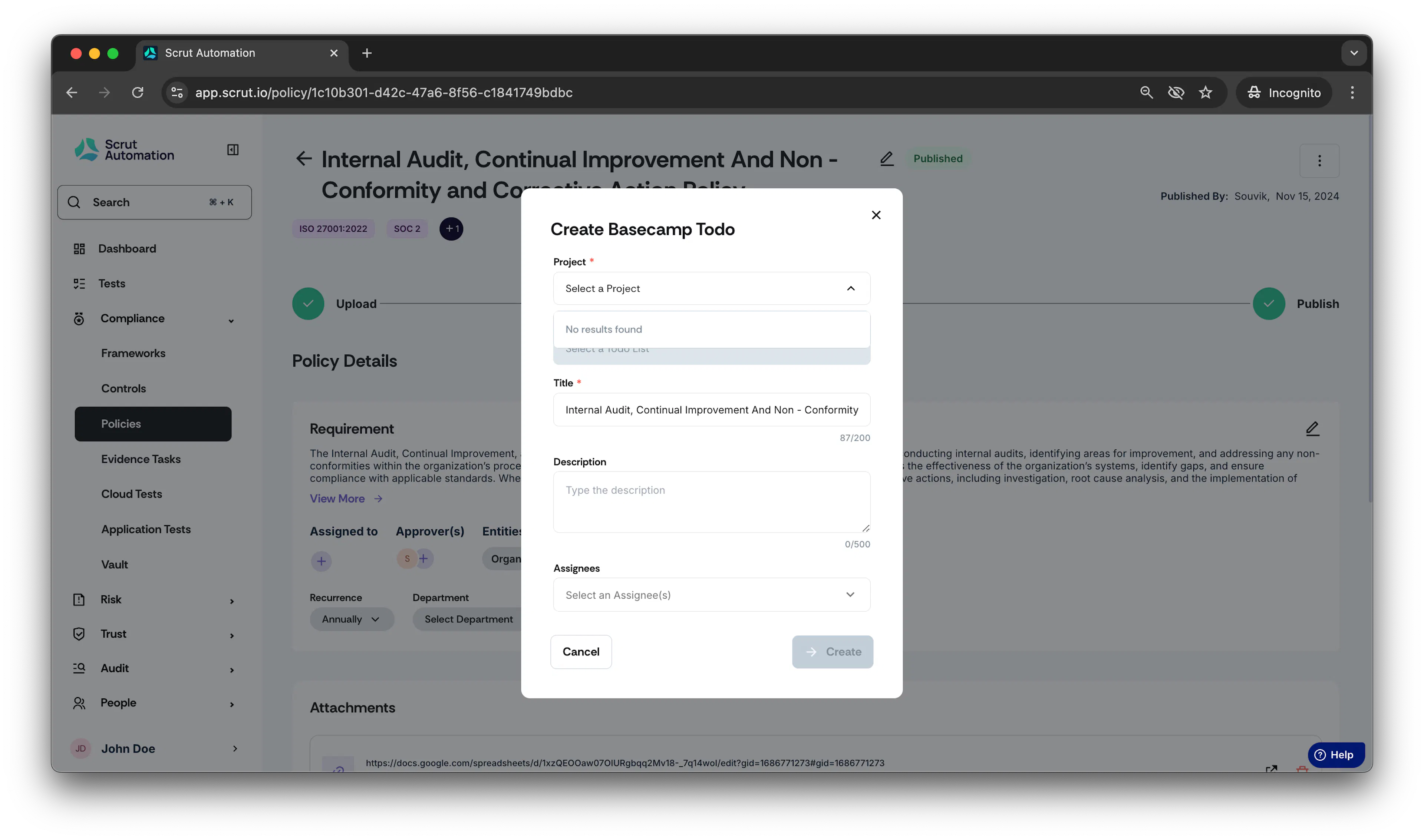
- Similar to other integrations, you can create a reference by selecting a project from the list.
-
While creating a task, you will need to provide a Title and Description (both required fields).
-
Once these steps are completed, a task is automatically created in the Basecamp account.