

Integrate CyberArk
CyberArk is a top privileged access management solution that secures sensitive accounts. Our integration with CyberArk enhances Scrut by automating user list syncing, secure API authentication, and evidence collection for user access controls. This provides better visibility, saves time, improves accuracy, and streamlines audits within Scrut's GRC platform.
Integrating CyberArk
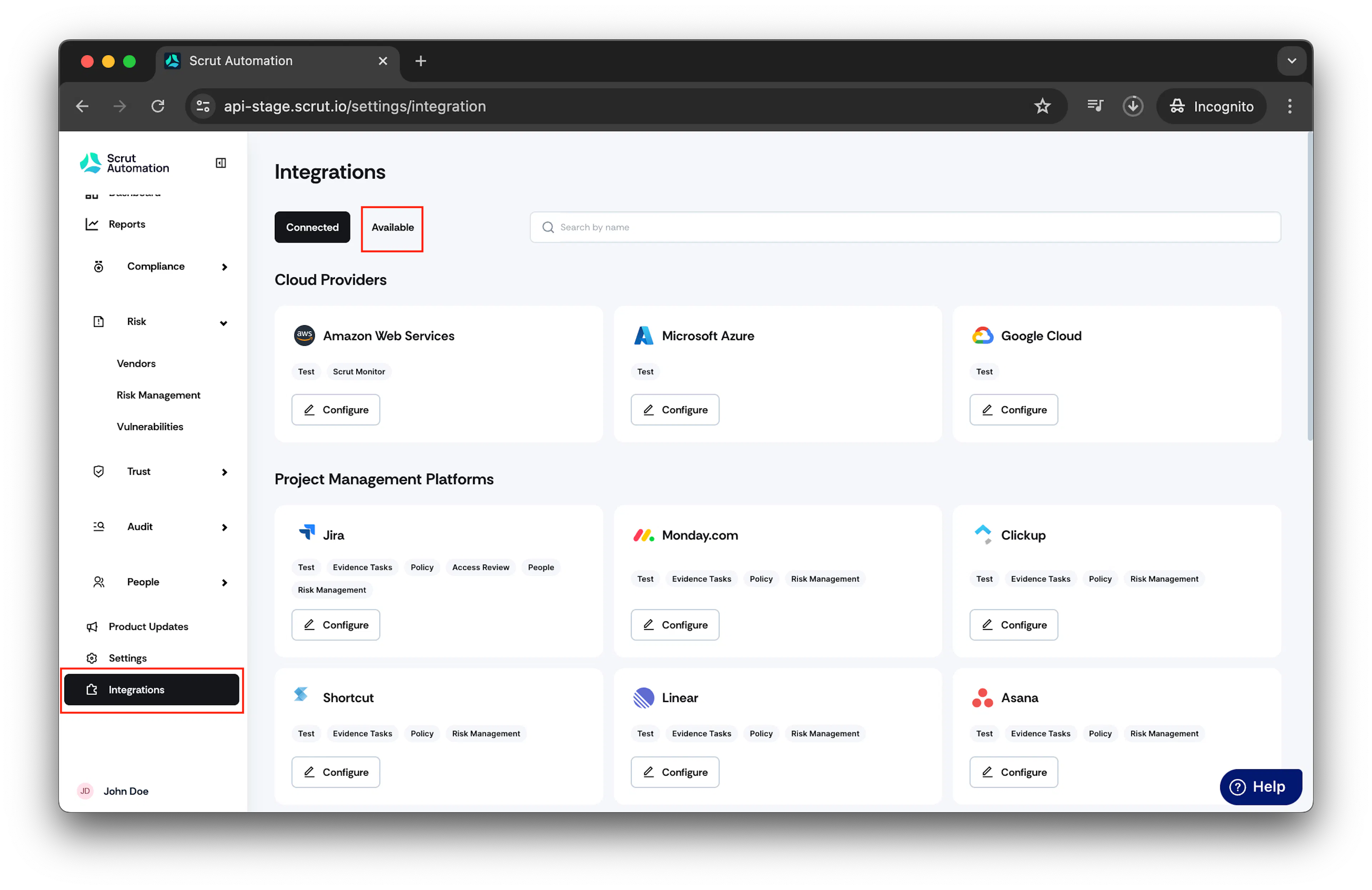
- From the left navigation panel, select Integrations.
- Click on Available.
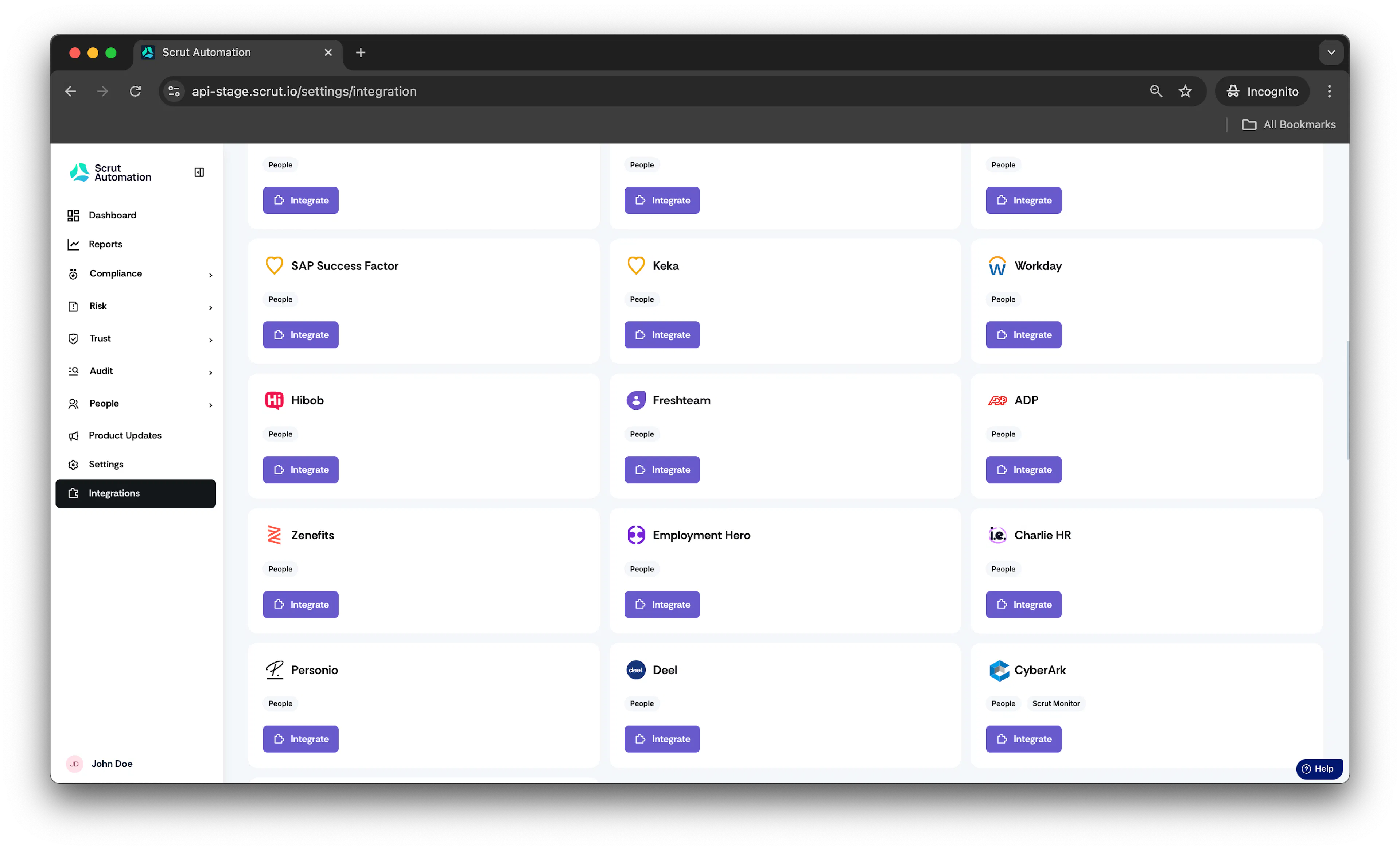
- Scroll to the Human Resource Information Systems section and find CyberArk.
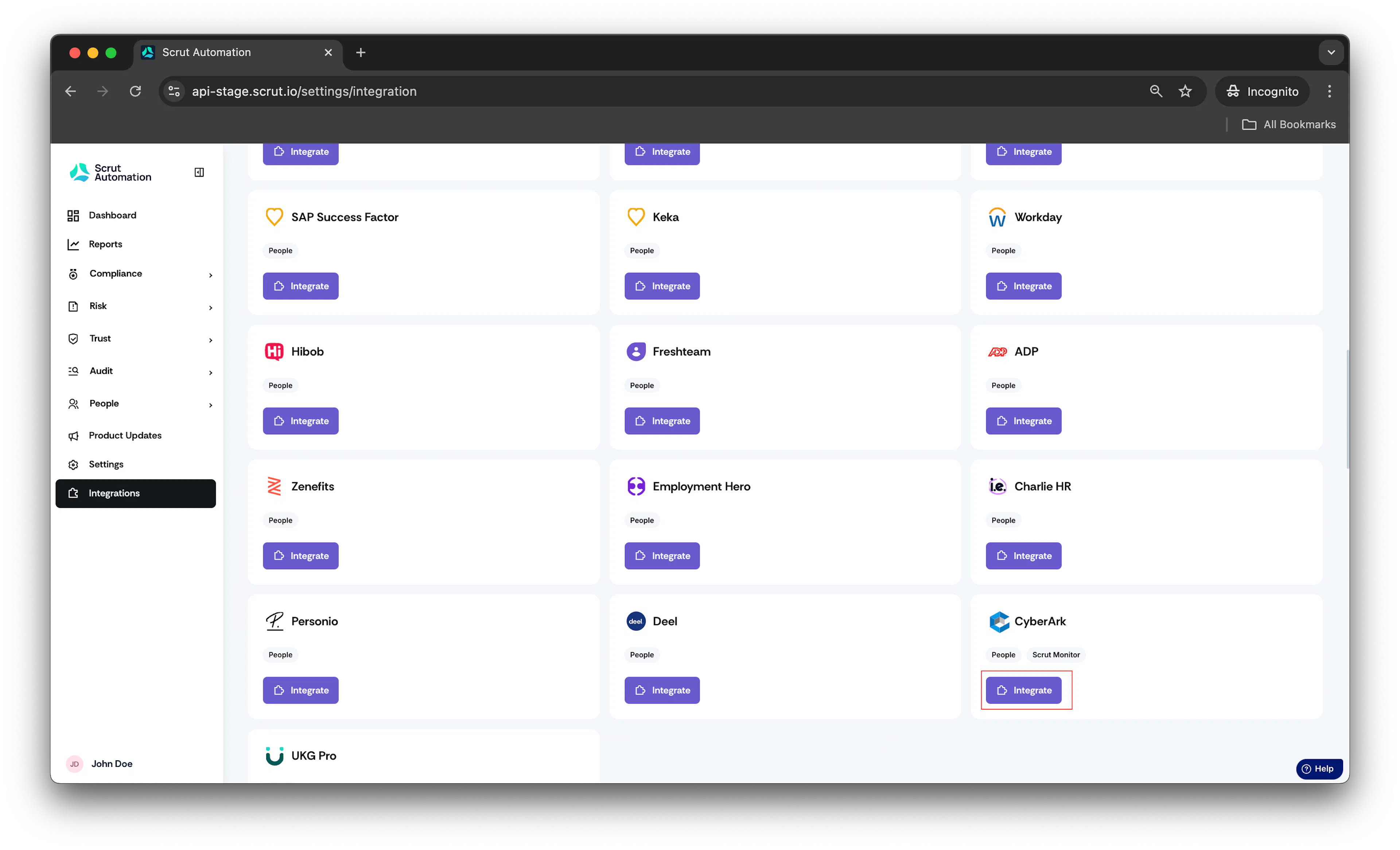
- Click Integrate.
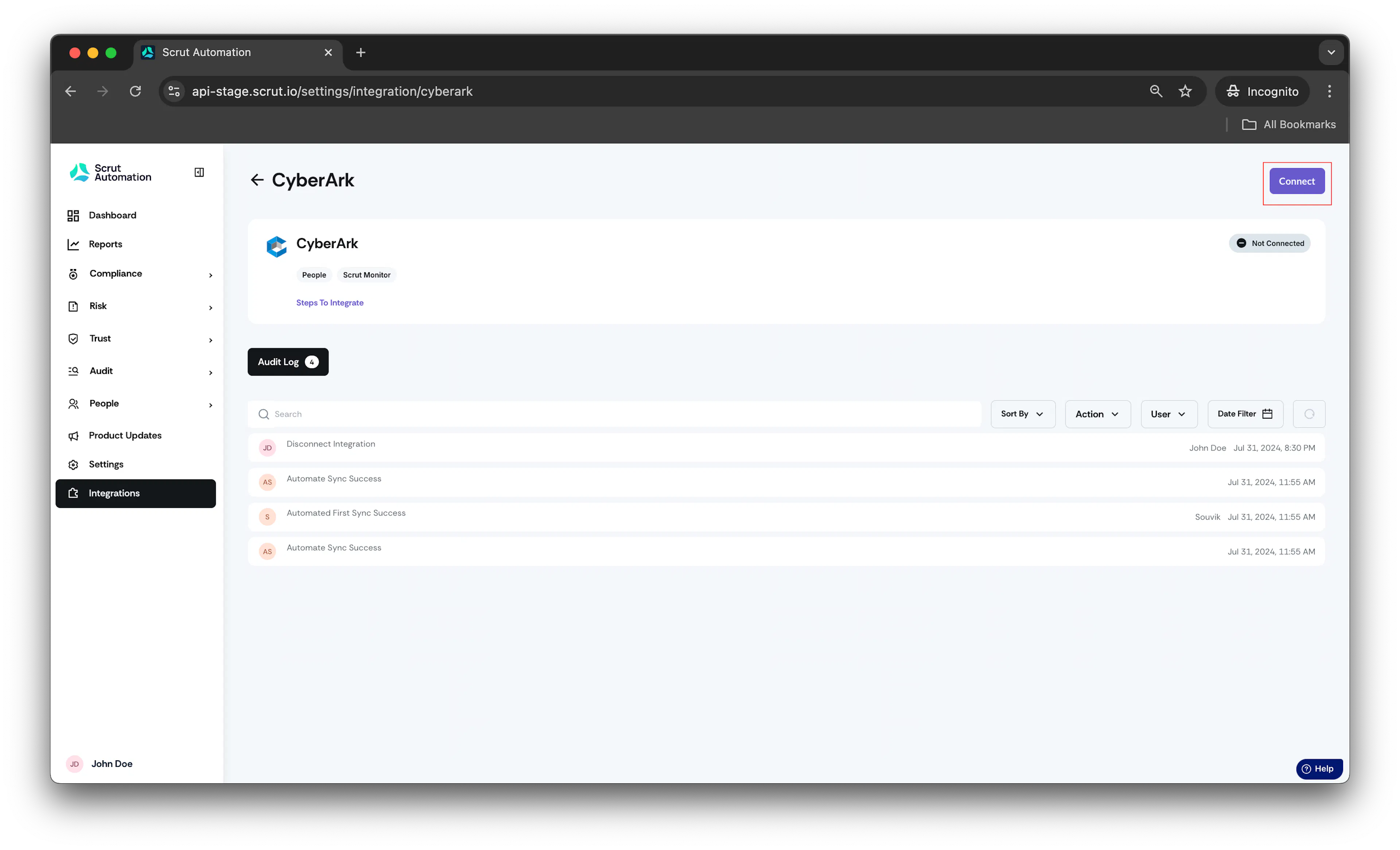
- Click Connect.
- Fill in the following details :
- Enter your CyberArk Tenant URL: The URL used to log in to the CyberArk portal. For example, if you sign in at https://abj4090.id.cyberark.cloud, then enter "abj4090.id.cyberark.cloud".
- Enter your CyberArk Application ID: Enter the application ID that you specified while creating the OAuth web client. For more information, refer to this link.
- Enter your CyberArk Service User Name: Enter the username of the service user that you specified while creating the service user. For more information, refer to this link.
- Enter your CyberArk Service User Password: Enter the password of the service user that you specified while creating the service user. For more information, refer to this link.
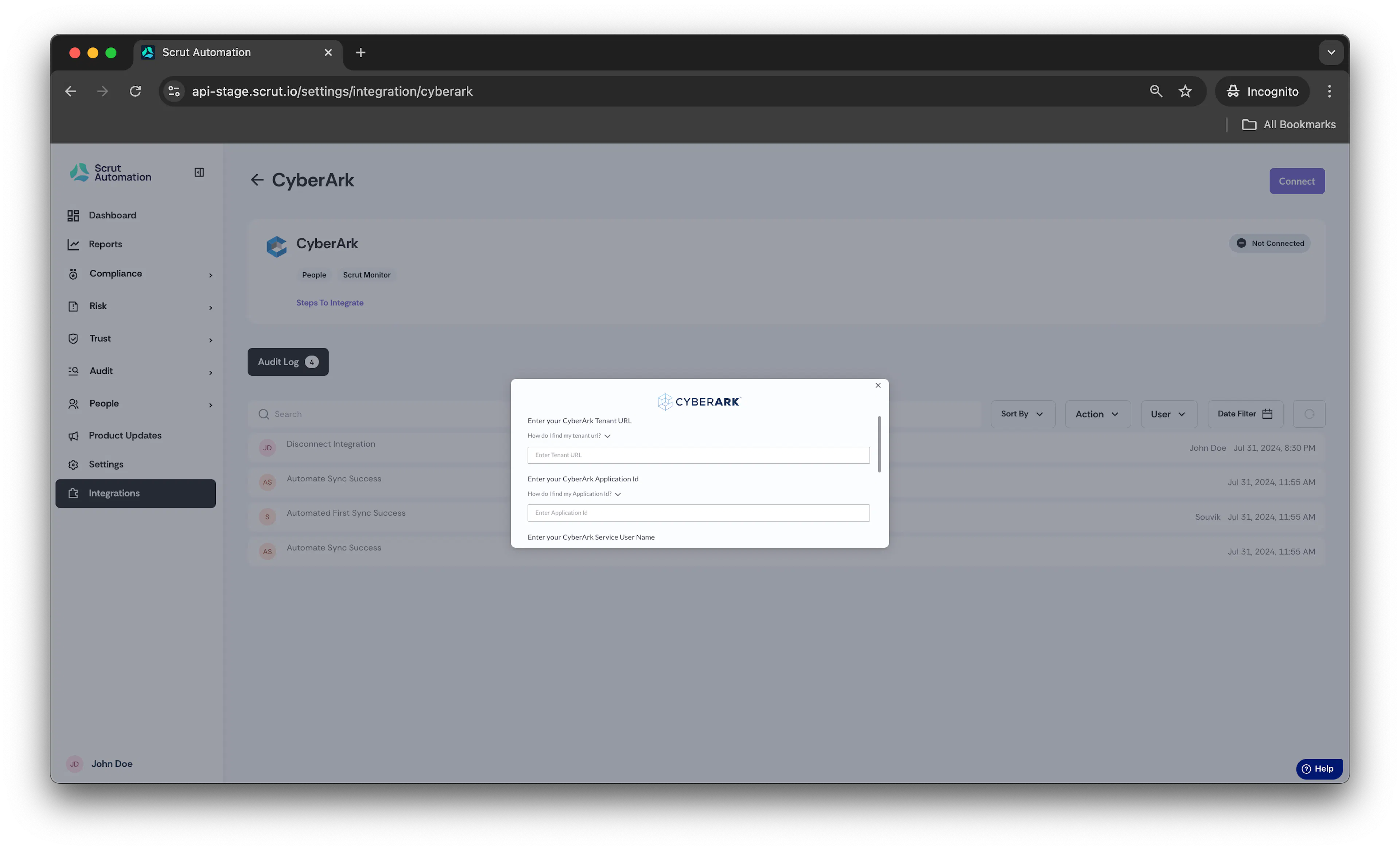
- Once the credentials are entered, click Submit.
Congrats! Your CyberArk account is successfully integrated with Scrut.
Was this page helpful?